
Sprunki Corruptbox Remake - Master Glitchy Beats and Corrupted Sound Layers
Sprunki Corruptbox Remake transforms glitchy, corrupted audio loops into playable music through drag-and-drop controls, letting you layer distorted beats, warped vocals, and static bursts into dark atmospheric tracks. This browser-based rebuild sharpens the original Coruptbox mechanics with faster sound layering and cleaner controls while keeping the unstable, horror-styled aesthetic that makes corrupted mixing feel intentional.
Please wait a moment for the Sprunki Corruptbox Remake game to load after clicking "Play Now" button.
Play Sprunki Corruptbox Remake in Browser Online
Recommended Games
View all
Sprunki Sprunkswap
Sprunki Phase 10 Jevins Last Stand
Sprunki Twirl Shifted Remastered
Sprunki Sprunktuber Japanese
Sprunki Phase3 An Endless Hell
Ay In Tick Drop Sprunkie But Every Sprunki Are K111Ers
Sprunki 9 Shifted Player Baldis Take
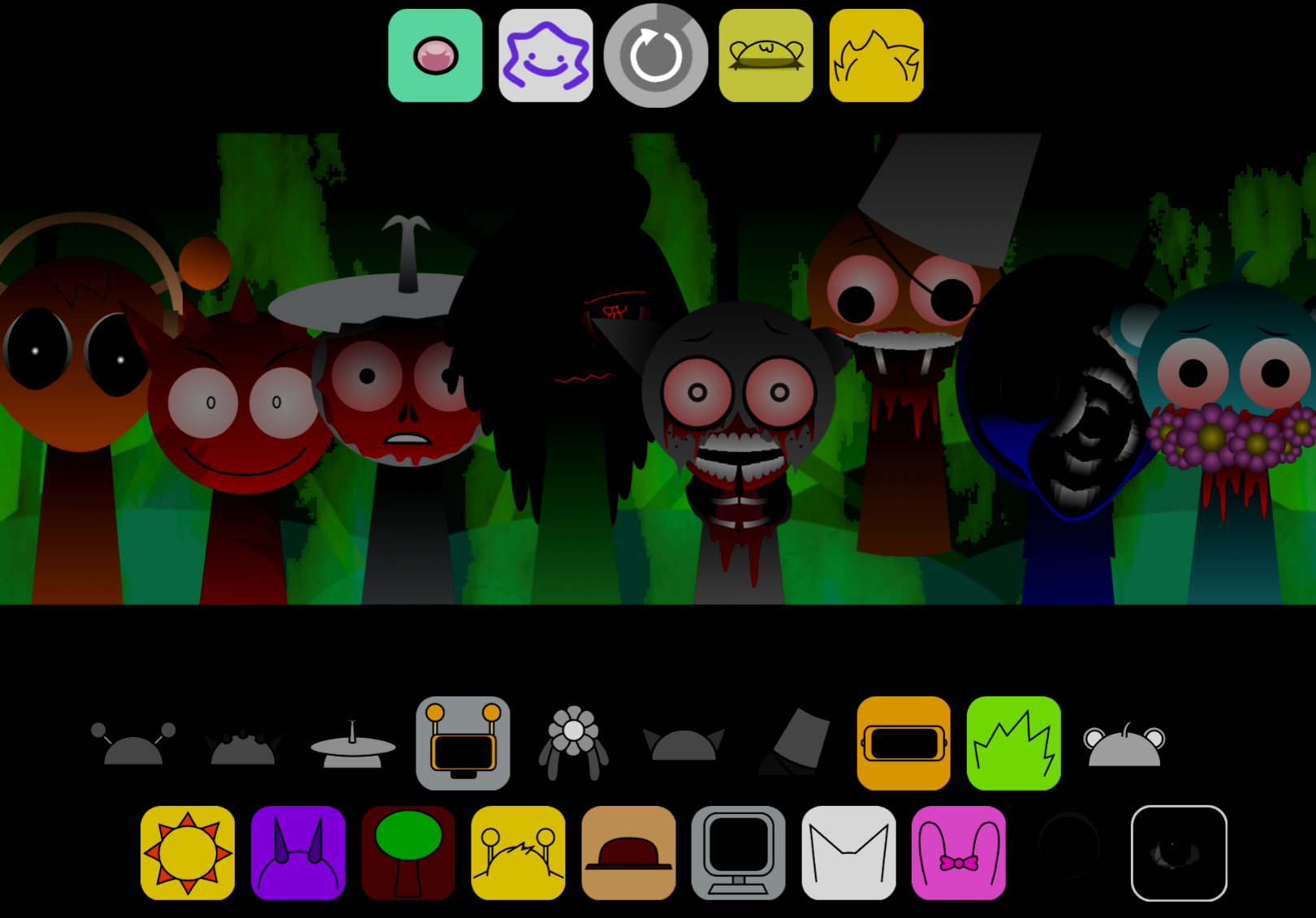
Sprunki 5 Shifted Finalized
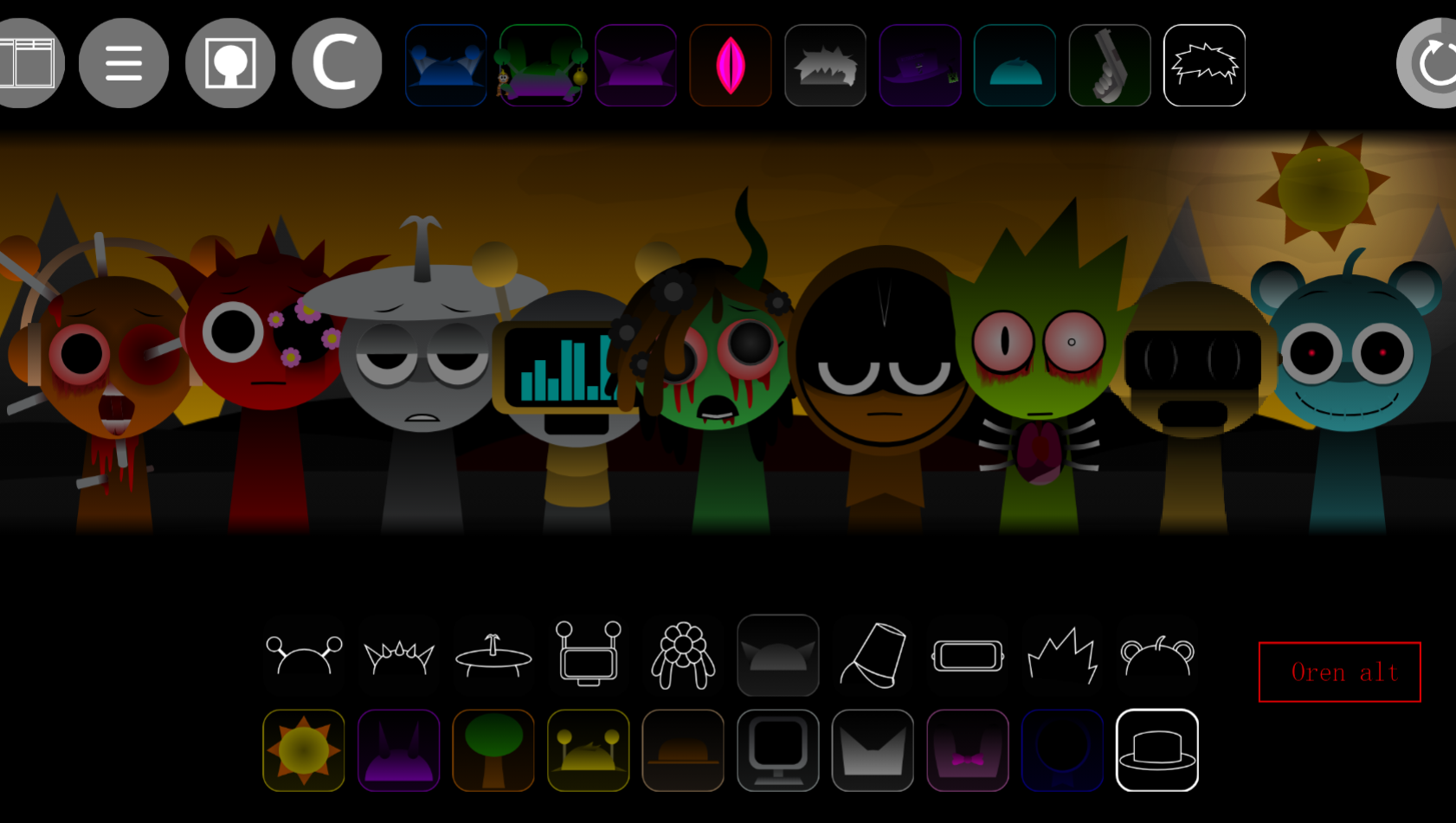
Sprunki Spi Shifted Remastered
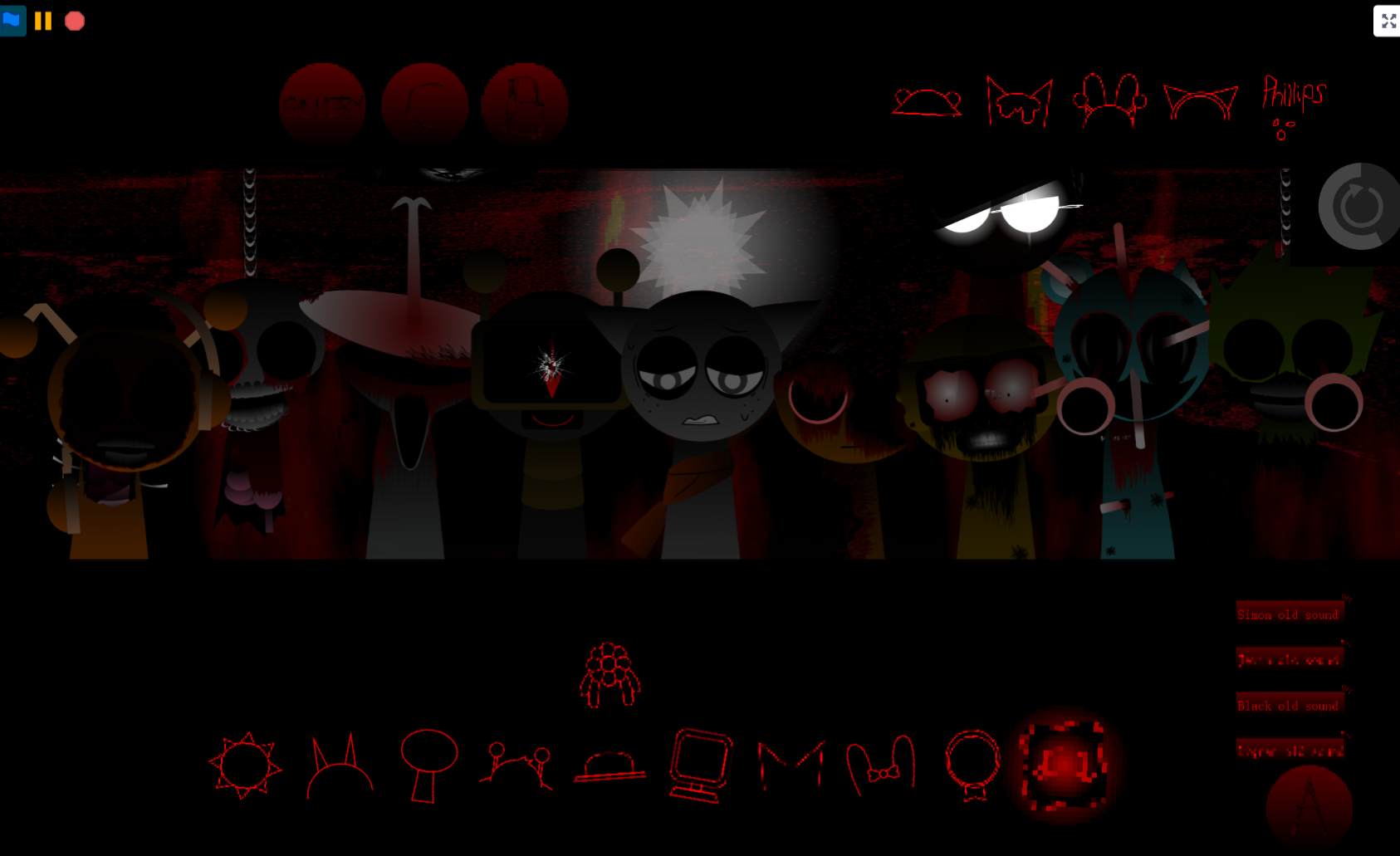
Sprunki Phase 3 The End
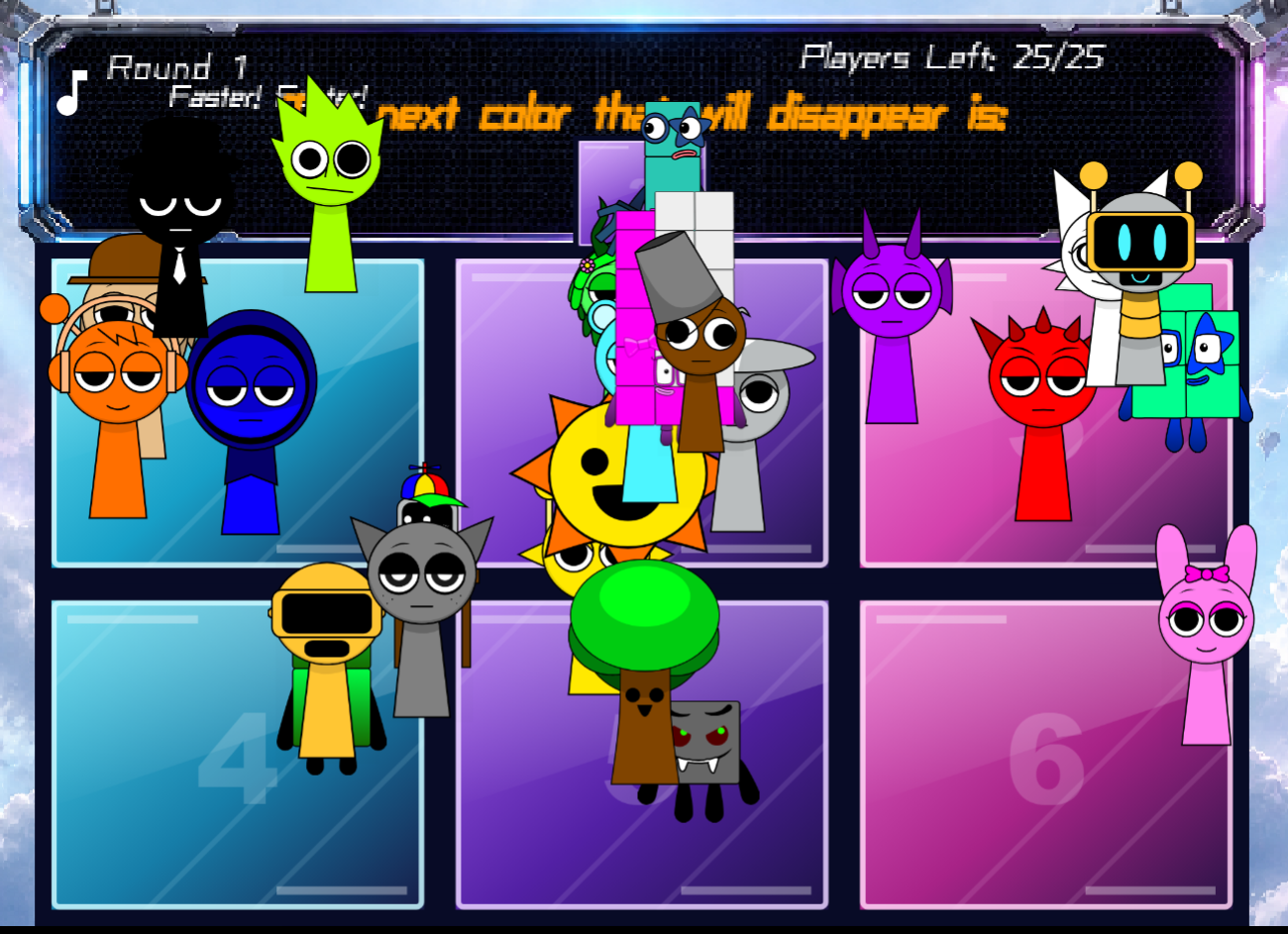
Ay In Color Sprunki Edition
Ay In Tick Drop Sprunkies But Mr Sun And Mr Tree Is Sick
Sprunki Reverse Shifted Phase 4
Sprunki Hdpe Shifted Chapter 1 Time Two Go Green
Sprunki Heptashifted Conizs Chornology
Sprunki The Definitive Phase 12 Esbs Take Deluxe Edition
Sprunki Voided Phase 6 Stargazing
Sprunki But Heptashifted Conizs Chornology
Sprunki Corruptbox Remake rebuilds the original Coruptbox project with cleaner controls and faster sound layering while keeping the glitchy, corrupted aesthetic that defines the mod.
It’s a community-driven overhaul of Sprunki’s music-mixing mechanics, designed for players who want accessible loop creation with a darker, more unstable identity. Players like Helmi have called it “Peak,” and TheMythicFox highlights the new sound combinations as “FIREE.”
This article focuses on the clearest play-focused answers: how the Remake changes core mechanics, what the corrupted sound system actually does, and how to layer tracks effectively in Master mode.
Sprunki Corruptbox Remake
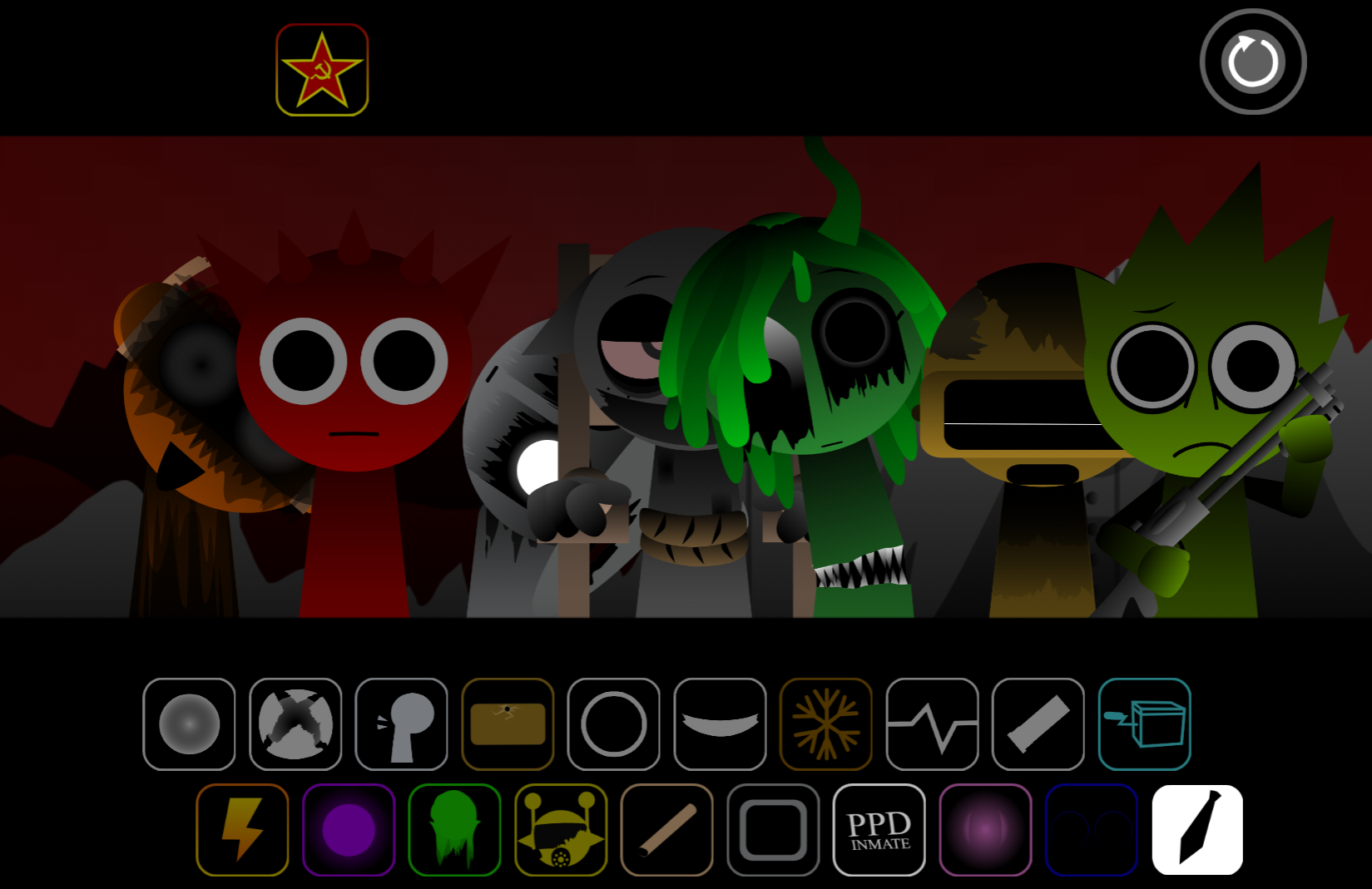
Sprunki Corruptbox Remake rebuilds the original Coruptbox project with cleaner controls and faster sound layering while keeping the glitchy, corrupted aesthetic. You still drag sound icons onto characters to build a track, but every layer—beats, vocals, effects—sounds damaged or broken. The goal is to arrange these distorted loops into a rhythm that feels chaotic but controlled, not to create a clean pop mix.
The Remake runs smoothly in your browser and simplifies the interface so you focus on experimenting with corrupted audio instead of navigating menus. Glitchy sound loops and distorted character icons now snap into place faster when you drag them onto the stage, making the broken beats feel more intentional. The visual style supports this with flickering static, pixelated animations, and erie color shifts that make the stage feel infected.
How to Play Sprunki Corruptbox Remake
Use the drag-based interface to place corrupted sound icons onto characters and build a looping track. Each icon adds a different type of sound: rhythm loop, bassline, vocal, erie effect, or glitch transition.
A strong starting method:
Place one rhythm or beat icon first.
Let it loop for a few seconds to hear its timing. Even if distorted, it should give the track a pulse.
Add a second layer slowly.
Bring in bass, an extra beat, or a subtle effect. Listen for whether it locks into the first loop or fights it.
Introduce vocals after the groove is stable.
Corrupted vocals add atmosphere or tension but can overwhelm the mix if added too early.
Use effects as accents.
Static bursts, reversed sounds, and harsh glitch effects work best when they create movement instead of covering the whole track.
Remove layers that blur the mix.
If the audio turns into mudy noise, pull one character out and test a different combination.
The Remake’s cleaner layout keeps the focus on experimentation, making it easier for new players to understand the Corruptbox style while giving returning players room to craft darker tracks.
Master the Glitchy Beats
To master the glitchy beats, treat distortion as part of the rhythm instead of something to fix. The broken loops, eerie effects, and warped vocals are supposed to sound unstable. The skill comes from arranging them so the track still has shape.
Start with a clean-enough base loop. It does not need to sound polished, but it should have a clear pulse. This foundation gives every later layer something to lock onto. If you stack several corrupted sounds at once, the mix becomes crowded before you understand what each icon does.
Once the base works, add corrupted elements one at a time. A reversed sample might create tension, a heavier bass layer might make the track feel deeper, and a sharp static effect might add impact. Gradual layering helps you hear whether a sound improves the track or clutters it.
Vocals often sound damaged, haunted, or fragmented, so they work as texture as much as melody. Drop them in after the beat and effects have a clear relationship, then decide whether the voice sharpens the atmosphere or makes the loop too chaotic.
How to Layer Corrupted Beats
Layering works best when you build from structure to chaos.
Start with the pulse
Choose one beat with a clear rhythm and let it run. This gives you a timing reference for the rest of the mix. Even a distorted loop can act as the anchor if its pulse is easy to follow.
Add weight with bass or a second beat
After the first loop settles, add a bass-heavy layer or secondary rhythm. Listen carefully: a good second layer should support the groove, not drag it in a different direction. If the beat blurs, keep the stronger layer and remove the weaker one.
Bring in vocals and effects later
Corrupted vocals, reversed samples, and glitch transitions can make the track more intense, but they should come after the rhythm foundation. Adding them too early makes it harder to judge whether the beat itself works.
Test every icon like a decision
Do not treat each sound as something you must keep. Add an icon, wait a few loops, then decide if it improves the track. The best mixes often come from removing as much as adding.
Practical Tips for Crafting Glitchy Tracks
Better glitchy tracks come from controlled experimentation. The Remake rewards players who listen closely to how each sound interacts.
Let each new sound loop before judging it.
Some effects only make sense after you hear how they repeat against the beat.
Keep loud glitches short or selective.
Harsh sounds can create tension, but if they run over the vocals and bass constantly, the track loses definition.
Use vocals for atmosphere.
A broken voice can act like a melody, a background texture, or a horror effect depending on where you place it.
Swap characters in and out.
If the loop feels overloaded, remove one layer and try another. Small changes often make the difference between messy noise and deliberate corruption.
Pay attention to rhythm, not just creepiness.
A sound may be scary on its own but still weaken the track if it clashes with the pulse.
Let the broken texture stay broken.
The point of Corruptbox is not to smooth out every rough edge. The goal is to make the damage feel musical.
The Remake’s smoother transitions and deeper basslines help polish rough ideas without removing the corrupted identity.
Features of Sprunki Corruptbox Remake
The Remake turns the standard Sprunki mixing loop into a darker corrupted music session with drag-and-drop play, glitch-heavy audio, horror-styled visuals, and a cleaner interface.
Drag-based sound layering
The core gameplay uses straightforward drag controls. Place icons onto characters, and each character adds a loop, beat, vocal, or effect.
Corrupted audio design
The sound palette is built around warped samples, deep bass, broken effects, distorted loops, reversed sounds, and damaged vocals. The Remake emphasizes tension and instability instead of bright, clean loops.
Horror-styled Corruptbox visuals
The visual style supports the audio with flickering static, pixelated character changes, broken animations, eerie color shifts, and corrupted designs that make the stage feel infected.
Cleaner Remake structure
Compared with rougher Corruptbox-style builds, the Remake feels smoother and more readable. The controls stay simple, the interface is easier to follow, and the focus remains on shaping the track instead of fighting the layout.
Related Games
- Sprunki Phase 4 Definitive New Version — Its phase-based Sprunki mixing gives players another dark, upgraded soundboard to explore after experimenting with corrupted loops in Sprunki Corruptbox Remake.
- Sprunki Apocalypse Chapter 10 The Last Stand Pt 1 Remake — This remake is a strong follow-up for players who like Sprunki Corruptbox Remake’s horror-leaning presentation and want a more apocalyptic take on the same remix-driven style.
- Sprunki Rareshifted Phase 6 (New Saga) — Its newer saga format fits players looking for fresh Sprunki character arrangements and experimental audio combinations beyond the corrupted remake setup.
Why Play Sprunki Coruptbox Remake?
Play Sprunki Corruptbox Remake if you want Sprunki’s accessible music-mixing loop with a darker, more unstable identity. It keeps the immediate satisfaction of placing characters and layering sounds, but the Coruptbox influence turns the session into something harsher and more atmospheric.
For new players, the Remake makes corrupted music easy to experiment with. You can begin with one rhythm layer, add vocals and effects slowly, and learn how each sound changes the loop. For returning players, it offers a sharper version of the corruption concept: still chaotic and eerie, but cleaner, smoother, and easier to shape into a deliberate dark track.
The strongest reason to play is the balance between chaos and control. Every distorted beat, flickering animation, static burst, and warped vocal supports the feeling that the Sprunki world is being pulled apart by digital corruption. Your job is to turn that breakdown into music.
New Games
View all
Sprunki Anti 7 Shifted
Undead Corridor
Horror Nun
Sprunki 5 Shifted Swapped
Obby Troll Slap Tower Online
Sprunki Zigzag Shifted Phase 7
Sprunki Gets Surgery

Veck Io
Kill Sprunkies But You're A Bird
Sprunki Midnight Killer
Sprunki Gods And Evils
Sprunke Phase 9 Definitive Animated Bonus UPD
Arrow Slide Puzzle
Sprunki Sorrowful Demises

Star Stars Arena

Ice Cream Fever Cooking Game

Tank Stars
Sprunki Pride N It
Ay In Tick Drop Bolsonaro Vs Lula
DTA 9 Miami

Football Duel
Sprunki Something Is Wrong
Previous
Sprunki Shifted Phase Three
Next
Sprunki Yandere Moch Phase 4
Discuss Sprunki Corruptbox Remake