
Sprunki Swapped Redone Phase 1.5 Player Baldi's Take - Every Character Swap Explained
Sprunki Swapped Redone Phase 1.5 Player Baldis Take reimagines the classic music-building experience by swapping character roles and audio loops, forcing you to relearn every sound combination in a slightly erie schoolhouse setting. This custom mod by @PlayerBaldi creates unexpected harmonies and disorienting pairings that challenge your mixing instincts while maintaining the core drag-and-drop gameplay you know.
Please wait a moment for the Sprunki Swapped Redone Phase 1.5 Player Baldi's Take game to load after clicking "Play Now" button.
Play Sprunki Swapped Redone Phase 1.5 Player Baldi's Take in Browser Online
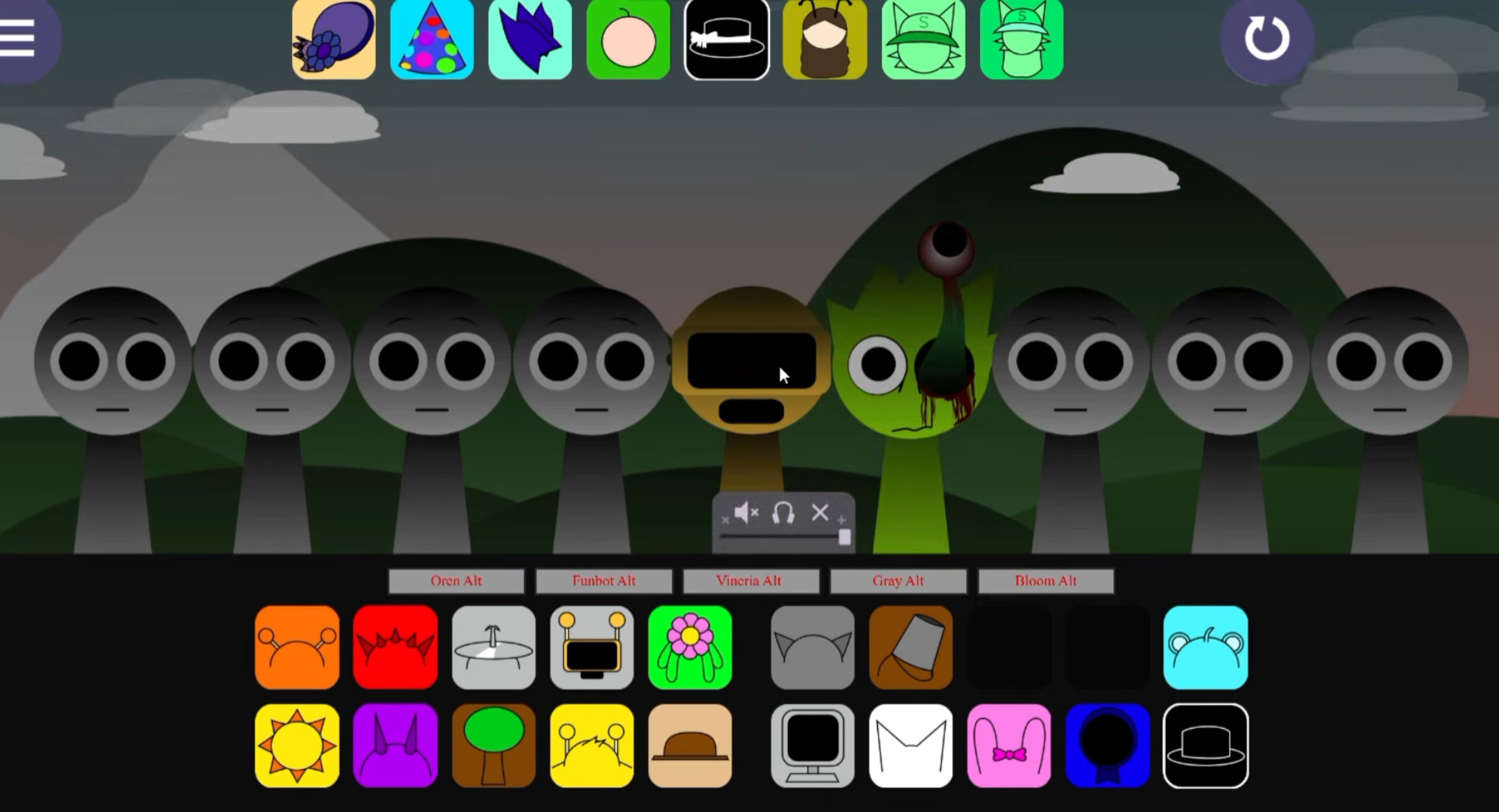
Similar games
Recommended Games
View all
Ay In Raining Bomb Survival But But Oren Never Gets Eliminated
Sprunki Sprunkiballs
Sprunki Reversed Theoaguiar06's Take
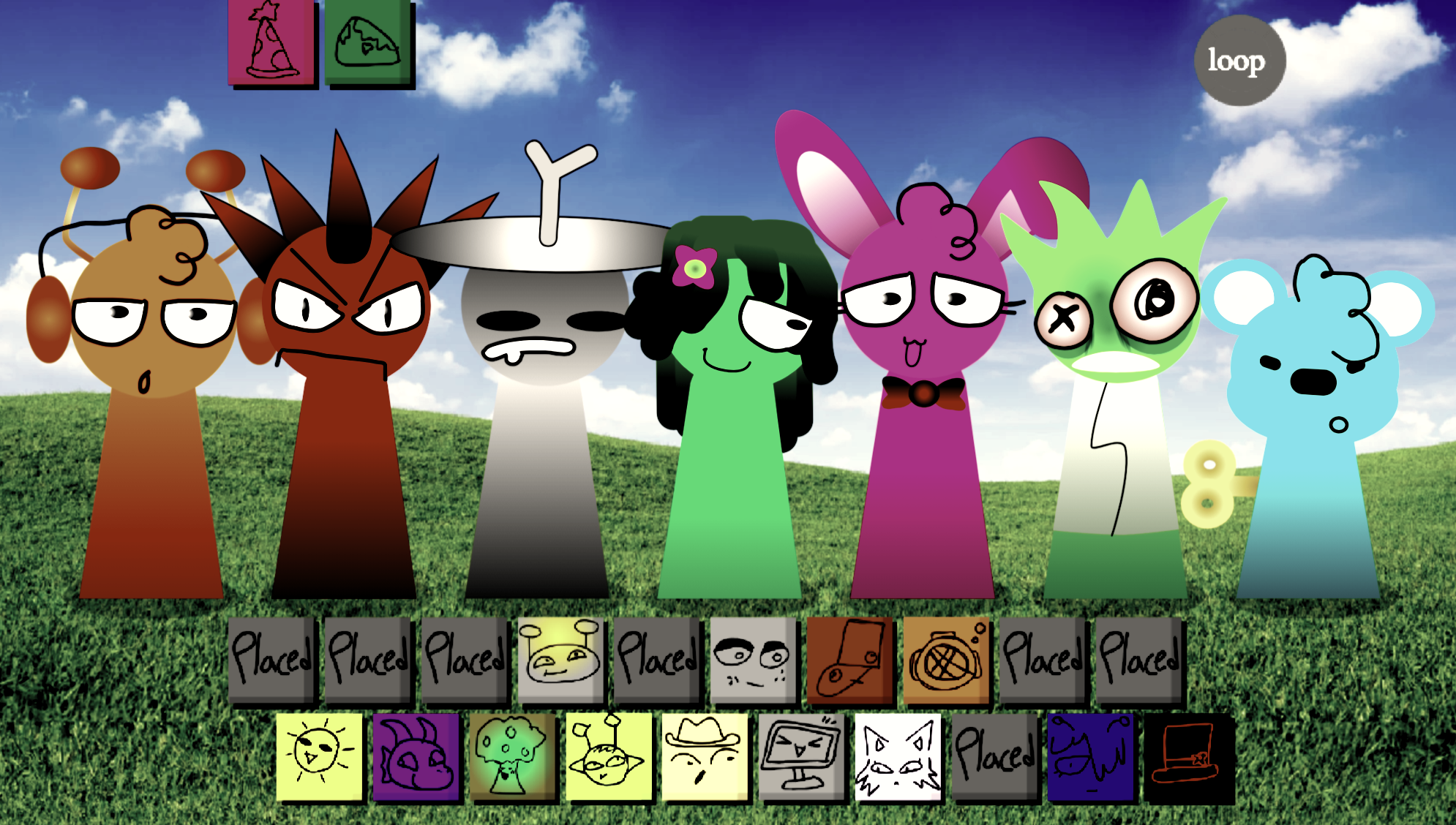
Supuranki スプランキ(2006)
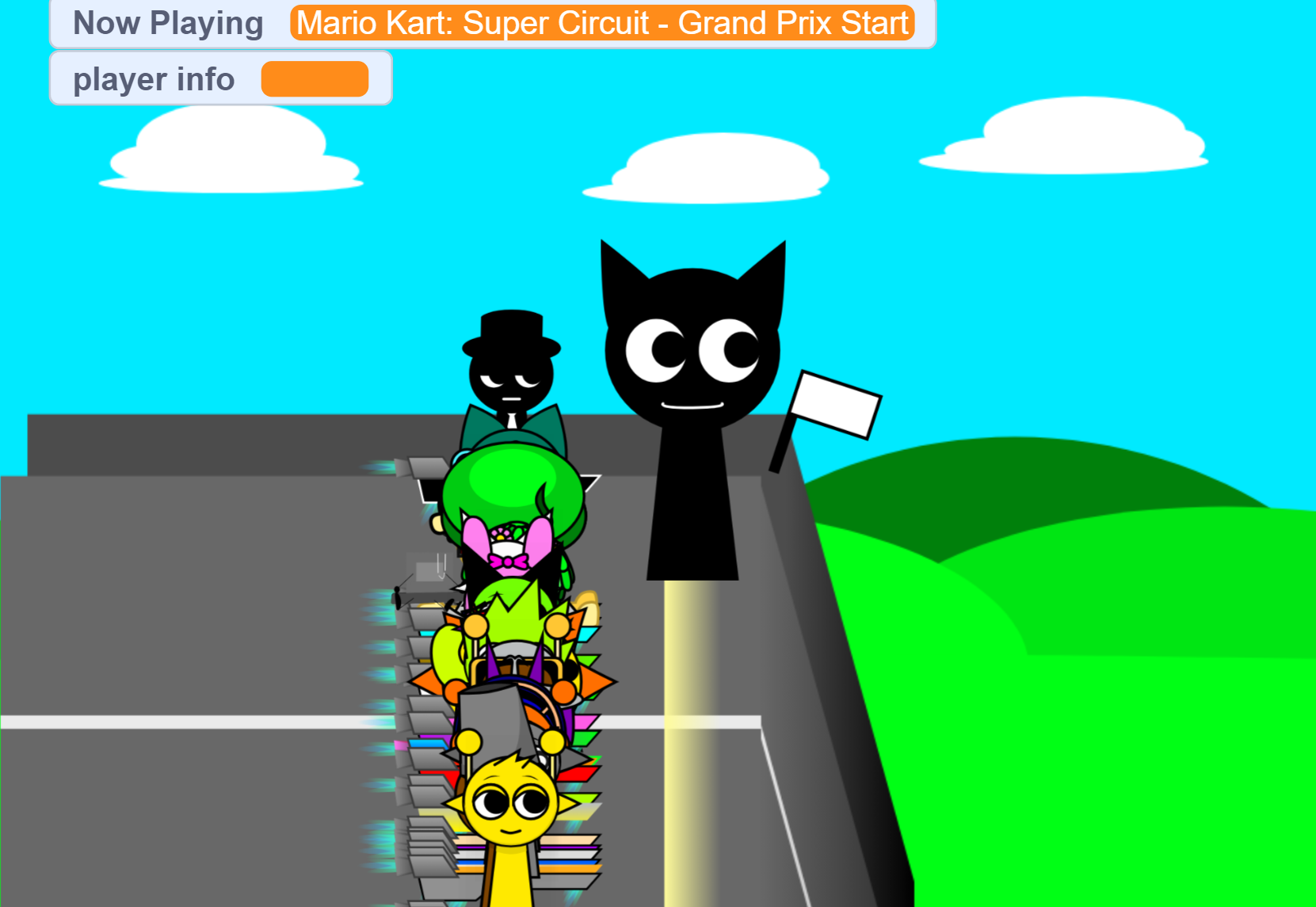
Ay In Hyper Voyage In Sky But Oren Never Gets Hit Nor Eliminated
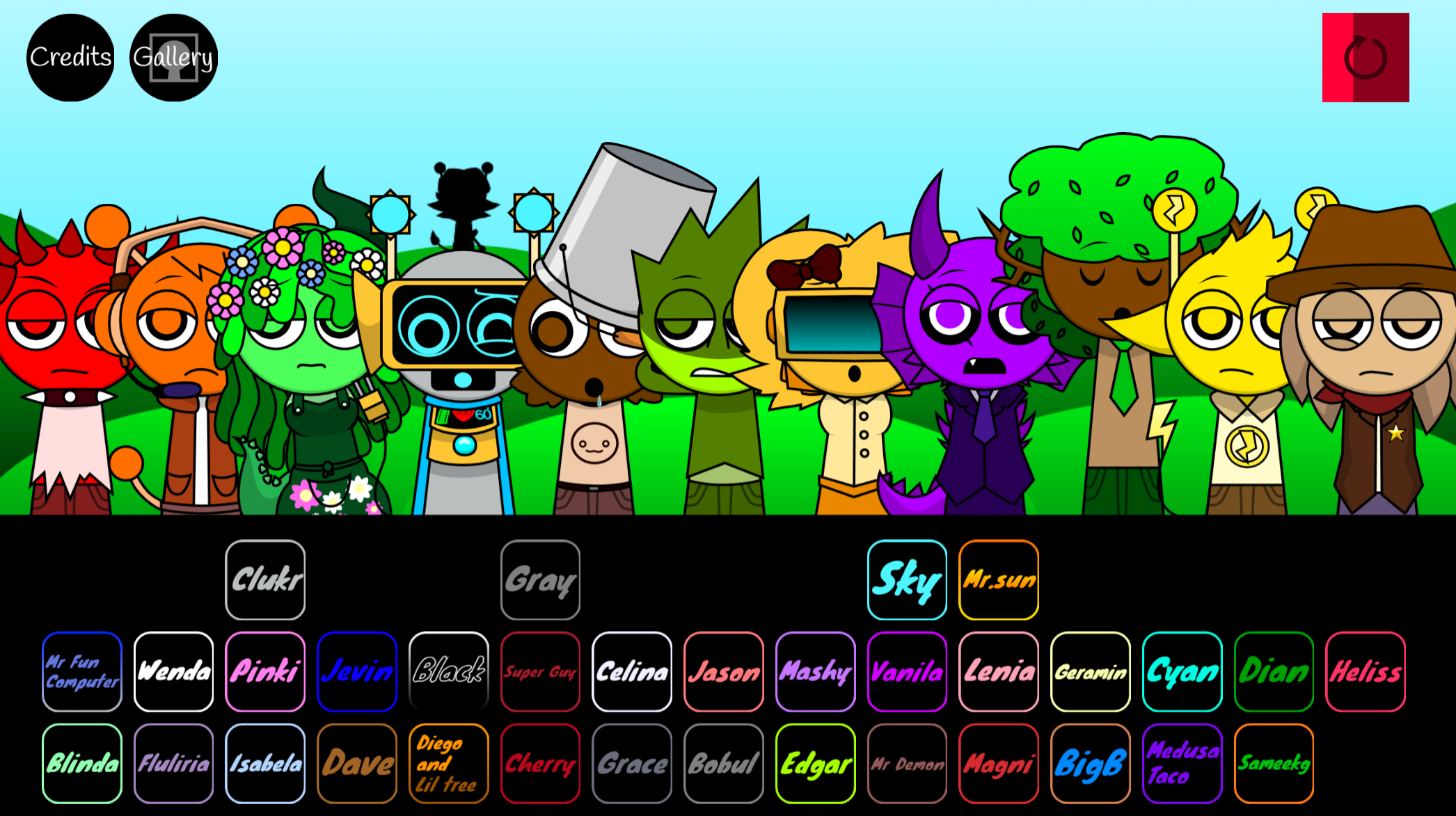
Sprunki Super Guys Realm
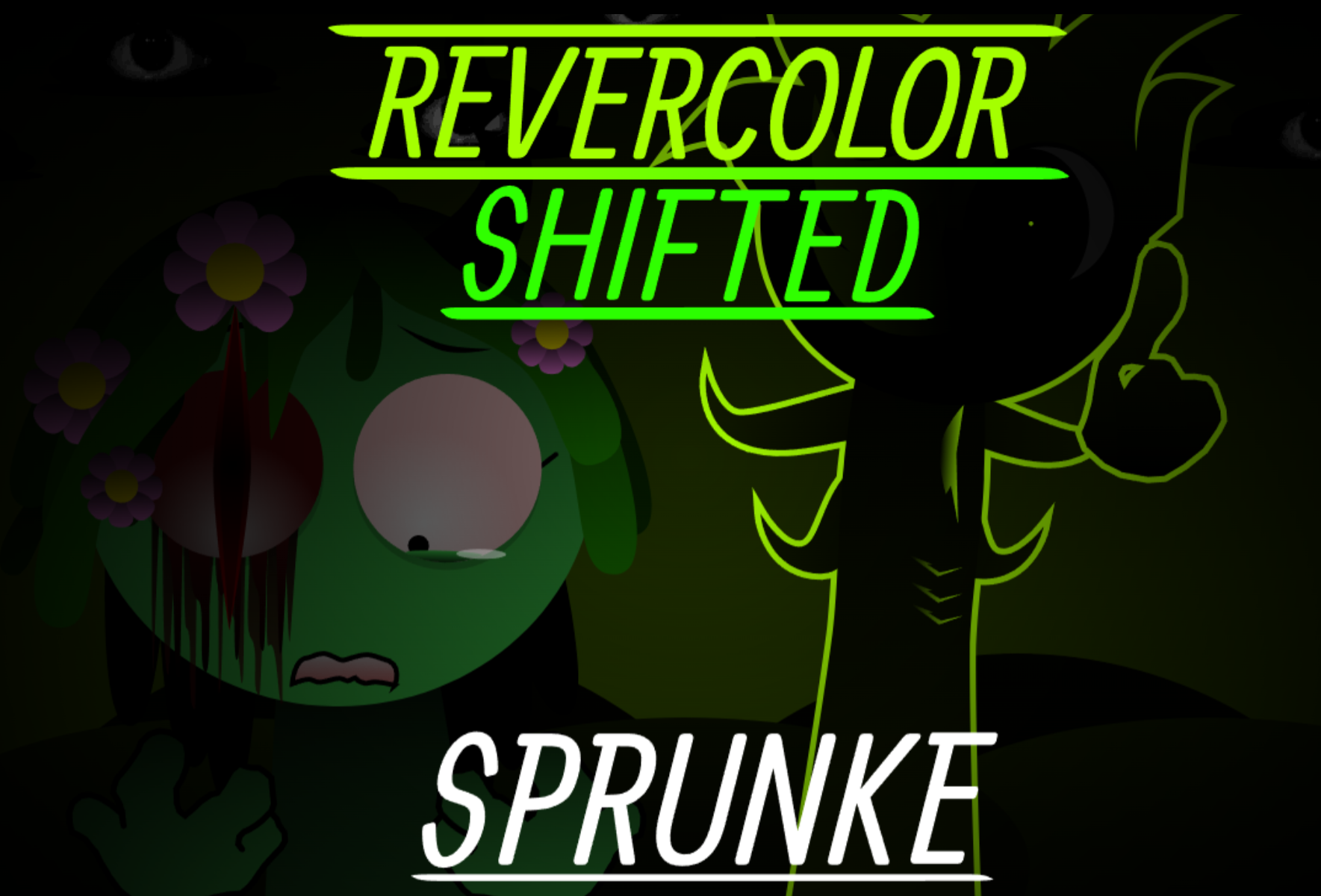
Sprunki Revercolor Shifted
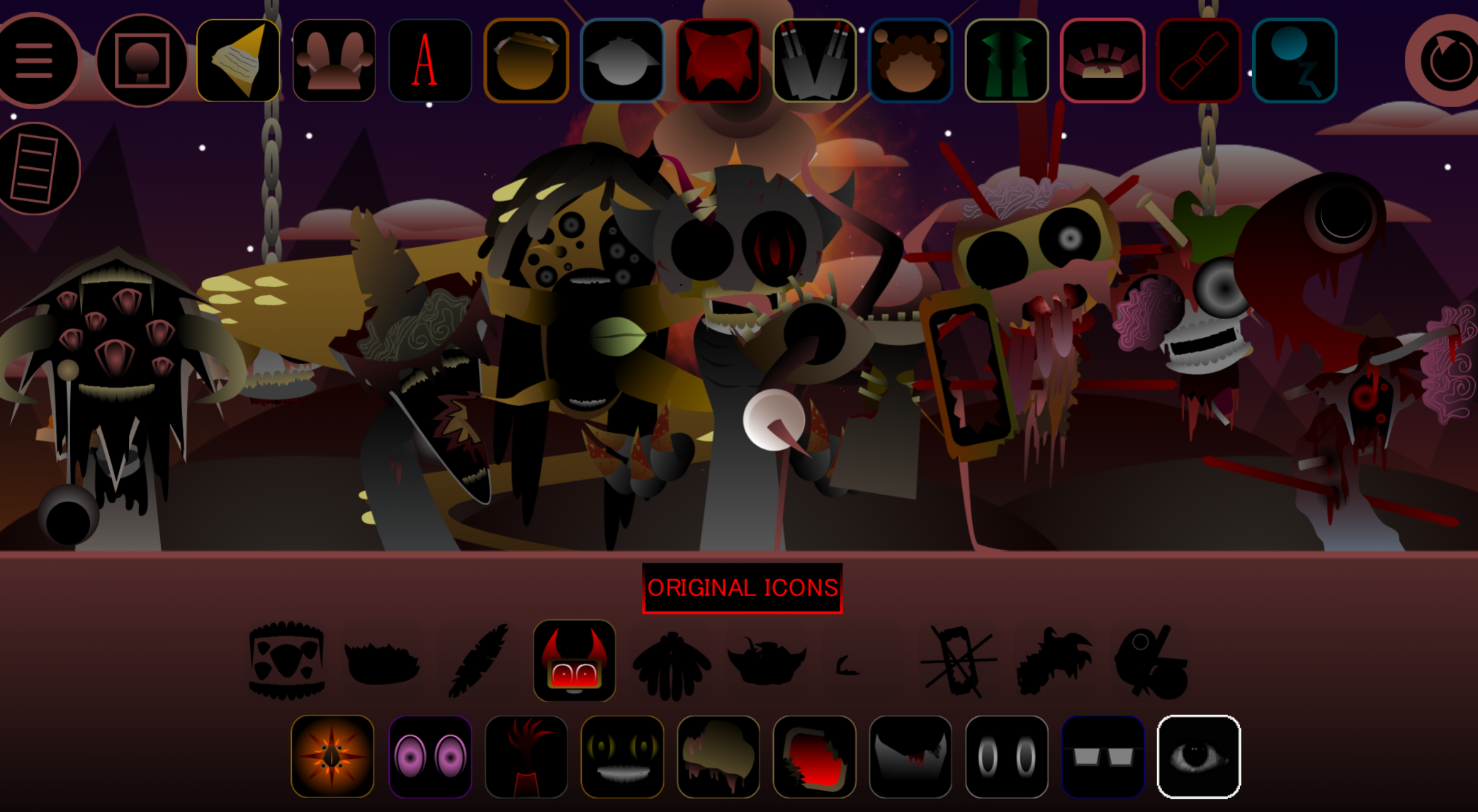
Sprunki Phase 8 Bab Skwered And Skinned
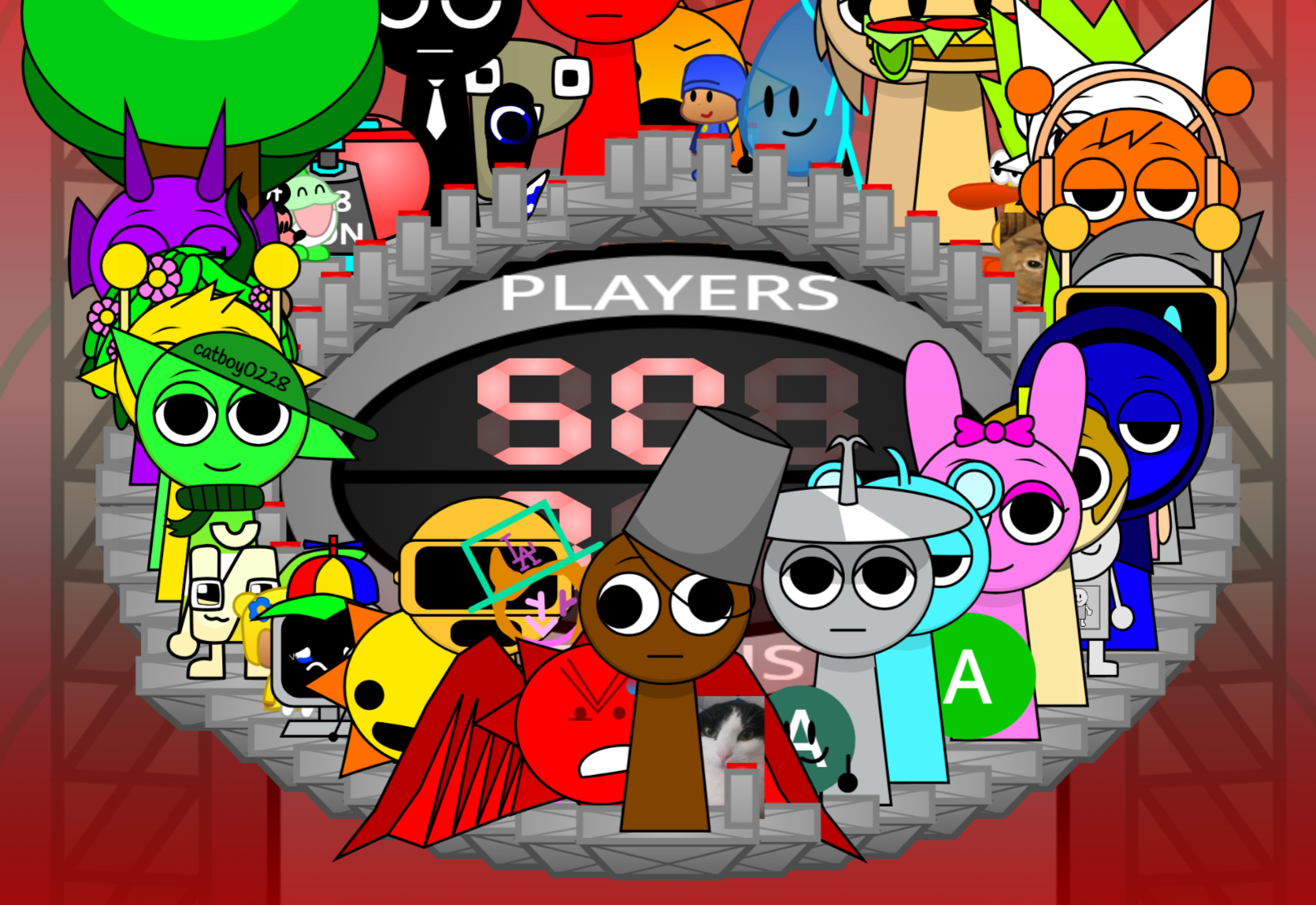
Ay In Tick Drop Sprunkies But Mr Devil Sun Is A Bossfight
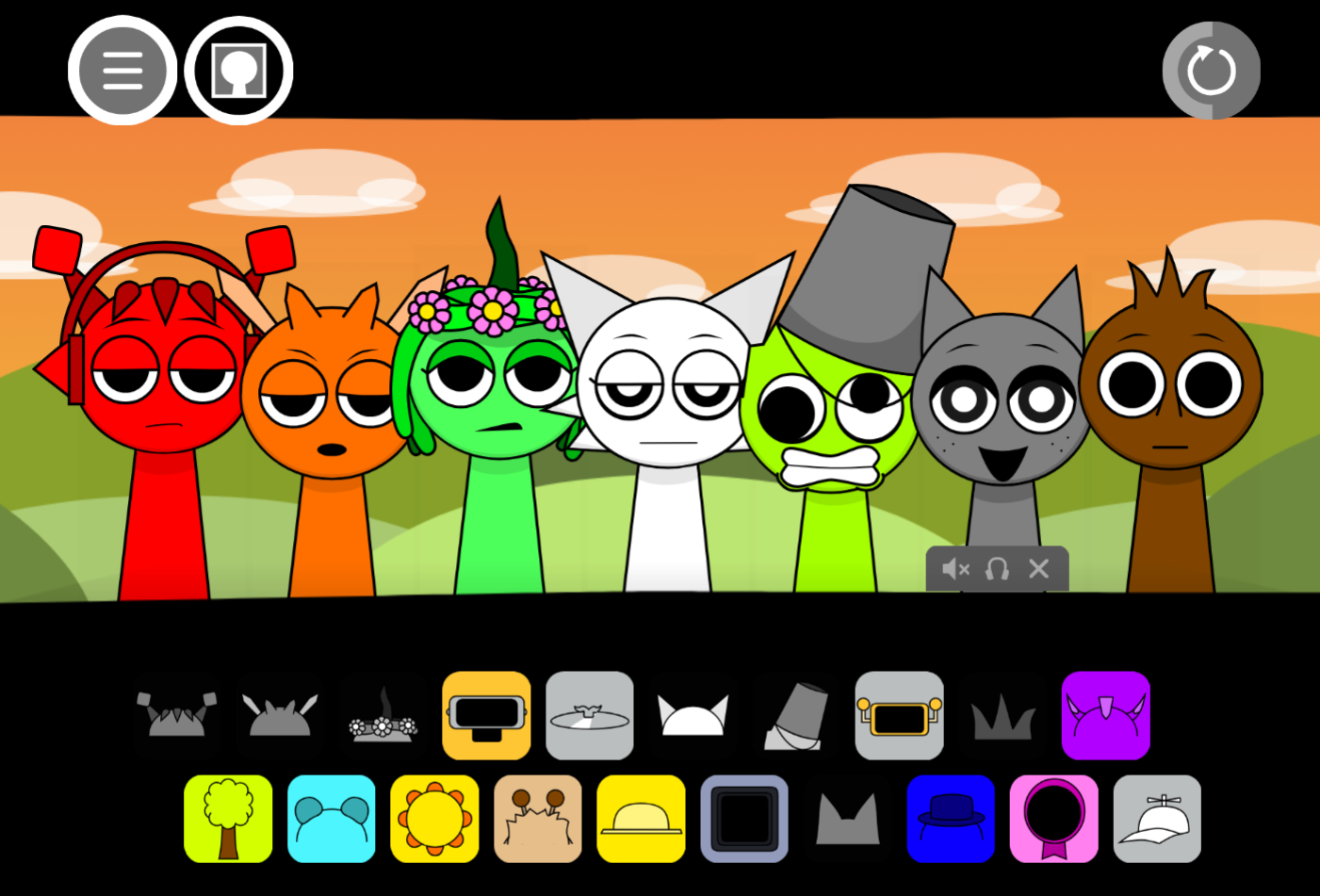
Sprunki Sprunkswap
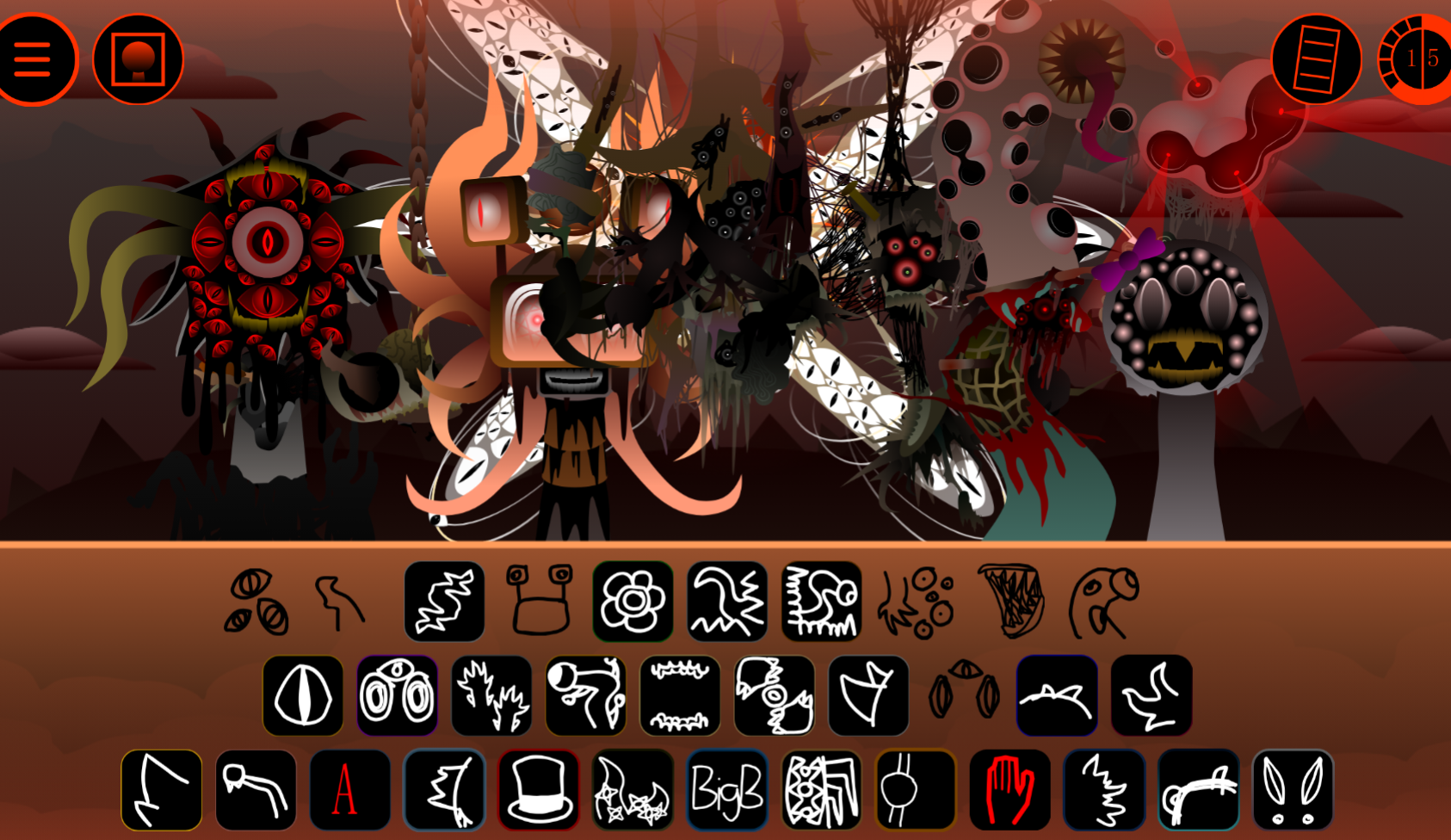
Sprunki Phase 10 Jevins Last Stand
Sprunki Twirl Shifted Remastered
Sprunki Sprunktuber Japanese
Sprunki Phase3 An Endless Hell
Ay In Tick Drop Sprunkie But Every Sprunki Are K111Ers
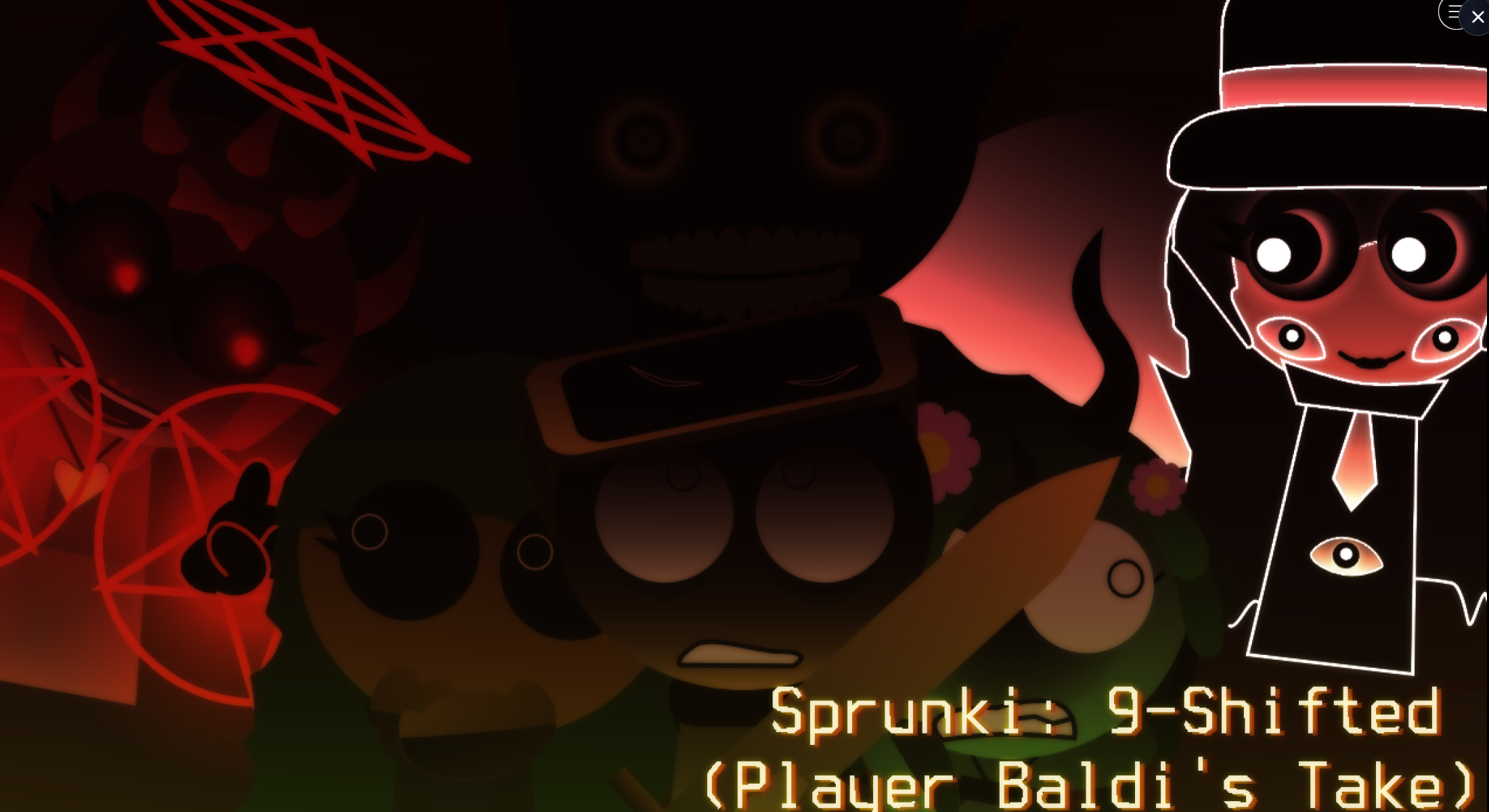
Sprunki 9 Shifted Player Baldis Take
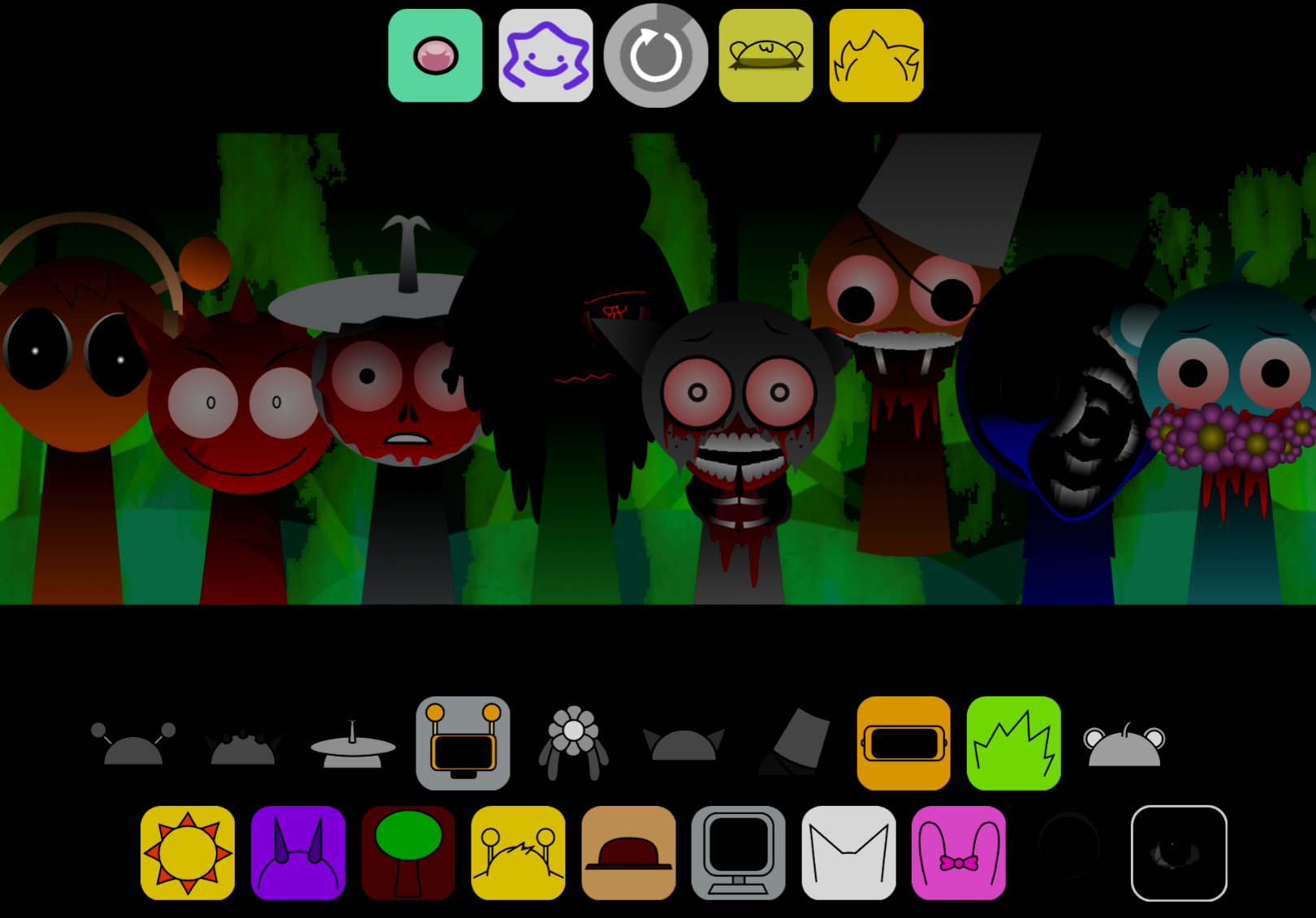
Sprunki 5 Shifted Finalized
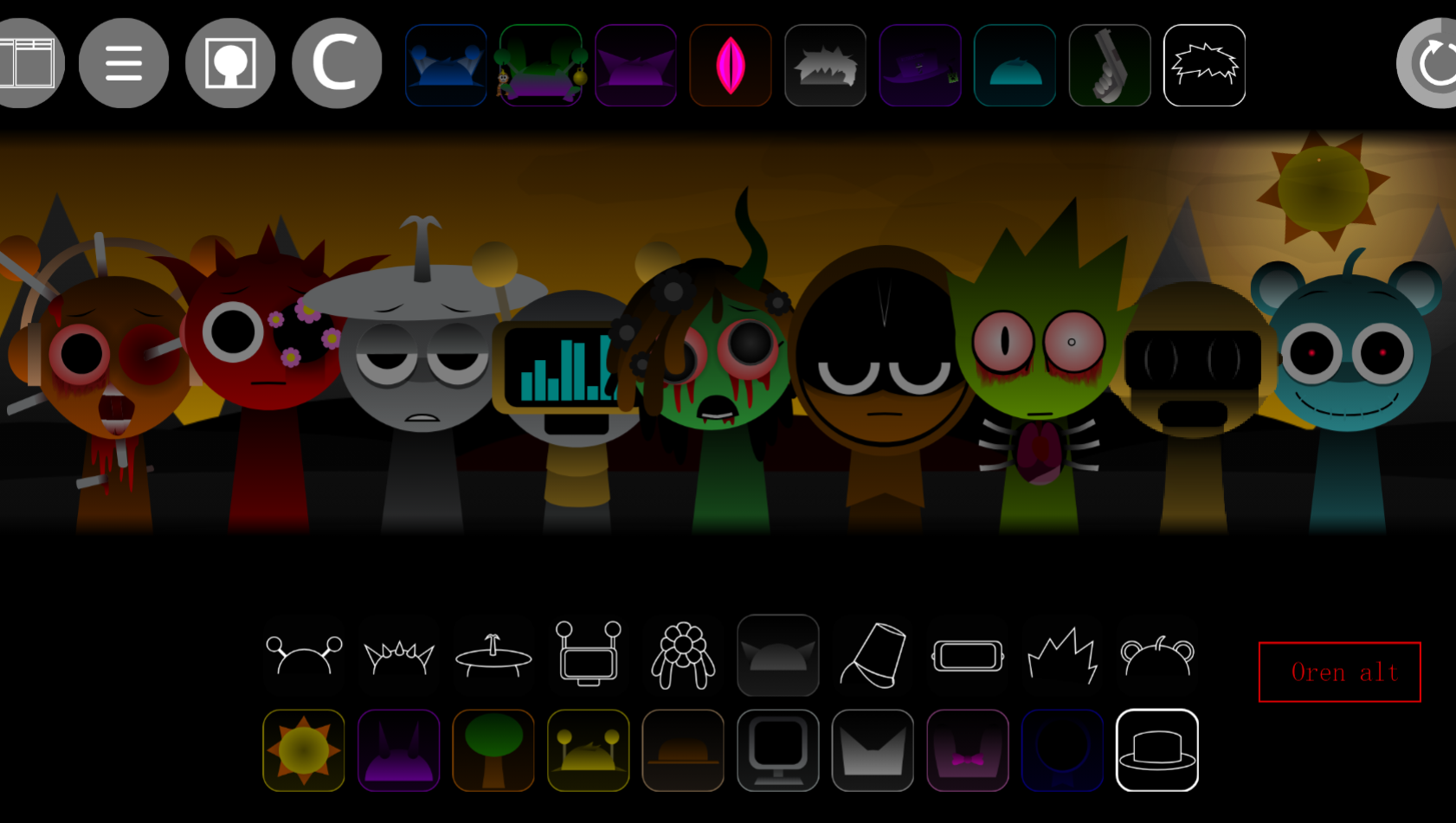
Sprunki Spi Shifted Remastered
Sprunki Swapped Redone Phase 1.5 Player Baldis Take** is a custom mod by @PlayerBaldi that reassigns character roles and audio loops within the Phase 1.5 framework, creating mismatched pairings between visual sprites and sound outputs.
Unlike standard Sprunki variants that preserve original character-sound relationships, this mod deliberately swaps them— character that previously triggered one melody now plays a different loop entirely, forcing players to relearn the entire sound palette.
This article breaks down the specific swaps, explains how the Phase 1.5 aesthetic (darker visuals, distorted tones) shapes the remixed experience, and identifies which character-sound pairings feel most disorienting.
You’ll see concrete examples of which swaps work musically, which create unexpected harmonies, and how the mod’s redone layer affects playability.
Features of Sprunki Swapped Redone Phase 1.5 Player Baldis Take
Sprunki Swapped Redone Phase 1.5 Player Baldis Take is a custom mod by @PlayerBaldi that swaps character roles and audio loops within the Phase 1.5 framework. Released in April 2026, this version trades the standard Sprunki roster for a reinterpreted lineup filtered through a Baldi’s Basics-inspired aesthetic.
Characters like Oren, Raddy, and Vineria receive altered sound functions, so a character that normally anchors rhythm might now carry melody or effects. The result is a familiar drag-and-drop music builder where old mixing patterns no longer work as expected.
The Redone element shows in the retextured sprites and cleaner visual presentation. Instead of extreme horror or chaotic effects, this take uses a restrained, slightly erie schoolhouse mood. The refreshed character designs signal changed roles without burying the music under excessive visual noise, letting the altered audio loops remain the focus.
Gameplay stays roted in classic Sprunki mechanics: drag characters onto the stage, stack their loops, and build a track through beats, effects, melodies, and voice layers.
What changes is how the swapped roster behaves. Because roles are reinterpreted, you cannot rely on the same instincts from standard Phase versions. This version sits between a clean Phase 1 remake and a full Phase 2 shift, creating an “altered timeline” feeling where designs and loops seem intentionally unstable.
Key Baldi Crossover Features
The Baldi crossover filters Sprunki’s music-building format through a stranger, schoolhouse-style mood without replacing its core structure.
- Classic Sprunki building with swapped roles: You still place characters on the stage to create looping tracks, but changed audio identities make even simple combinations sound quirky or off-kilter.
- Phase 1.5 timeline energy: This middle-ground setup gives the mod an altered timeline feeling, where Redone designs and changed loops create intentional instability.
- Reworked character audio layers: Familiar characters receive adjusted sound roles. Some lean into steadier beat layers, while others carry darker melodies, background effects, or stranger accents. This changes how you build a track because you are testing how the new loops clash, blend, or click together.
- Alive variants create mood shifts: Characters like Oren Alive and Raddy Alive push tracks away from playful Sprunki chaos toward a creepier crossover tone when mixed into the roster.
- Visual swaps as audio clues: Refreshed sprites signal changed versions of characters, making it easier to track which swapped identity you are using while learning the new sound map.
How to Play Sprunki Swapped Redone Phase 1.5 Player Baldis Take
Treat Sprunki Swapped Redone Phase 1.5 Player Baldis Take like a familiar drag-and-drop mix board, but do not assume usual character roles still apply.
Start by dragging one character into an empty stage slot and listening to the loop it adds. Add another character and pay attention to how the second layer changes the track. The music updates instantly, so experimentation is the main gameplay loop.
Build with 2–3 characters before filling the whole board. Baldi’s Take can become crowded once several altered loops stack together, especially around 4–5 characters, where busy rhythms, effects, and melodies may start fighting for space. Building slowly gives you room to hear which sounds act as the base rhythm, which add atmosphere, and which work best as accents.
If a combination sounds off, remove or replace characters instead of forcing the mix to work. Because the Swapped setup changes how familiar icons behave, the strongest tracks often come from rebuilding around the new roles rather than copying older Sprunki patterns.
Mastering the Swaps
Mastering the swaps means recognizing that each changed character has a new identity. The basic Phase 1.5 formula remains intact, but every Swapped form brings a different look, loop, and musical purpose.
When you place a transformed character, you are testing how its reimagined melody or rhythm reacts against the rest of the roster. Some swaps smooth out the track, while others create a deliberately awkward or eerie texture that only works once paired with the right support layer.
Treat every swap as both a visual cue and an audio clue:
- Look at the refreshed sprite to remind yourself the character may not behave like its standard version.
- Listen to the first loop cycle before adding more characters.
- Decide its function: base rhythm, melody, effect, voice layer, sharp accent, or background texture.
- Build around what it actually does, not what the character usually does in other Sprunki Phase versions.
This is where the Swapped Redone format becomes interesting. It does not simply reskin the roster; it asks you to relearn how familiar characters fit together in a changed timeline.
Tips for Mixing Swapped Beats
To mix swapped beats better, treat every character like a new instrument. The fastest mistake is assuming an old combo will behave the same, because swapped roles change how rhythm, melody, and background loops sit together.
Start with one stable beat
Drop in a rhythm-focused character first and let the loop play. If the first layer already feels too busy, adding more characters will make the mix harder to control.
Add contrast instead of only matching similar sounds
A snappy rhythm can work well against a creepier loop, while two dense or busy sounds may clash if they occupy the same space. The best mixes often balance clean structure with one or two strange textures.
Use quieter or atmospheric layers carefully
Background effects and eerie melodies help create the Baldi crossover mood, but too many at once can blur the track. Add them after the main beat and melody are already clear.
Watch for role reversals
If a familiar icon sounds like it is doing something unexpected, adjust your plan. In this version, the visual identity may remind you of one role while the audio loop behaves like another.
Rebuild instead of overstacking
When the track becomes noisy, remove one character at a time and listen again. Since there is no timer pressure, you can refine the mix slot by slot until it feels balanced.
Related Games
- Sprunki Swapped Redone — This is the closest follow-up because it focuses on the same redone swap concept, letting players compare the core roster-trading idea without the extra Baldi-inspired crossover layer.
- Sprunktuber Phase 3 Player Baldis Take — This fits the PlayerBaldi angle by continuing the Baldi-flavored custom-take style with altered characters and a stranger, creator-driven presentation.
- Sprunki Anti-Shifted Phase 4 but Swapped — This is a strong next click for players who liked the swapped-role experimentation and want another phase built around rearranged sounds and identities.
Who Should Try This Take?
This version works best for players who enjoy custom Sprunki mods that polish and reinterpret the formula instead of overwhelming it with gimmicks. If you want extreme horror or chaotic mechanics, this take may feel controlled. If you like hearing a familiar Phase rebuilt with swapped roles, Redone visuals, and a distinct Baldi crossover mood, it offers a focused mix board worth experimenting with.
New Games
View all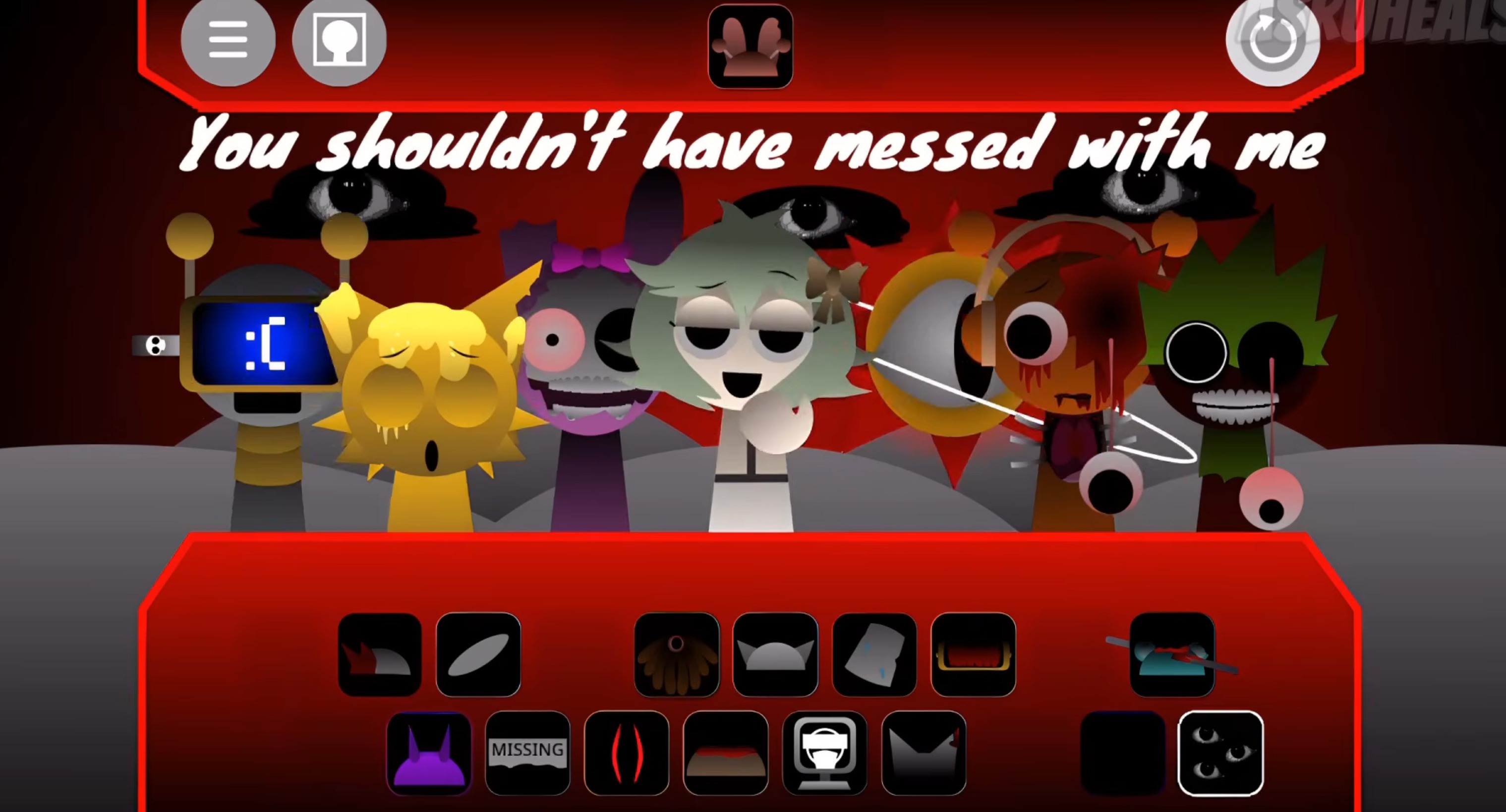
Sprunki Phase 3 The Gore Cackles
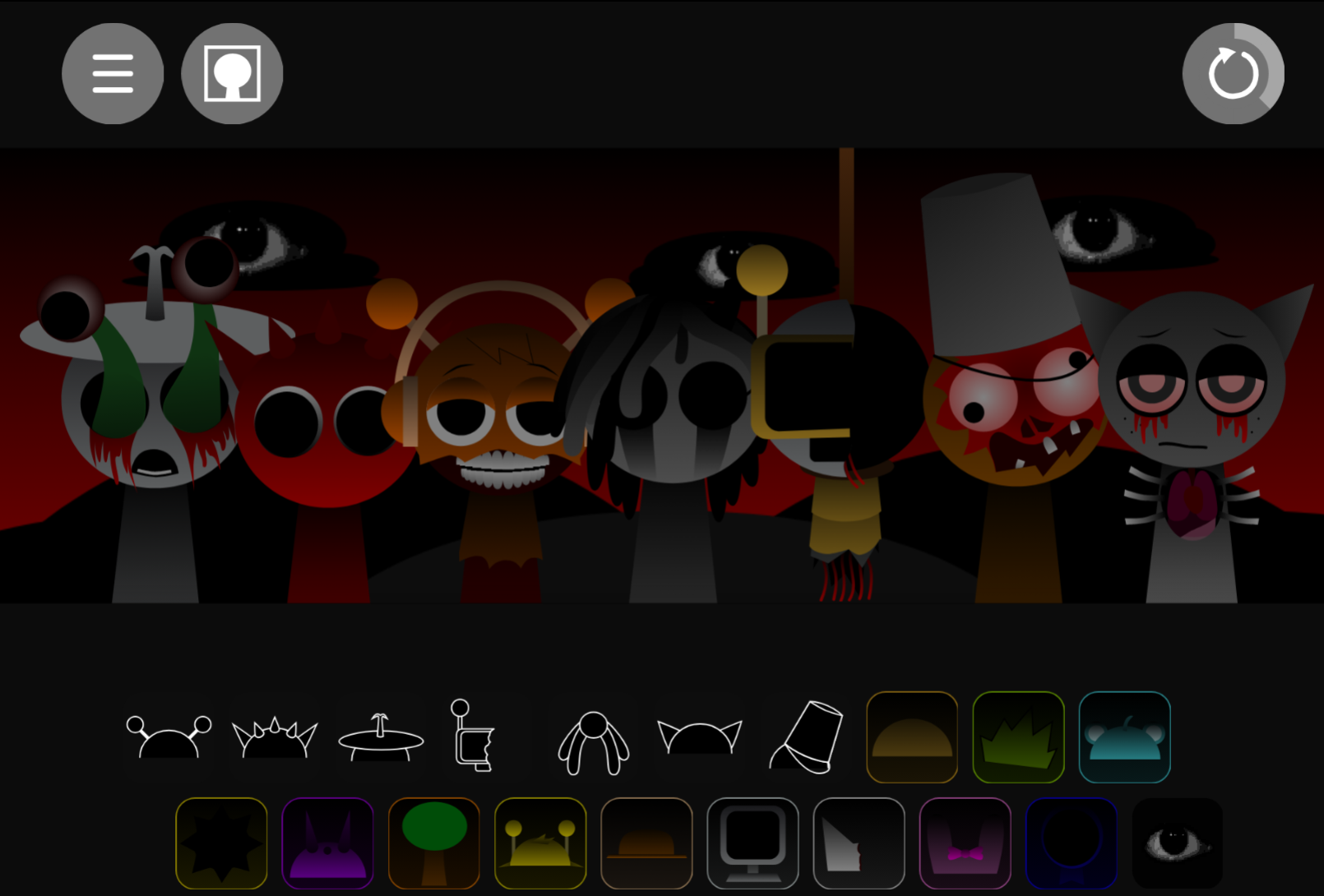
Sprunki Randomized
Brawl Simulator 3D
Heidly Ho Neighborino
Sprunki Cruel Lovers Phase 2 Triple Date
Sprunki Sorrowful Demises
Ice Baby Quest 2
Dont Let The Ball Fall
Stickman War
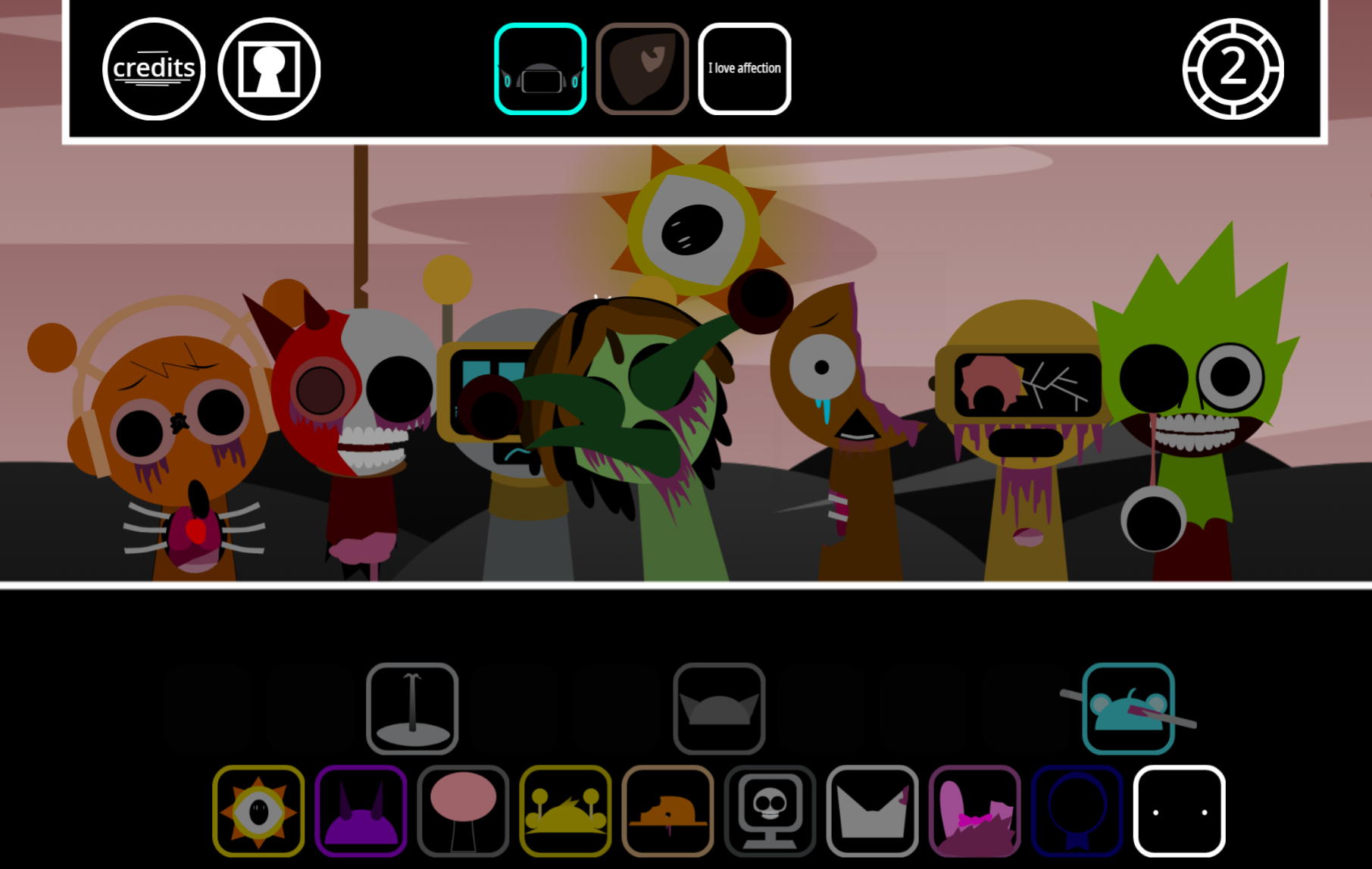
Sprunki Phase 2.5 Definitive Out Of The Box
Merge Infinity

Flipping Master
Escape Tsunami For Brainrots
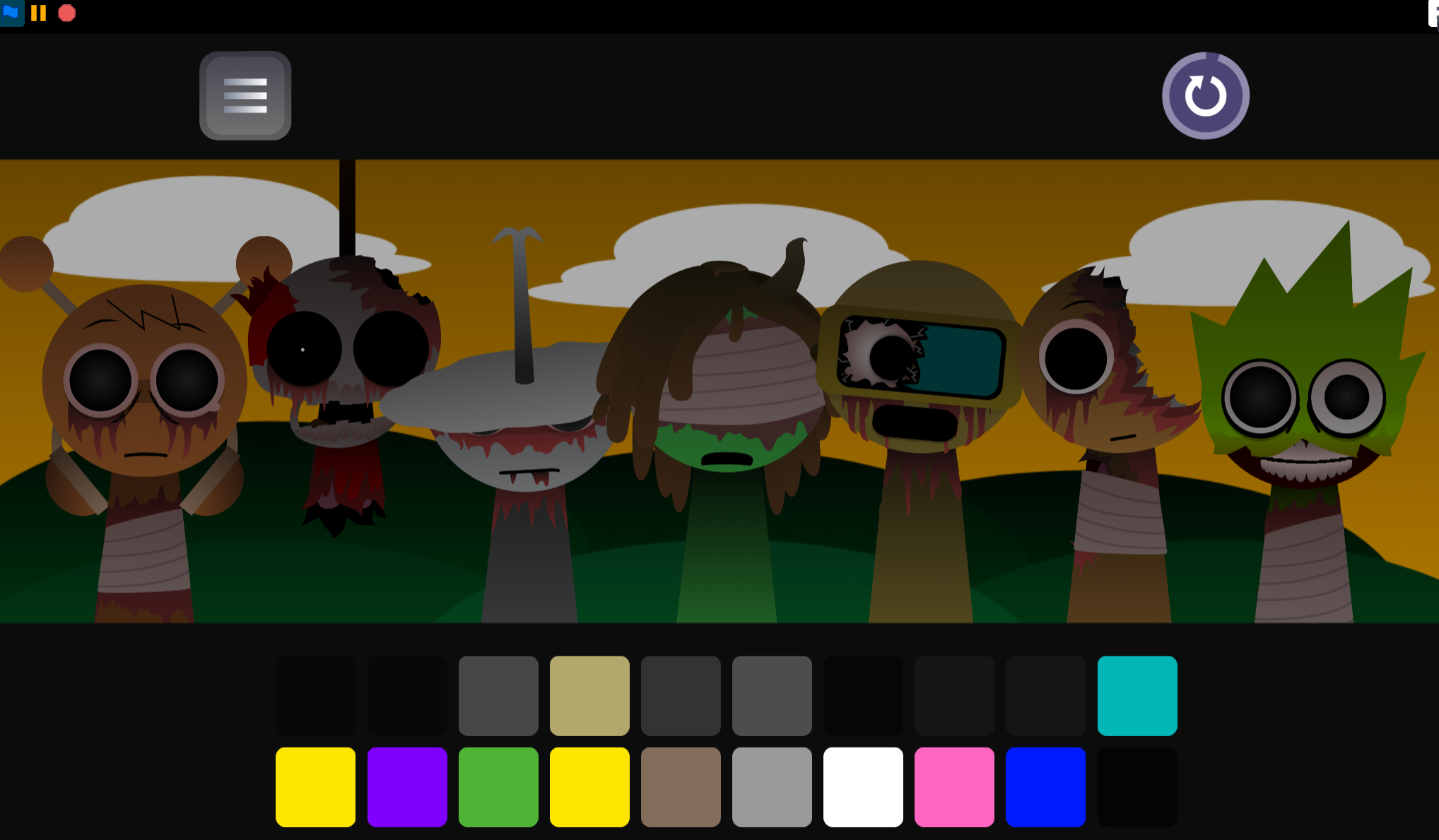
Sprunki Aftermath Remake

Milk The Cow
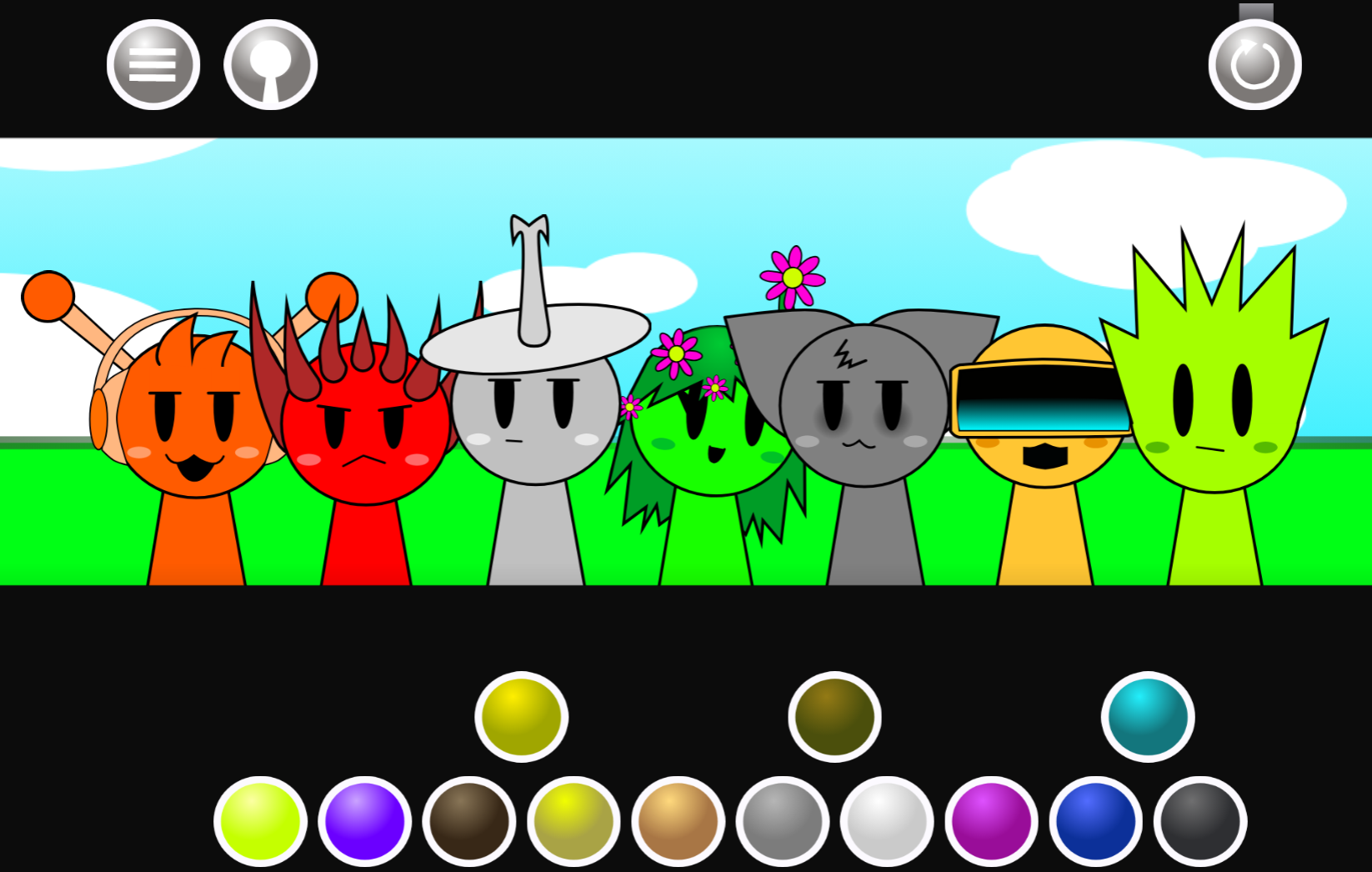
Sprunki Blood Moon Phase 11
Saving Simon From A Pit Of Lava
Sprunki Shifted Chris Take Phase 3
Mr Meat House Of Flesh

Mad Pursuit
Previous
Sprunki Phase 12 Remastered But Shifted
Next
Sprunki Flame Shifted
Discuss Sprunki Swapped Redone Phase 1.5 Player Baldi's Take