
Sprunki Super Guys Realm - The ERROR Glitch Changes Everything
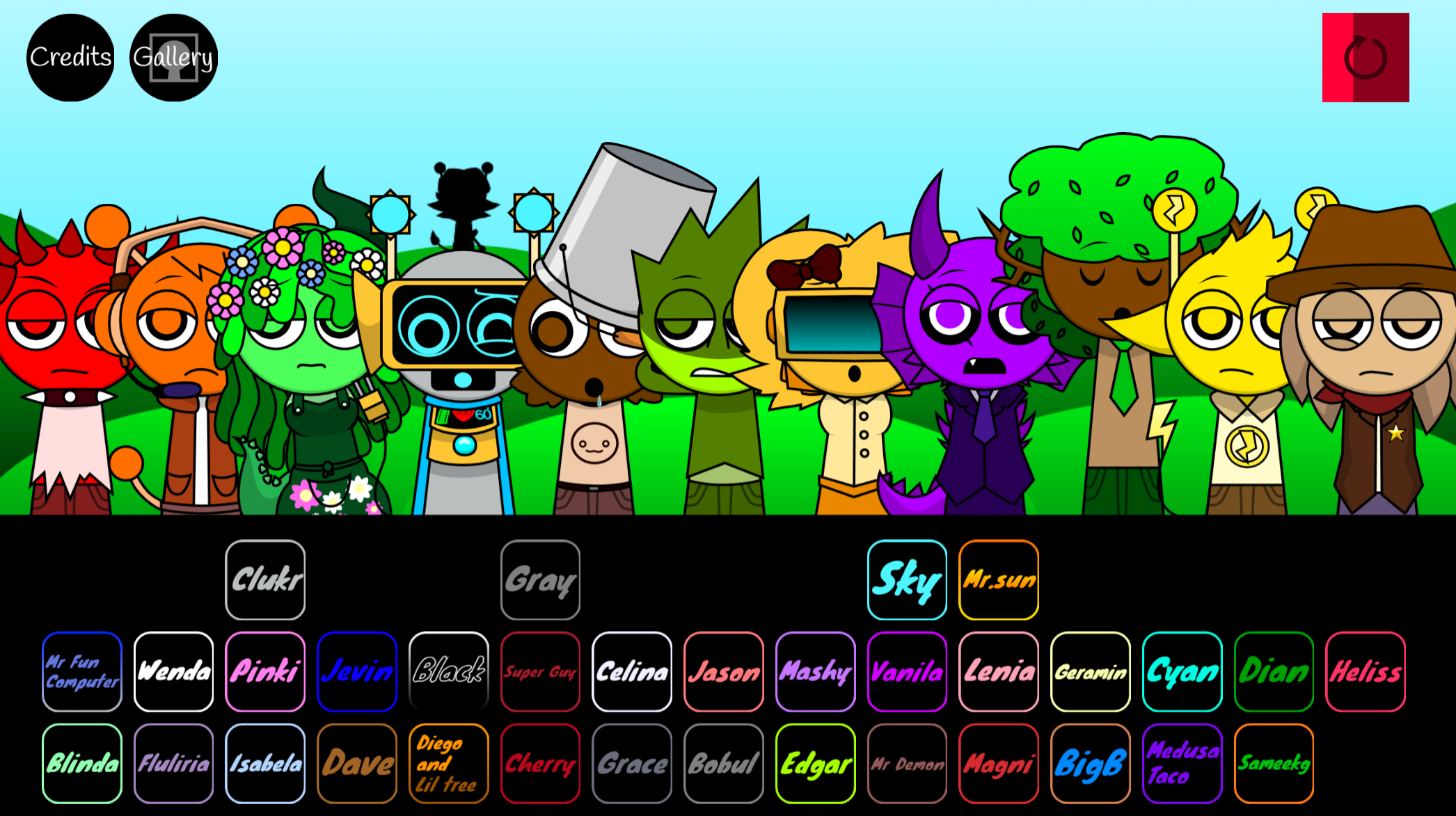
Sprunki Super Guys Realm mixes drag-and-drop music creation with a dark RecordCity story, featuring 45+ performers, bright pop layers, and warped ERROR-state sounds. Build tracks, trigger eerie visual shifts, and uncover character art and story details through the in-game lore gallery.
Please wait a moment for the Sprunki Super Guys Realm game to load after clicking "Play Now" button.
Play Sprunki Super Guys Realm in Browser Online
Similar games
Recommended Games
View all
Ay In Raining Bomb Survival But But Oren Never Gets Eliminated
Sprunki Sprunkiballs
Sprunki Reversed Theoaguiar06's Take
Supuranki スプランキ(2006)
Ay In Hyper Voyage In Sky But Oren Never Gets Hit Nor Eliminated
Sprunki Revercolor Shifted
Sprunki Phase 8 Bab Skwered And Skinned
Ay In Tick Drop Sprunkies But Mr Devil Sun Is A Bossfight
Sprunki Sprunkswap
Sprunki Phase 10 Jevins Last Stand
Sprunki Twirl Shifted Remastered
Sprunki Sprunktuber Japanese
Sprunki Phase3 An Endless Hell
Ay In Tick Drop Sprunkie But Every Sprunki Are K111Ers
Sprunki 9 Shifted Player Baldis Take
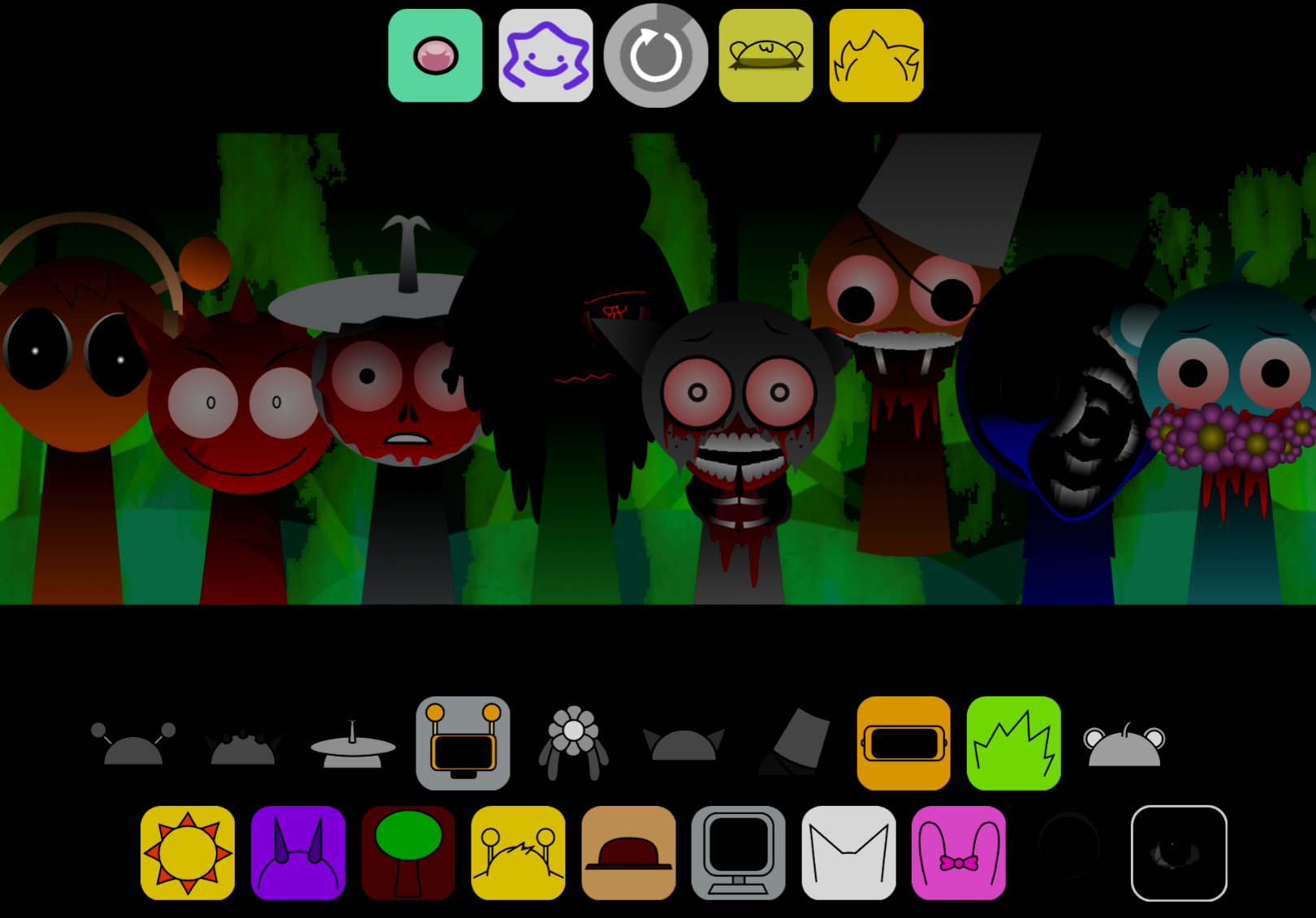
Sprunki 5 Shifted Finalized
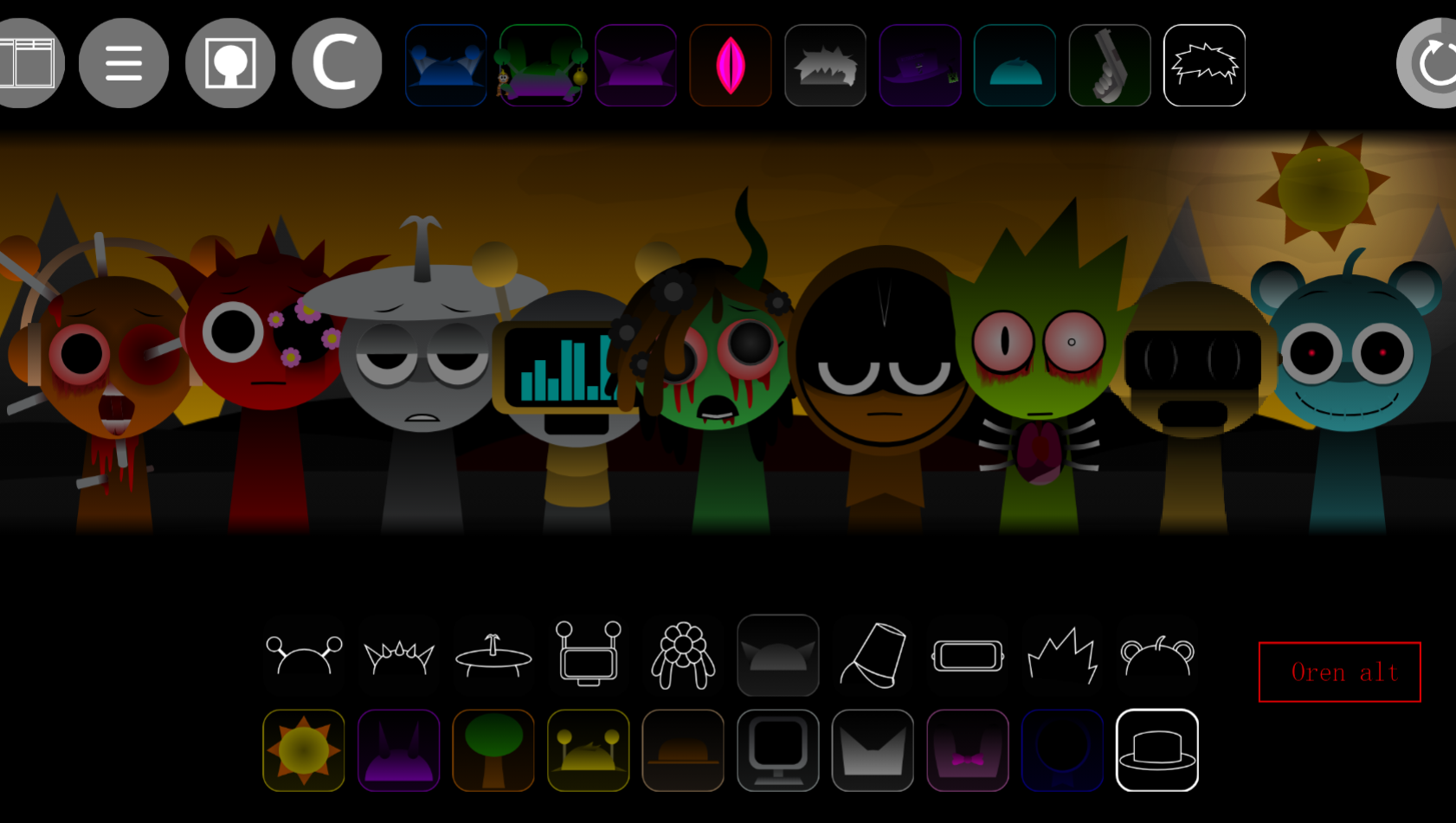
Sprunki Spi Shifted Remastered
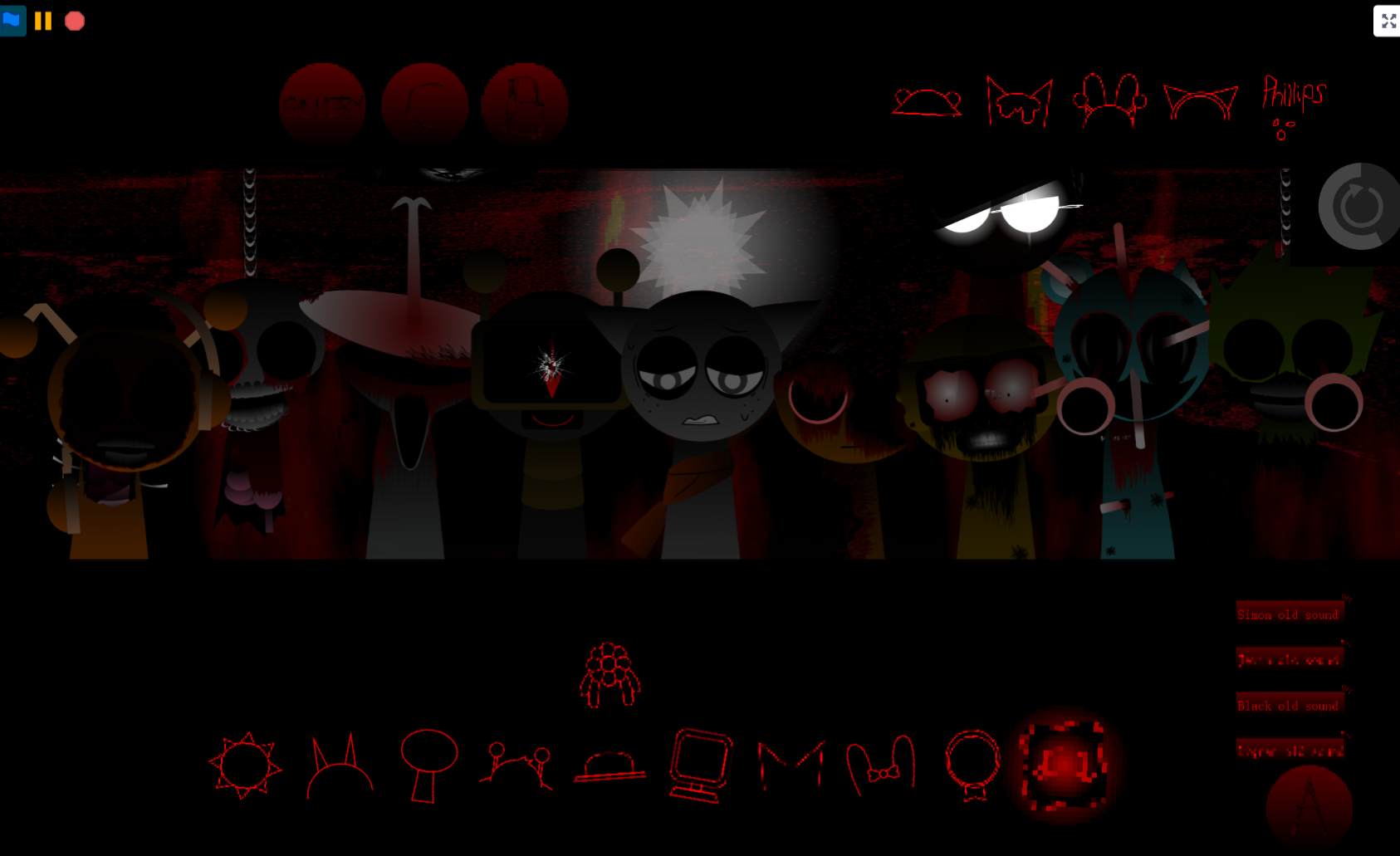
Sprunki Phase 3 The End
Sprunki Super Guys Realm combines the chaotic character-collision energy of Super with Sprunki’s signature musical mechanics, creating a platformer where rhythm and movement sync in real time.
This article walks through what makes the Realm distinct—how Guy characters unlock progression layers, why the Super framework changes traditional Sprunki pacing, and which mechanics reward exploration over speed-running.
You’ll also find details on the interactive lore gallery tucked in the top-left menu, where concept art and narrative context explain the Realm’s transformation and cast driving it.
The focus here is on the strongest takeaways first: what Sprunki Super Guys Realm actually offers, which features matter most, and how to access the systems that separate it from standard crossover attempts.
What Is Sprunki Super Guy’s Realm?
Sprunki Super Guy’s Realm is a narrative-driven Sprunki mod that expands the drag-and-drop music format into a character-driven soundtrack spanning RecordCity’s corruption.
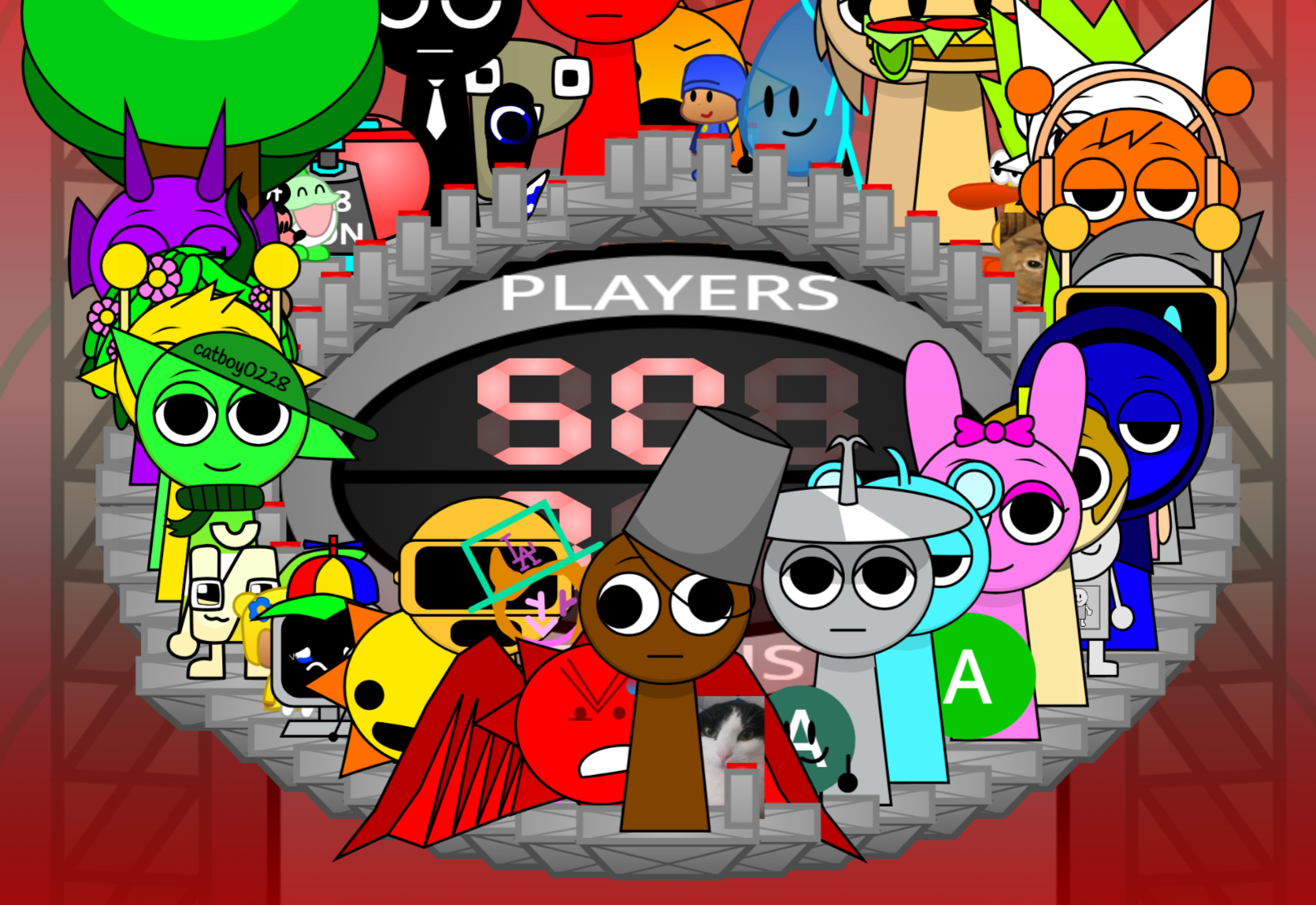
Developed by Cherry Zombotany 125 over five weeks in Gandi IDE with audio engineered in FL Studio, it functions as a sequel to Sprunki Super Guy Treatment and replaces the standard 20-character roster with more than 45 performers arranged across three tiers.
The story centers on Super Guy, RecordCity’s horned and winged protector. During a confrontation involving Mr. Demon and Brud, Super Guy absorbs demonic energy, transforms into a red-eyed tyrant, and pulls the city into a distorted pocket dimension.
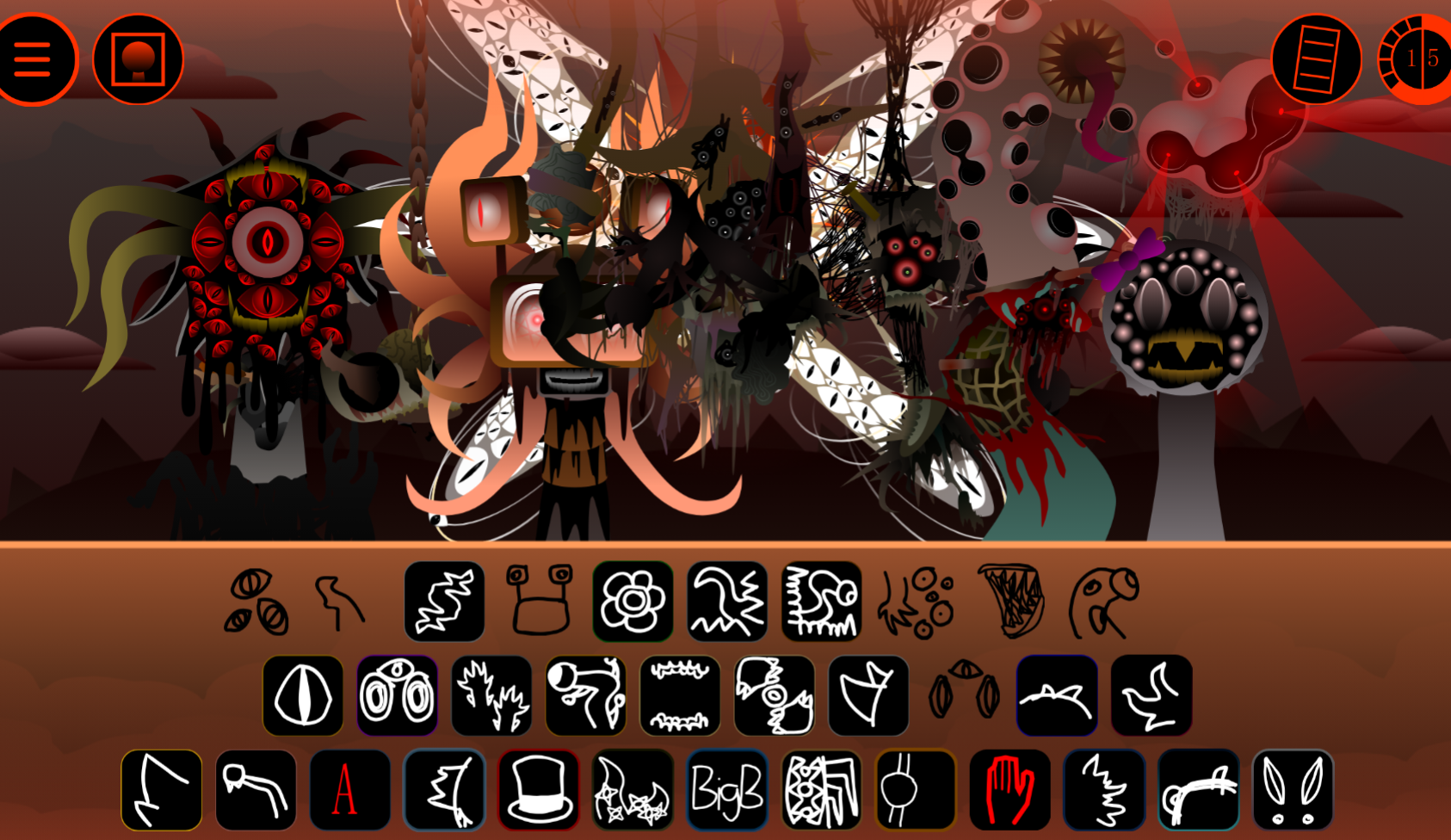
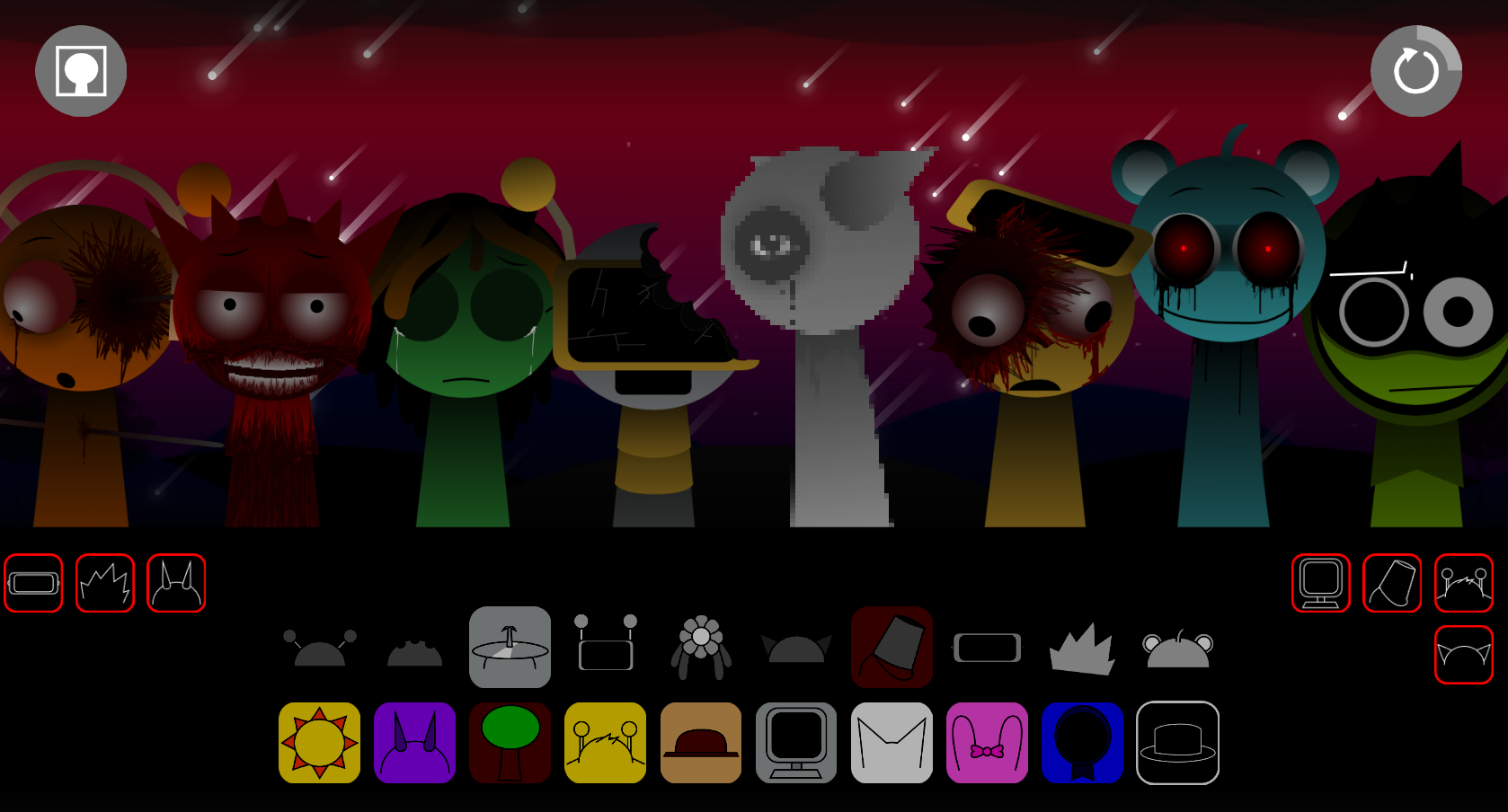
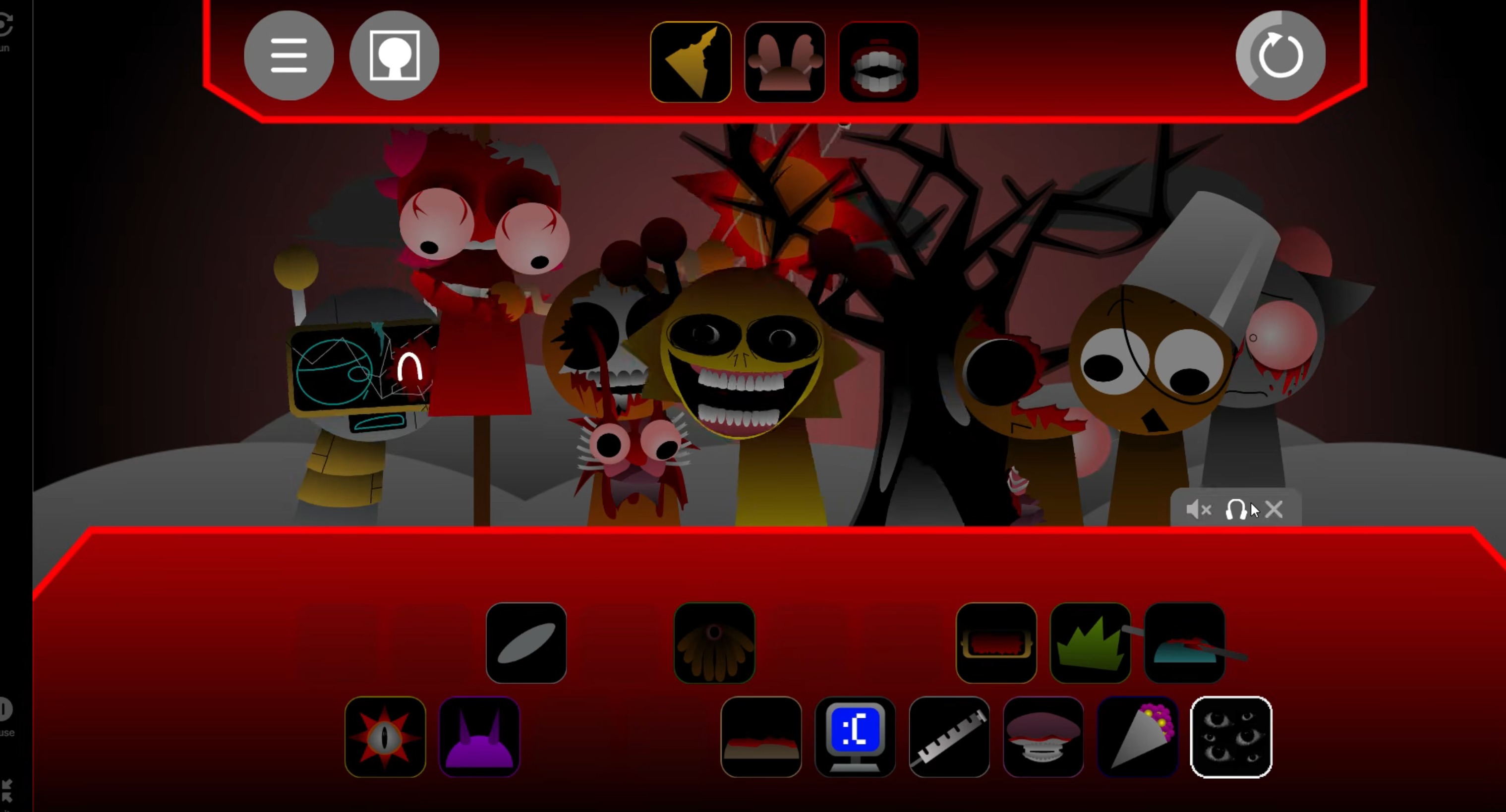
This creates two contrasting musical states: one uses sunny hills, bright pop rhythms, and woodwind melodies; the other emerges through an in-game ERROR glitch, introducing warped synths, static-laced textures, frantic screams, blood-soaked visuals, and fractured CRT interference.
Each character contributes distinct beats, effects, melodies, or loops, often with different identities across the peaceful and corrupted states. Blinda and Vineria’s soft floral arrangements deteriorate into haunted electronic lamentations, while FunBot’s cheerful chiptune energy buckles into harsher CRT-inflected presence.
The roster includes core cast members alongside creator references, botanical details, tribute characters, and cameos such as @MedusaTacoBlackmoon and nods to YouTube creators.
An interactive lore gallery in the top-left menu provides concept art and narrative context for the cast and the Realm’s transformation.
How to Play Sprunki Super Guy’s Realm
The expanded three-tier roster offers more detail and contrast than the standard Sprunki format.
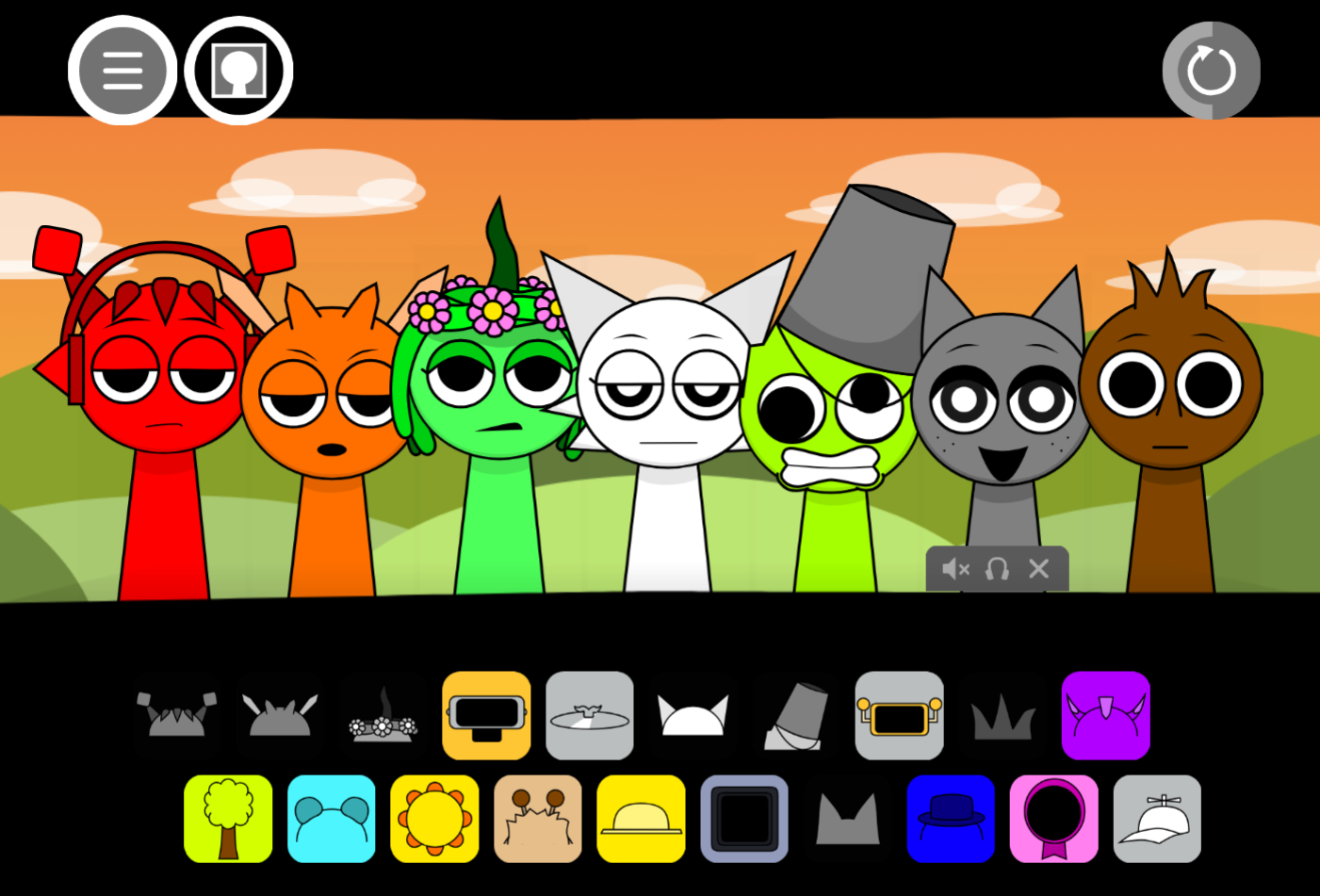
Choose performers from the lineup.
Characters represent beats, effects, melodies, chiptune accents, woodwinds, and vocal textures. With over 45 performers available, start with a small selection.
Drag characters onto the mixing board.
Placing a character activates its loop. Combine several to create a fuller track, then move or replace them to test different relationships.
Build around a clear foundation.
Start with a beat and one melodic layer. This keeps brighter pop rhythms and woodwind material audible before adding busier effects.
Trigger the ERROR state.
The ERROR glitch shifts visuals and audio together, turning the calm RecordCity atmosphere into the corrupted Realm. Familiar sounds become static-heavy, distorted, or emotionally harsher.
Adjust balance and experiment.
Use volume, effects, and editing controls to prevent loops from competing. Rearranging reveals alternate grooves, counter-melodies, or transitions between bright and unsettling textures.
Save, share, and inspect the lore gallery.
Completed arrangements can be saved or shared. The top-left menu’s lore gallery contains concept art and background material on the cast and transformation.
Features of Sprunki Super Guy’s Realm
- Expanded three-tier roster: More than 45 performers including core cast, creator references, botanical details, tribute characters, and cameos
- Two contrasting musical states: Peaceful setting with bright pop and woodwinds; corrupted Realm with distorted synths, static, screams, and broken CRT aesthetics
- ERROR glitch transformation: Alters both visuals and audio simultaneously, making the shift part of the arrangement
- Character-specific sound changes: Blinda and Vineria move from gentle floral textures to static-laced lamentations; FunBot shifts from buoyant chiptunes to fractured, interference-heavy presence
- Drag-and-drop creation: Build tracks from beats, melodies, effects, and loops without formal composition training
- Interactive lore gallery: Access concept art and narrative material explaining development choices, character transformations, and the RecordCity setting
Arrangement and Audio Strategies
Strong arrangements in Sprunki Super Guy’s Realm begin with structure before embracing chaos. The large roster and dense corrupted audio palette require deliberate layering to keep individual sounds meaningful.
Establish rhythm and melody first
Begin with a beat that provides forward motion, then add a central melodic voice. In the calmer sound set, bright pop patterns and woodwind material work well as foundation. Add effects and extra melodic loops one at a time to prevent competing sounds.
Use peaceful and corrupted sounds as contrast
The Realm’s two states offer different arrangement possibilities. Brighter mixes can prioritize open space, softer floral elements, and clean chiptune accents. Nightmare-oriented compositions can lean into warped synths, static, fractured rhythm, and uneasy melodic overlap.
Blinda and Vineria’s softer floral identity supports lighter material, while their corrupted forms bring mournful, distorted texture. FunBot serves as crisp upper-register electronic detail in cleaner arrangements or harsh CRT-like element when building toward the ERROR atmosphere.
Balance layers rather than adding everything
More characters do not automatically create stronger tracks. If rhythm, chiptune, and vocal texture occupy the same space, reduce or remove lower-priority sounds. Volume and effect controls keep main melodies audible while retaining atmospheric details.
Practical order:
- Establish beat
- Add melody
- Introduce one contrasting effect or voice
- Check balance
- Add second texture only if it supports existing mix
Treat experimentation as sound design
Repositioning performers and testing unexpected combinations can lead from clean, spacious pop structures to crowded, deliberately unstable stacks. Save individual versions when exploring these paths—one arrangement may emphasize RecordCity’s bright surface while another focuses on Super Guy’s corrupted Realm and the disorder introduced by the ERROR glitch.
Related Games
- Sprunki Super Guy Treatment — Play the direct predecessor to explore the earlier Super Guy-focused horror mixing story that sets up this sequel’s corruption arc.
- Sprunki The Definitive Phase 7 The Scary Nightmare — Its nightmare-centered presentation makes it a fitting follow-up for players drawn to the ERROR-triggered shift into distorted audio and psychological horror.
Enjoy!
New Games
View all
Sprunki But Blue Evilverse
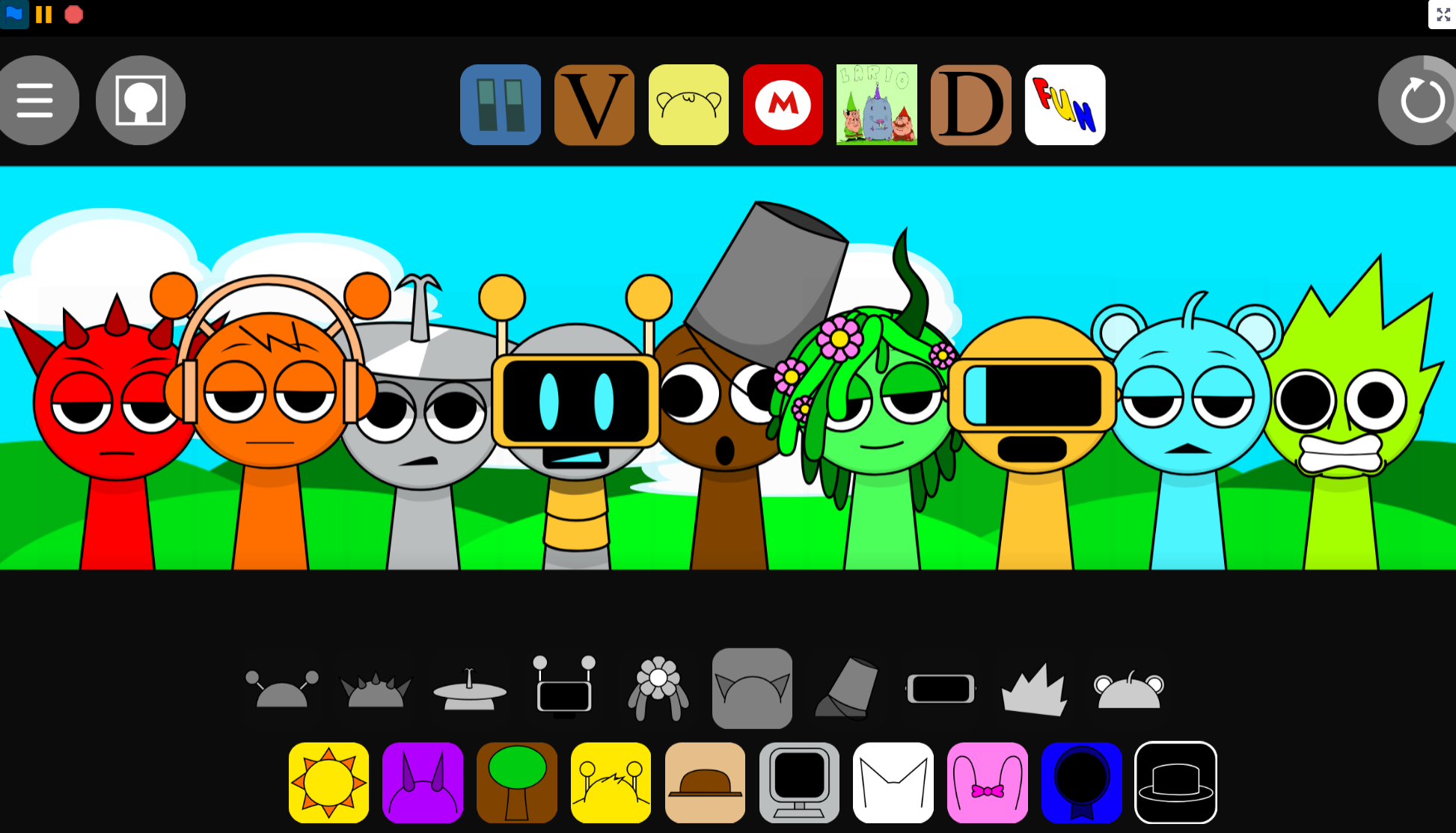
Sprunki Template Scratch Port In Desc
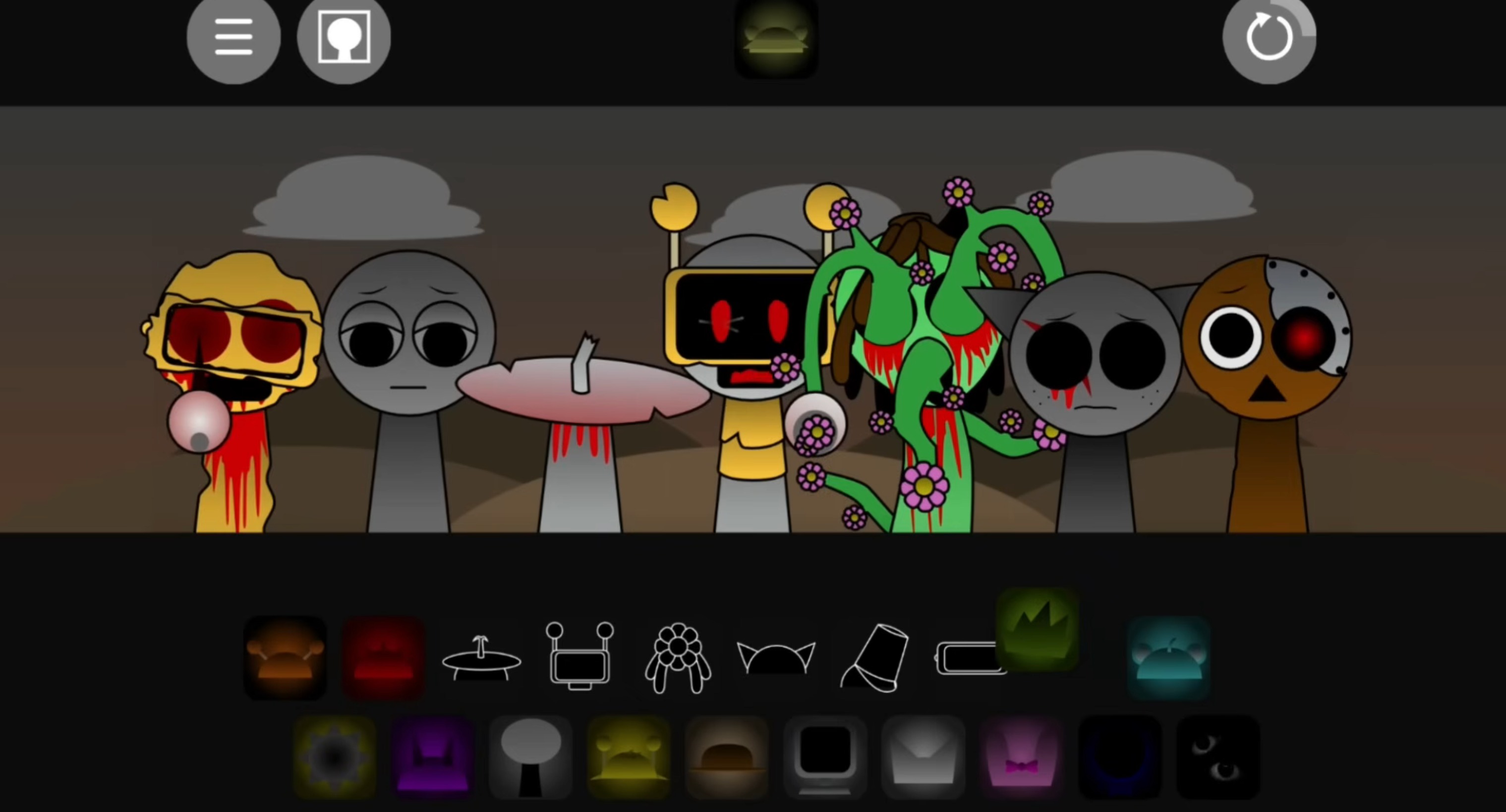
Sprunki Phase 4 Tealax's Take
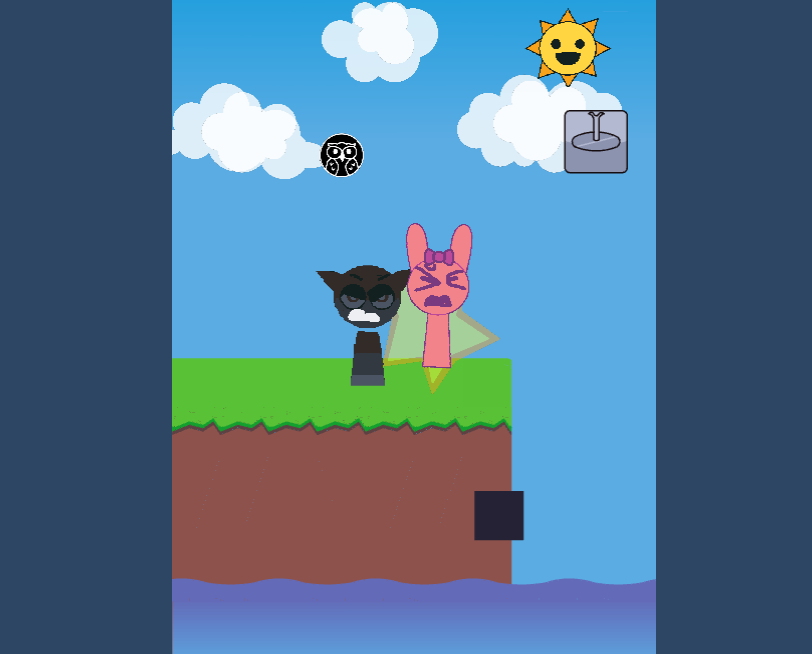
Sprunki Save Pinki From Gray

Gacha Club
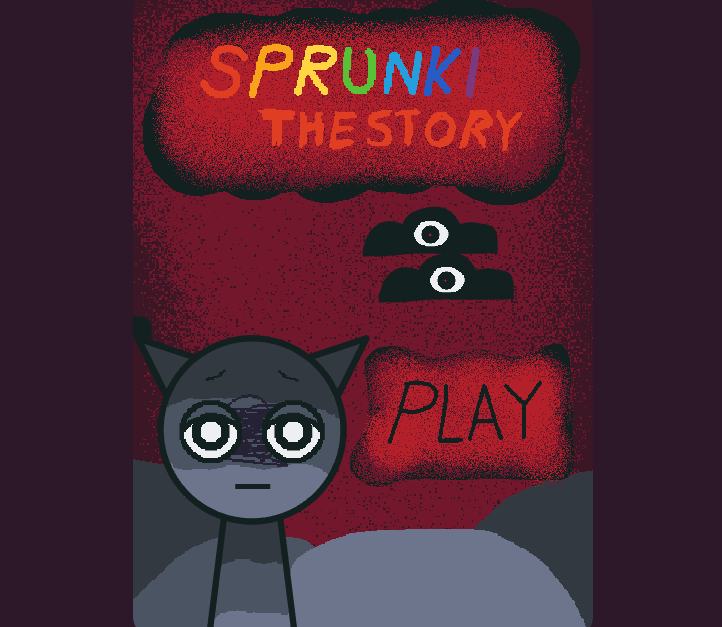
Sprunki The Story
Splunko 3 V2
Sprunki Gets Surgery
Sprunki The House Always Wins
Schoolboy Escape 3 Summer Camp

Wordscapes
Sprunke The Real Revenge Phase 4 Reversed X The Lies
Sprunki The Dark Cult Official
Simon's Realm Remake Poke's Take
Brainrot Craft
Sprunki Phase 4 Gore Galore But Pyramixed
AY In Funbot Drop
Sprunke MSI Alive
Previous
Ay In Hyper Voyage In Sky But Oren Never Gets Hit Nor Eliminated
Next
Sprunki Revercolor Shifted
Discuss Sprunki Super Guys Realm