
Sprunki Phase 3 TCC But Swap - Every Character Sounds Wrong!
Sprunki Phase 3 Tcc But Swap reassigns every character’s sound role, turning familiar visuals into surprising beats, vocals, bass lines, and eerie effects. Learn how to test swapped loops, build unexpected tracks, and control live mixes with spacebar and arrow keys in your browser.
Please wait a moment for the Sprunki Phase 3 TCC But Swap game to load after clicking "Play Now" button.
Play Sprunki Phase 3 TCC But Swap in Browser Online
Similar games
Recommended Games
View all
Ay In Raining Bomb Survival But But Oren Never Gets Eliminated
Sprunki Sprunkiballs
Sprunki Reversed Theoaguiar06's Take
Supuranki スプランキ(2006)
Ay In Hyper Voyage In Sky But Oren Never Gets Hit Nor Eliminated
Sprunki Super Guys Realm
Sprunki Revercolor Shifted
Sprunki Phase 8 Bab Skwered And Skinned
Ay In Tick Drop Sprunkies But Mr Devil Sun Is A Bossfight
Sprunki Sprunkswap
Sprunki Phase 10 Jevins Last Stand
Sprunki Twirl Shifted Remastered
Sprunki Sprunktuber Japanese
Sprunki Phase3 An Endless Hell
Ay In Tick Drop Sprunkie But Every Sprunki Are K111Ers
Sprunki 9 Shifted Player Baldis Take
Sprunki 5 Shifted Finalized
Sprunki Spi Shifted Remastered
Sprunki Phase 3 TCC But Swap reassigns every character’s sound loop to a different character slot, forcing players to rebuild their intuition from scratch.
Instead of memorizing which character produces which beat or melody, you experiment with swapped assignments—a drum loop might come from a character that previously sang vocals, while a bass line emerges from what used to be a percussion slot.
This article breaks down the specific swap mechanics, explains how the reassignments change your approach to building tracks, and identifies which character swaps create the most unexpected combinations.
The core difference is practical: you can’t rely on visual cues or muscle memory from earlier Sprunki phases.
What Is Sprunki Phase 3 - TCC But Swap?
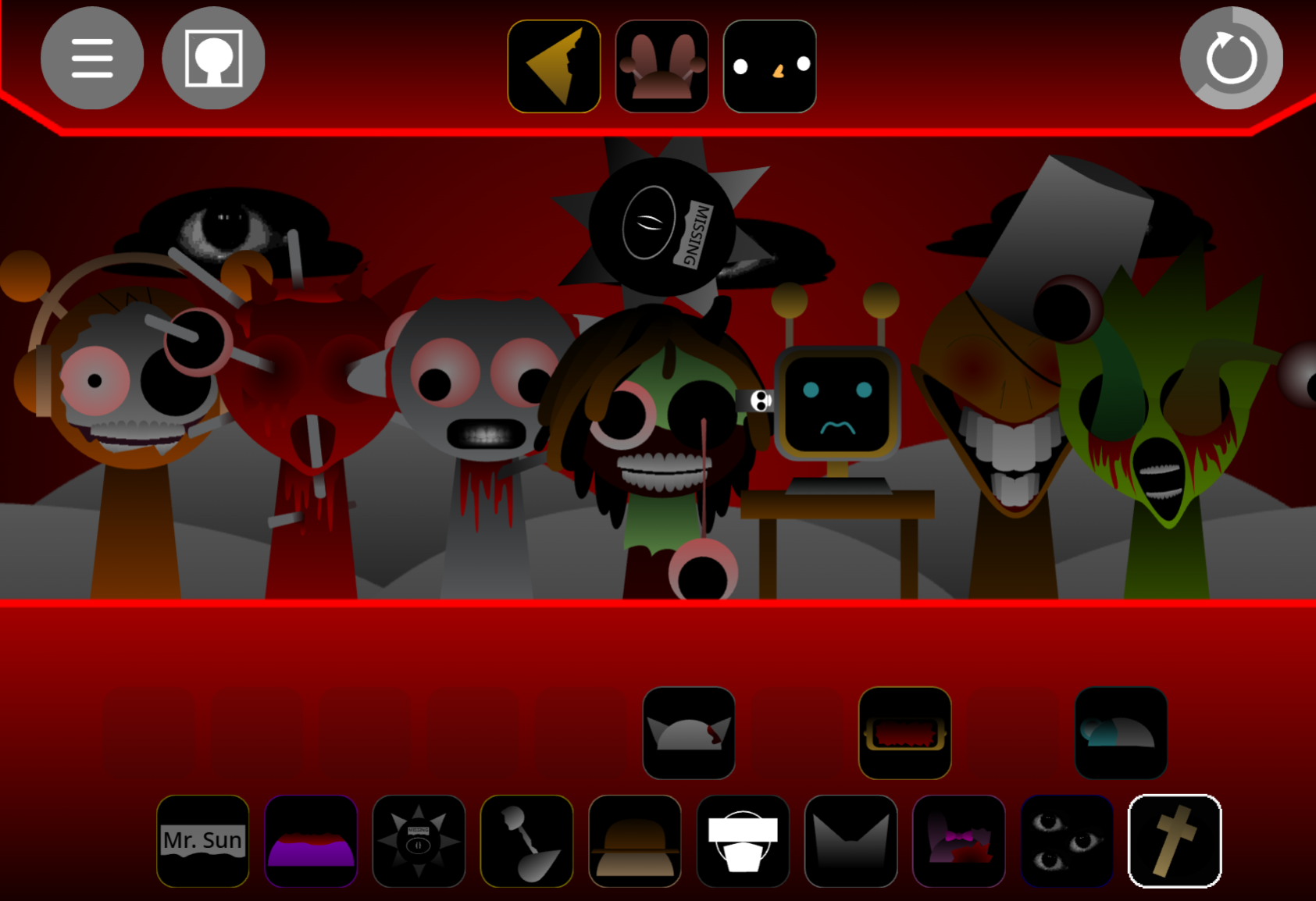
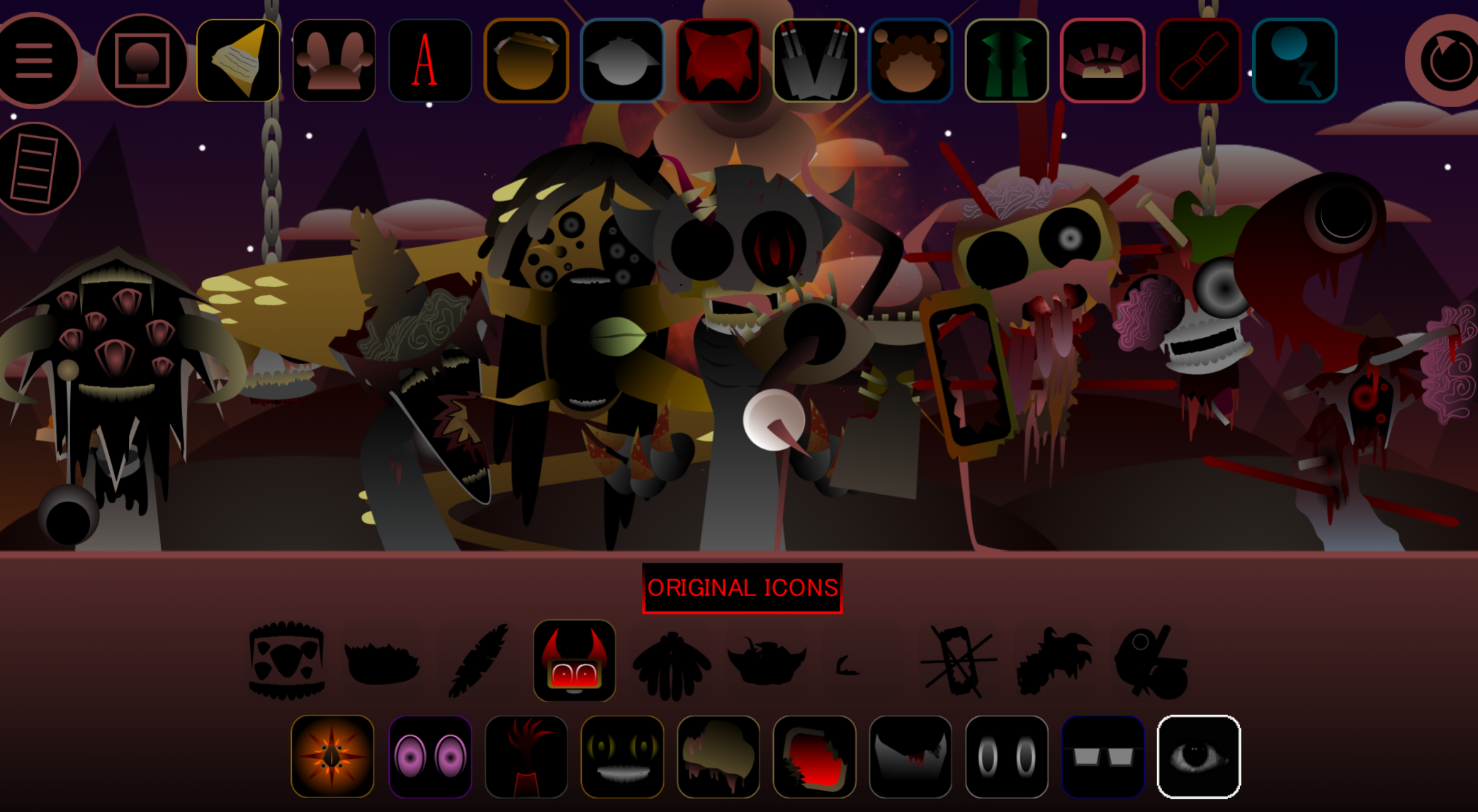
Sprunki Phase 3 - TCC But Swap is a community mod that exchanges character audio roles within the Phase 3 soundboard. Each character keeps its original appearance but performs a different musical function—a visual percussion source might deliver vocals, melody, bass, or atmospheric effects instead. Players build tracks by testing swapped loops rather than relying on familiar character assignments.
Created by @ArigariBezie as version V1.0, the mod runs in browsers through allatozgames.com. It uses the standard drag-and-compose interface, but the redistributed audio turns arrangement into a listening exercise. The Phase 3 visual atmosphere remains intact while the sound structure becomes less predictable.
Features of Sprunki Phase 3 - TCC But Swap
The But Swap system reassigns beats, vocals, melodies, bass parts, and effects across the character roster. A presumed rhythm layer may become a prominent vocal; a melody character may introduce texture or effects.
- Swapped musical roles: Visuals stay recognizable, but audio functions are redistributed
- Phase 3 atmosphere: Retains the sureal, unsettling visual tone of the Phase setting
- Drag-and-drop composition: Activate loops by placing characters or sound icons onto the soundboard
- Live audio control: Spacebar starts playback and tests active combinations; arrow keys adjust volume and sound effects during performance
- Discovery-based mixing: Effective combinations emerge from experimentation rather than memorized character functions
How to Play Sprunki Phase 3 - TCC But Swap
Place a character onto the soundboard to activate its loop. Since appearance no longer matches audio role, treat each addition as a test.
- Start with one or two loops to establish a rhythmic, melodic, or atmospheric base
- Add characters gradually and listen to how each swapped role affects the existing arrangement
- Press spacebar to play and preview whether a loop fits before building around it
- Adjust performance in real time using arrow keys to change volume and sound effects
- Experiment with unusual pairings since swapped functions can produce unexpected rhythm, texture, or vocal balance
The goal is hands-on listening—testing unexpected roles as part of the composition process.
Mixing & Performance Tips
Mixing in TCC But Swap depends on responding to what characters actually sound like.
- Build from a simple foundation. Begin with one or two layers so you can identify whether later additions function as rhythm, melody, vocals, bass, or effects.
- Test unfamiliar loops independently. Swapped audio can make a character unexpectedly dominant—listen to its contribution before treating it as background.
- Add vocals carefully. If a swapped character introduces a prominent voice part, leave room around it to avoid obscuring the track’s pulse.
- Use spacebar as a preview tool. Check combinations as they develop instead of waiting until the board is crowded.
- Shape live performance with arrow keys. Lower an overly loud vocal or effect layer to uncover hidden rhythm and atmosphere beneath it.
- Keep the strongest accidents. The mod is designed around role confusion. If an unusual combination creates a convincing groove or eerie texture, build outward from it.
Related Games
- Sprunki Phase 3 Jedis Version — This alternate Phase 3 mod is the closest follow-up for players who want to compare another identity-changing reinterpretation of the same eerie soundboard setting.
- Sprunki Misfitmix But Classic Phase 5 — Its misfit-style remix premise makes it a natural next experiment for players who enjoyed rebuilding tracks around unexpectedly reassigned character sounds.
Where Can You Play Sprunki Phase 3 - TCC But Swap?
Sprunki Phase 3 - TCC But Swap runs in web browsers through allatozgames.com with no separate installation. The browser format supports quick experimentation: open the soundboard, drag in characters, test swapped loops, and adjust the mix during performance.
New Games
View all
2v2 IO
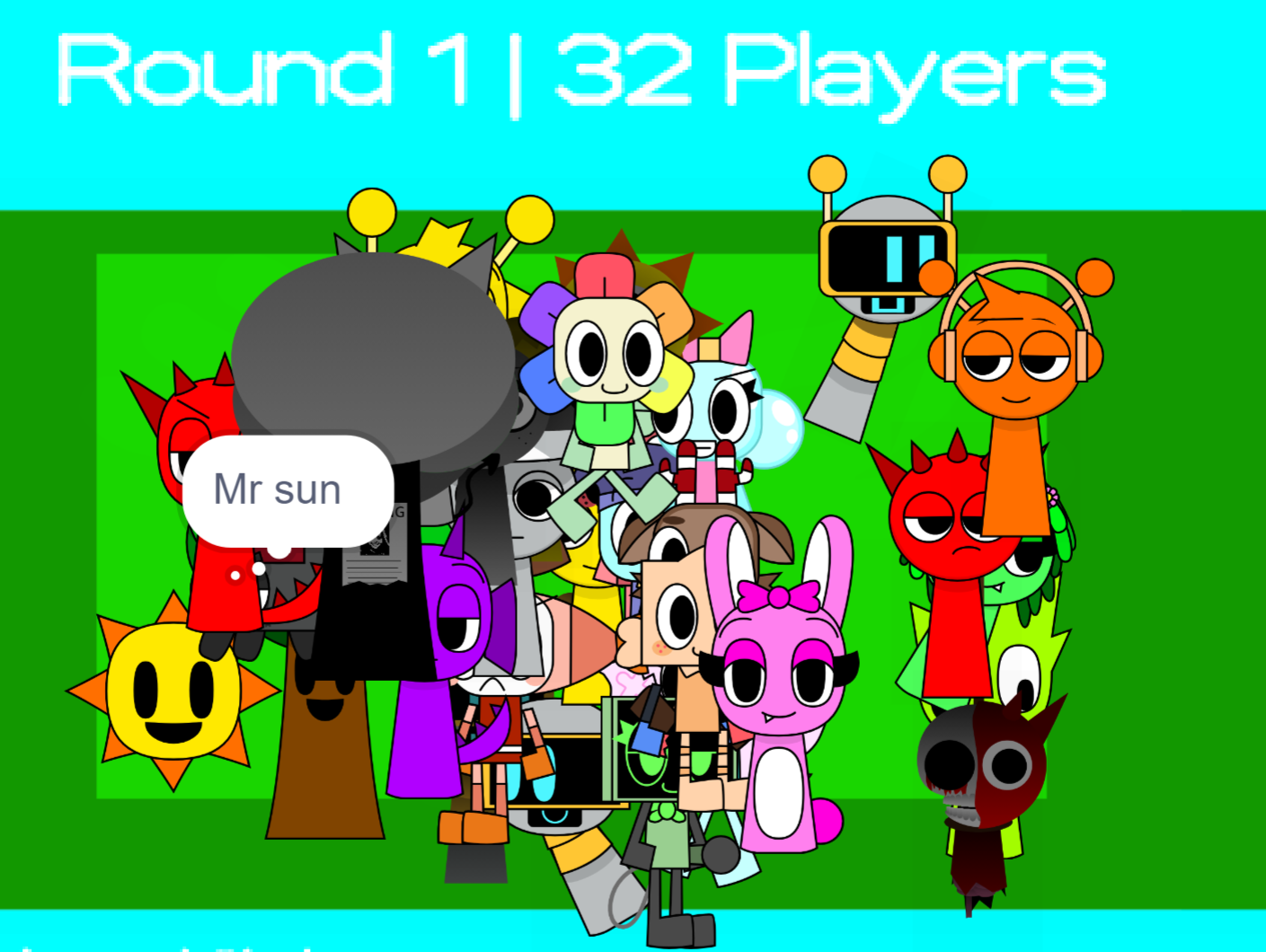
AY In Squish Sprunki
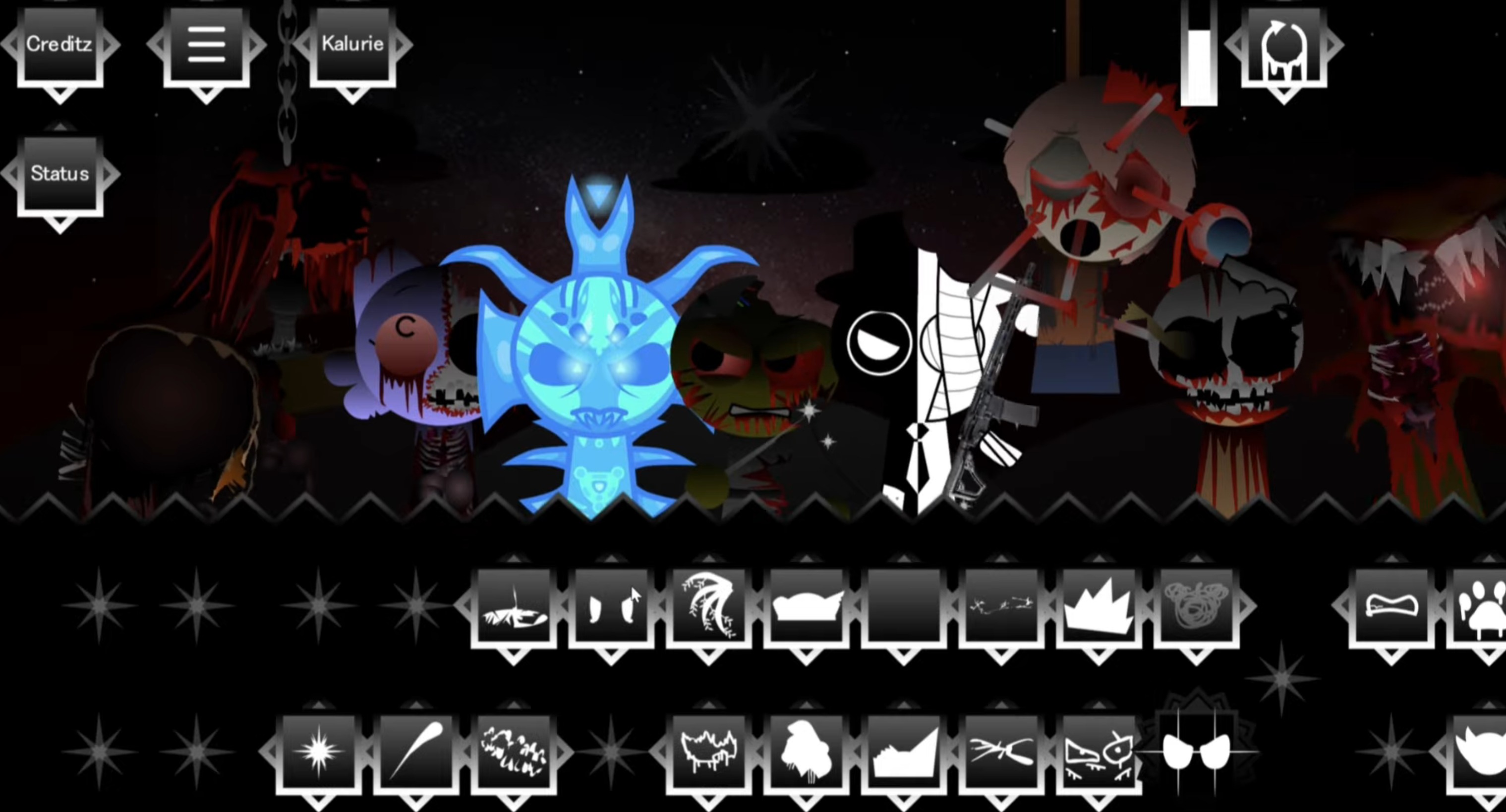
Sprunki Phase 9 Disambiguation
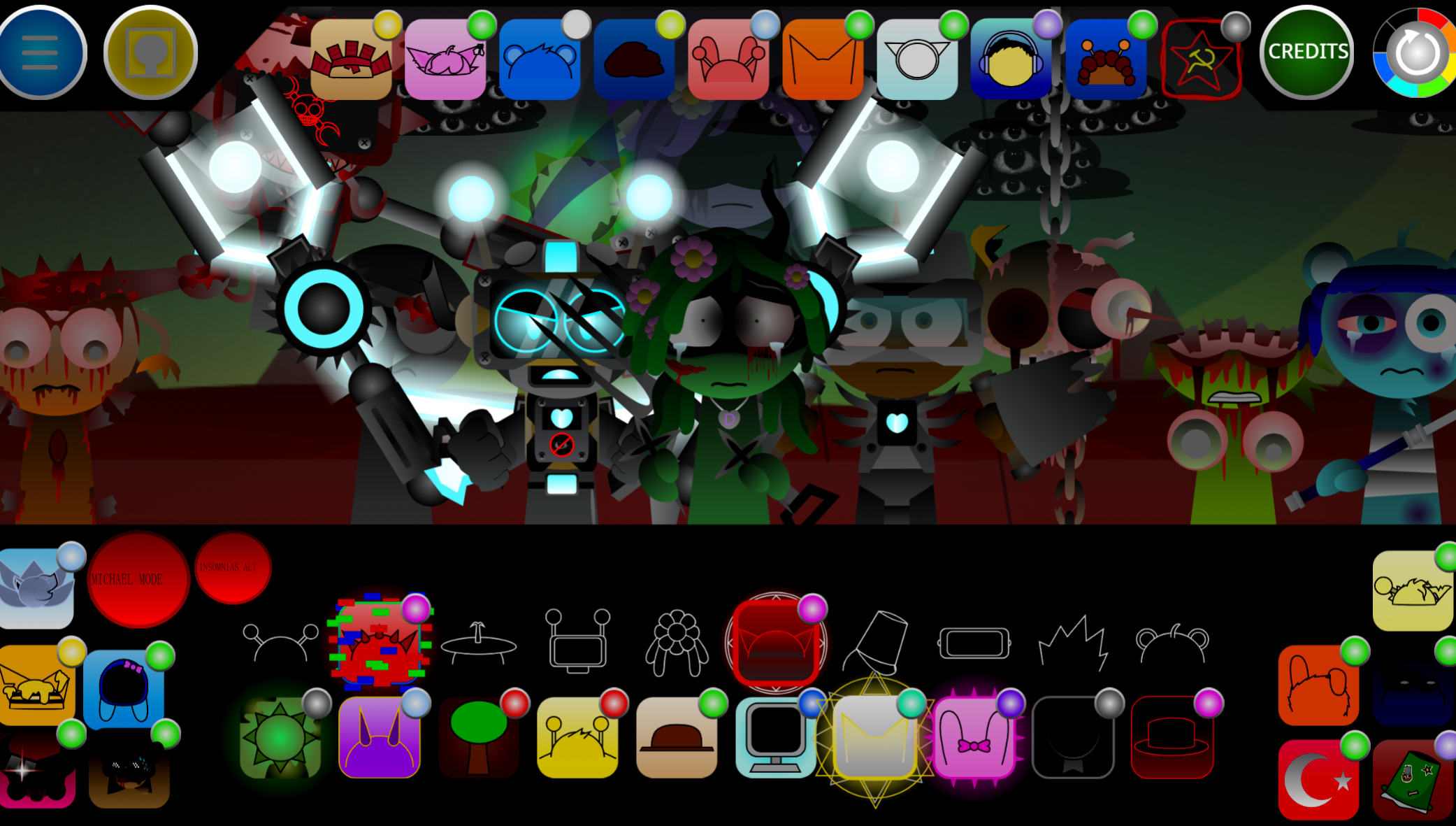
Sprunki Hypershifted Phase 4 Yin And Yang
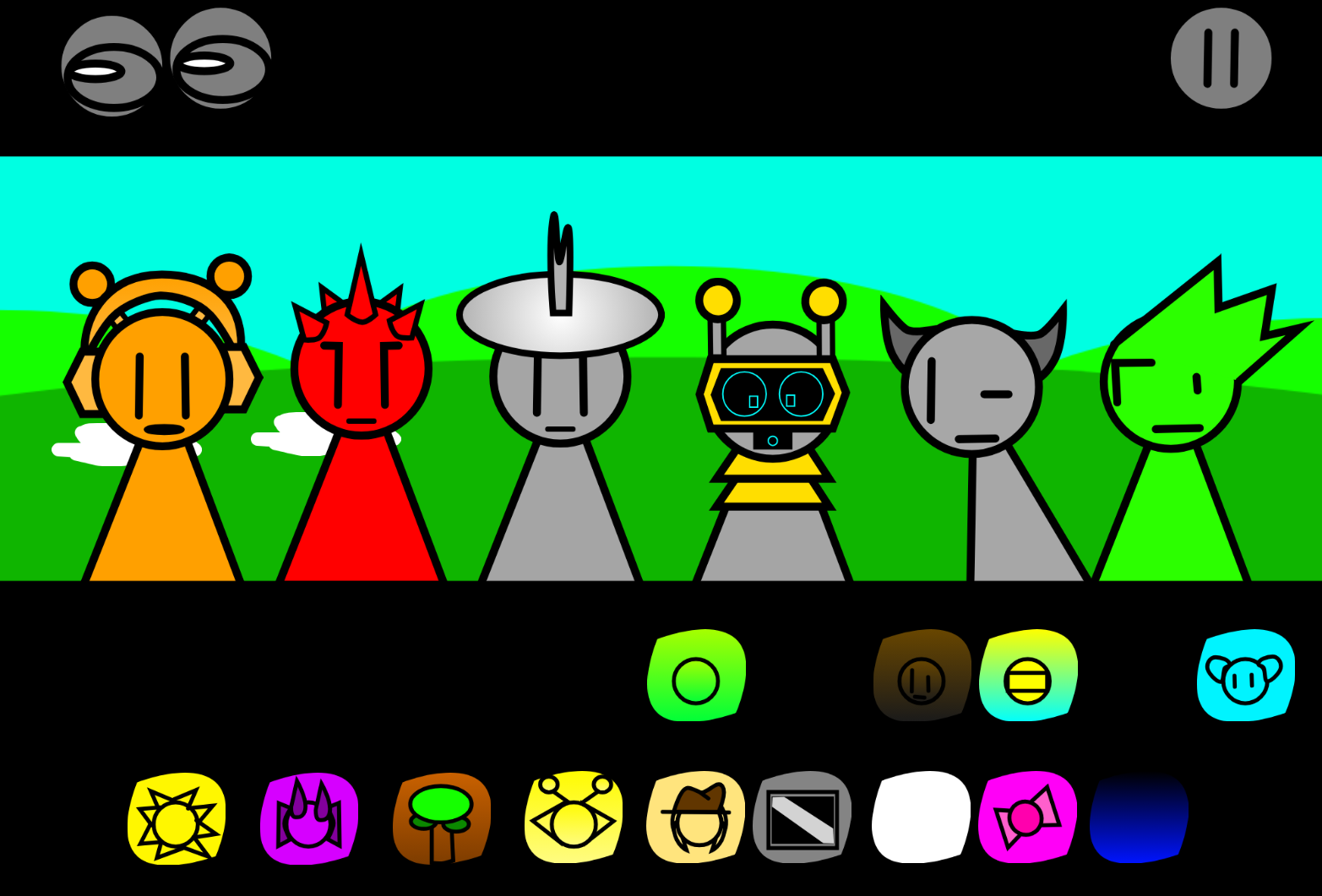
Sprinku Remake V4.0
Up Together
Chimney Express
Sprunki Doubleshifted Remake Phase 5
Sprunki Its The Durples
Dashmetry Winter
Sprunki Phase 3 The End
Obby Toilet Line
Sprunki Definitive Phase 7 Alive
Archers Random
Previous
Sprunki Veri Treatment Remastered
Next
Sprunki Tetrashfited C C Canceled Build
Discuss Sprunki Phase 3 TCC But Swap