
Sprunki Its The Durples - Key vs Durple Mode Breakdown and Hidden Animation Guide
Sprunki Its The Durples offers two contrasting music-mixing modes centered on Key and Durple characters—one bright and melodic, the other dark and bass-heavy—that go beyond simple cosmetic changes to create distinct atmospheres. The mod maintains classic drag-and-drop mechanics while adding hidden animations and a Horror mode that transforms Durple's soothing sounds into distorted, suspenseful loops.
Please wait a moment for the Sprunki Its The Durples game to load after clicking "Play Now" button.
Play Sprunki Its The Durples in Browser Online
Similar games
Recommended Games
View all
Ay In Raining Bomb Survival But But Oren Never Gets Eliminated
Sprunki Sprunkiballs
Sprunki Reversed Theoaguiar06's Take
Supuranki スプランキ(2006)
Ay In Hyper Voyage In Sky But Oren Never Gets Hit Nor Eliminated
Sprunki Super Guys Realm
Sprunki Revercolor Shifted
Sprunki Phase 8 Bab Skwered And Skinned
Ay In Tick Drop Sprunkies But Mr Devil Sun Is A Bossfight
Sprunki Sprunkswap
Sprunki Phase 10 Jevins Last Stand
Sprunki Twirl Shifted Remastered
Sprunki Sprunktuber Japanese
Sprunki Phase3 An Endless Hell
Ay In Tick Drop Sprunkie But Every Sprunki Are K111Ers
Sprunki 9 Shifted Player Baldis Take
Sprunki 5 Shifted Finalized
Sprunki Spi Shifted Remastered
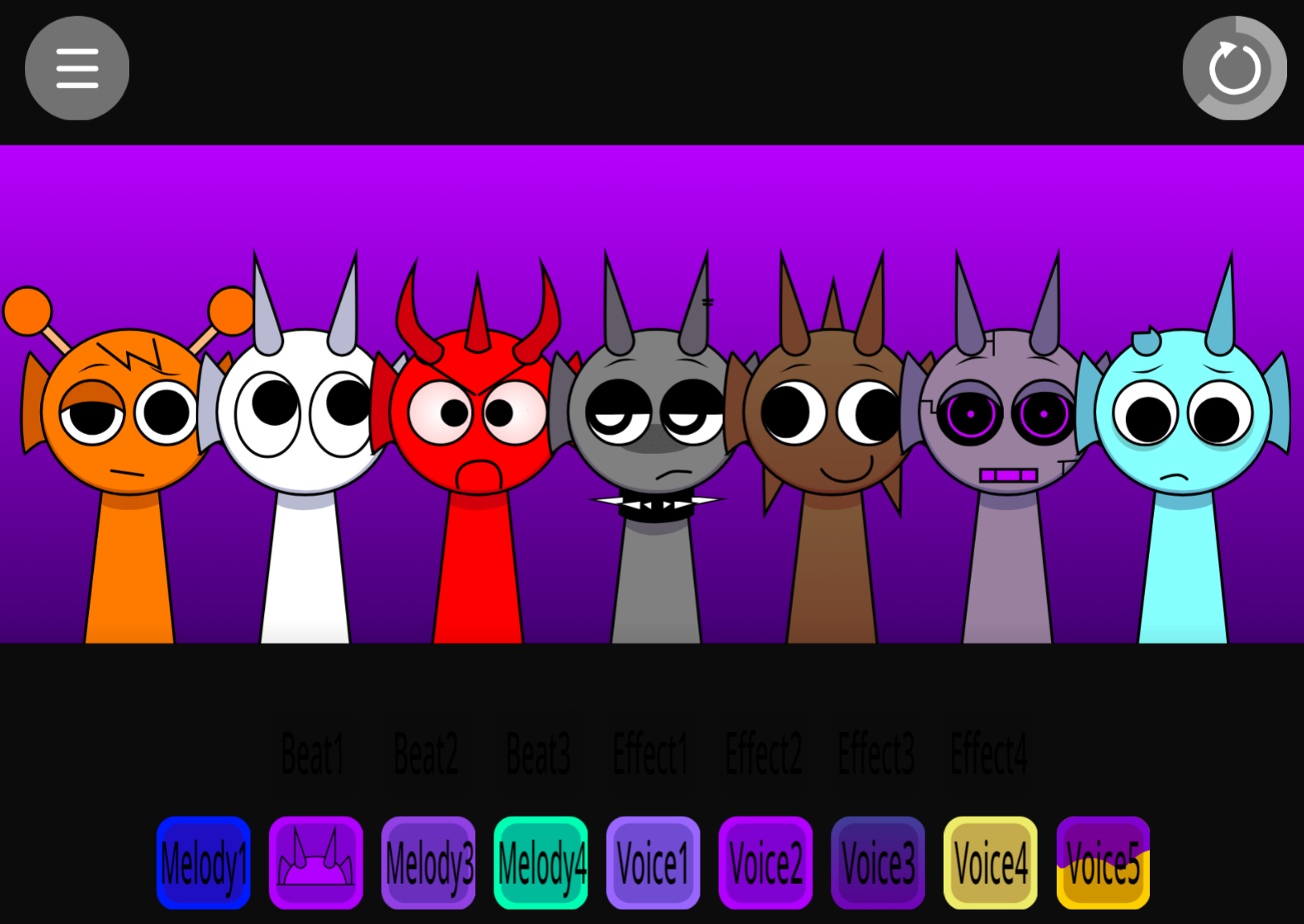
Sprunki Its The Durples is a mod that shifts the standard Sprunki experience into two distinct modes built around Key and Durple—two characters that anchor the visual and sonic identity of each mode.
Instead of treating these as cosmetic swaps, the mod uses Key and Durple to create contrasting atmospheres: one mode leans brighter and melodic, the other darker and bass-heavy, giving players a reason to toggle between them beyond novelty. This article breaks down the features that separate Sprunki Its The Durples from generic variants—the two-mode structure, the character design differences, and how Key and Durple function as more than palette changes.
The music-building mechanics stay the same across both modes: players drag sound icons onto characters to activate looping parts, building sparse or layered tracks in real time.
Key Features of the Durple Mod
Sprunki It’s The Durple’s is a fan-made Incredibox mod that centers on Durple, the 12th character from Sprunki Swapped, known for his calm melodic sound. Created by community modder @BTE and available on allatozgames.com, the mod uses the series’ drag-and-drop music-mixing format while placing Durple’s soothing presence at the core.
The mod offers two distinct modes: a bright normal mode with colorful visuals and lively animations suited to peaceful arrangements, and a shadowy Horror mode that shifts the atmosphere through distorted tones, unsettling visuals, and erie animations. The music-building mechanics stay the same across both modes—players drag sound icons onto characters to activate looping parts, building sparse or layered tracks in real time.
- Durple-led sound design: Durple provides a gentle, steady melody that anchors a mix. Players can layer beats, effects, vocals, and additional melodies around it.
- Classic drag-and-drop mixing: Adding and swapping performers changes the rhythm, texture, and mood of the track immediately.
- Hidden visual surprises: Unusual character and sound pairings may reveal animations not seen in standard arrangements.
Durple’s Character, Sounds, and Horror Transformation
Durple’s character is defined by a soothing musical presence. In normal mode, his bright appearance and smooth melody lines give a mix a measured, peaceful flow. His sounds work well as a foundation—start with Durple, then add percussion for movement, effects for texture, or extra melodies to build the loop without losing its relaxed center.
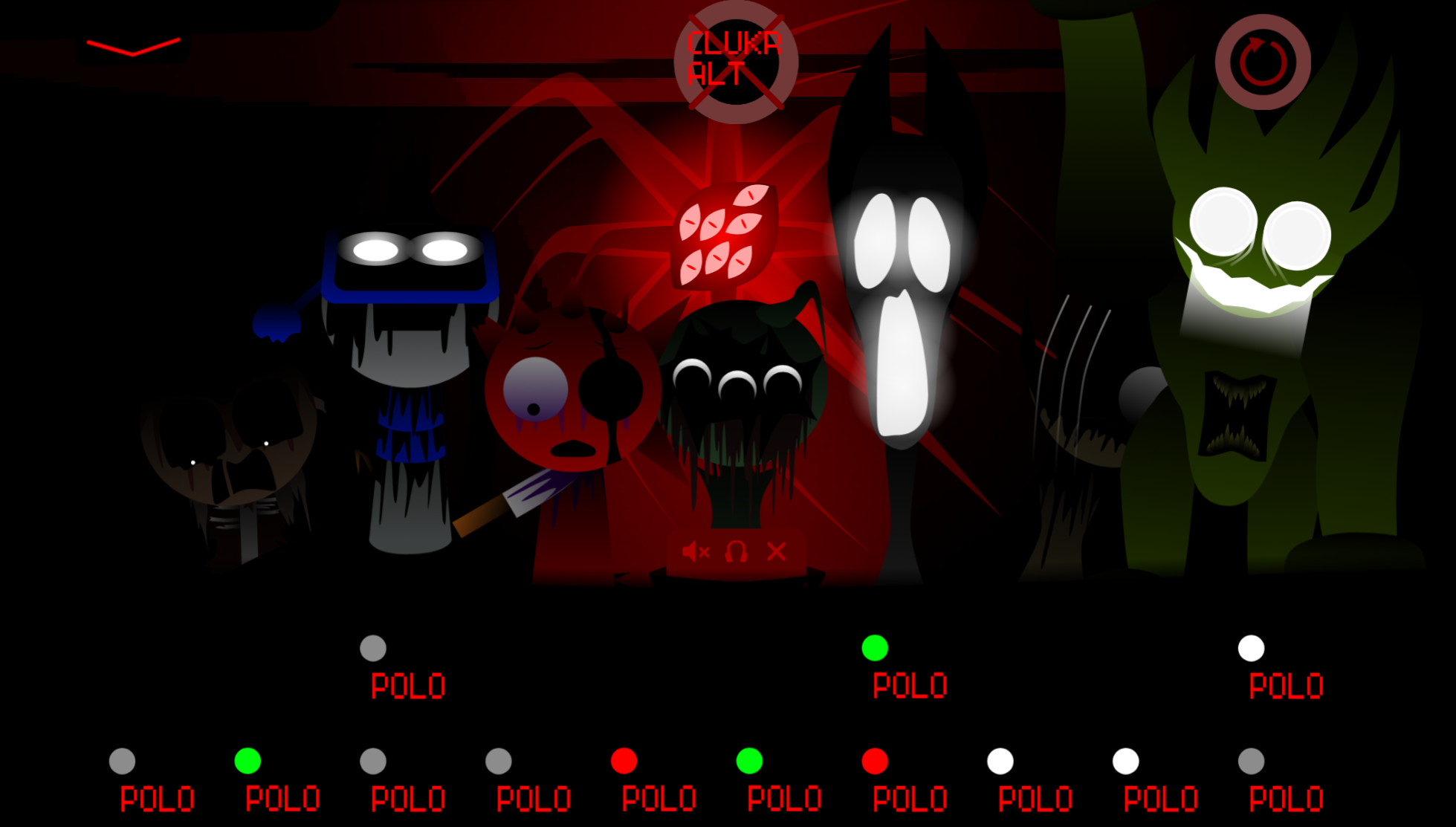
The Horror transformation changes this impression. Durple’s soundscape becomes distorted and uneasy, while darker visual details turn the stageominous. Players still drag, drop, layer, and replace sounds as usual, but the altered audio and visuals make experimentation feel more suspenseful.
How to Play Sprunki It’s The Durple’s
To play Sprunki It’s The Durple’s, create a loping music arrangement by assigning sound icons to the active character lineup.
- Choose a sound character. Drag an icon onto an available character slot. That performer immediately begins playing its assigned loop.
- Build around Durple. Place Durple’s melody early if you want a calm center, then add beats, effects, vocals, or other melodies around it.
- Layer the mix gradually. Each added character changes the overall track. A simple beat can support Durple’s gentle line, while several overlapping parts produce a denser sound.
- Swap and test combinations. Remove or replace characters to hear how individual loops affect the arrangement. There is no required sequence.
- Watch for visual changes. Character animations develop alongside the music, and unusual combinations may trigger hidden visual moments—particularly in Horror mode.
Tips for Creating the Perfect Mix
Durple’s melody can carry a sparse arrangement on its own, while carefully chosen layers add energy without crowding the track.
- Layer one sound at a time. Introduce beats, effects, and melodies gradually to hear whether each part supports the rhythm or competes with it.
- Leave room in the arrangement. Pair a lively beat with Durple’s softer melody, but avoid stacking too many busy effects. If the loop becomes cluttered, remove an element before adding another.
- Use normal mode for flowing mixes. The brighter presentation complements colorful, peaceful combinations and makes it easier to focus on the melodic side.
- Use Horror for contrast. Try a similar lineup in Horror mode to hear how darker sounds and eerie visual changes reshape its mood. Gentle melodies placed beside unsettling effects can create memorable tension.
- Test unexpected pairings. Contrasting combinations may uncover sharper audio changes, hidden animations, and more unusual results.
Related Games
- Incredibox Sprunki Remastered Cancelled Build — Its preserved-build focus makes it a fitting follow-up for players interested in the specific historical version and fan-mod evolution behind Durple’s showcase.
- Sprunki Phase 4 Definitive New Version — Players drawn to the abrupt shift from Durple’s calm normal-mode melodies to unsettling horror presentation can continue exploring Sprunki’s darker phase-based soundscapes.
Enjoy!
New Games
View all
Sprunkbox Spruplited
Sprunki Withers In Ruins Phase 2
Sprunki Paradox Shifted
Minor Fixes Sprunki Revamped

Flying Ball
Sprunki Parodybox Refreshed
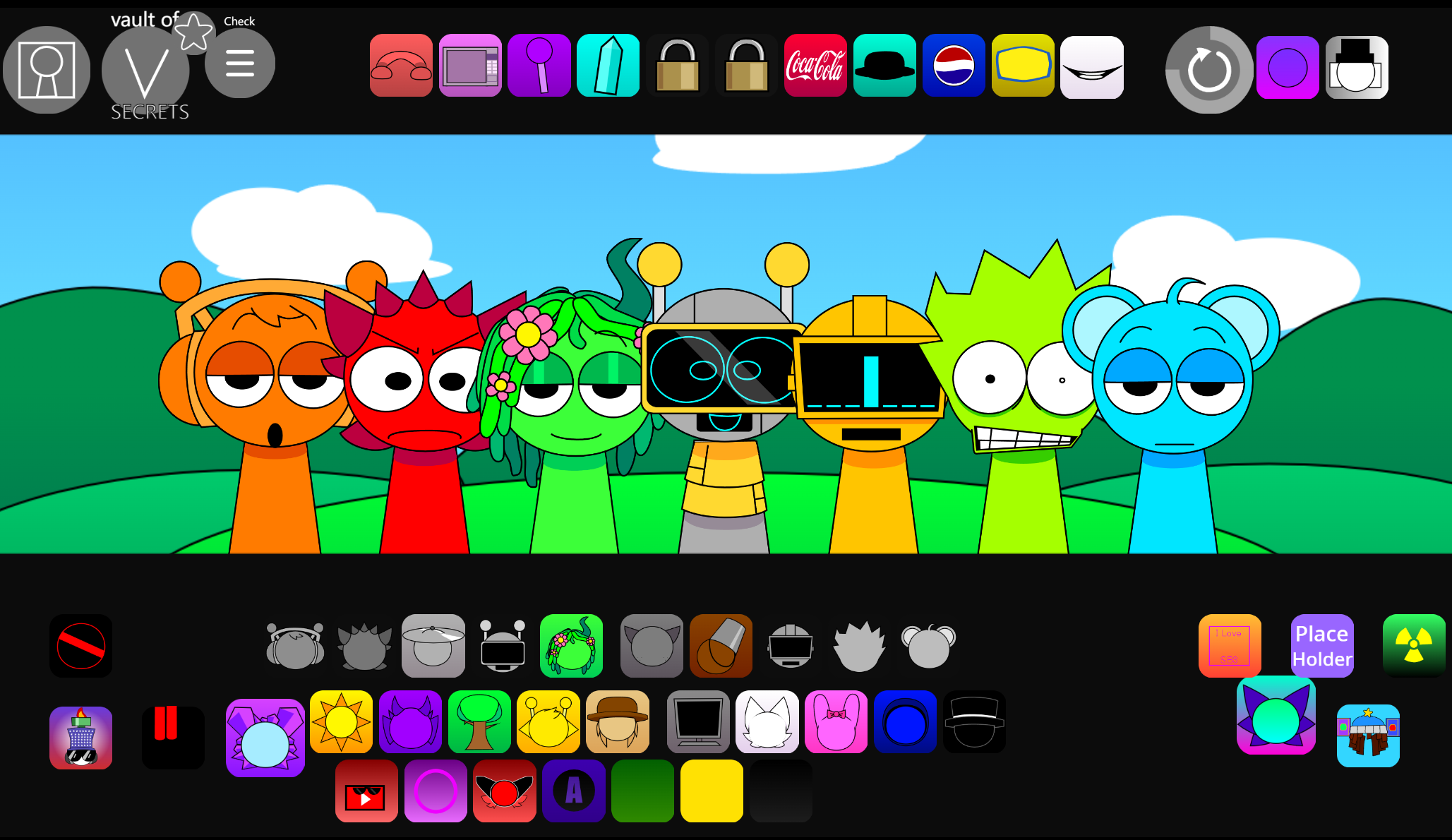
Sprunke Pyramixed Oc 1.6
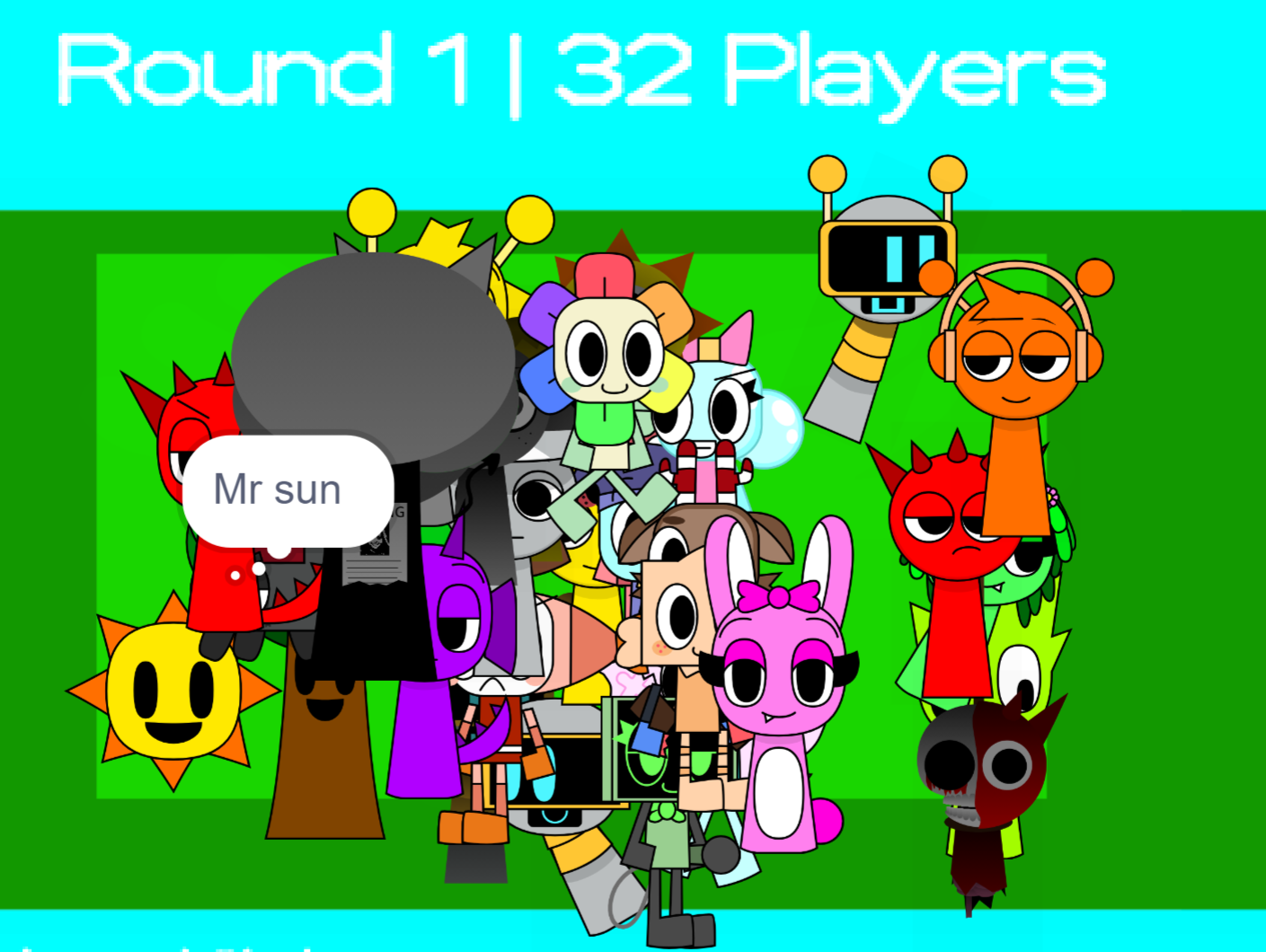
AY In Squish Sprunki
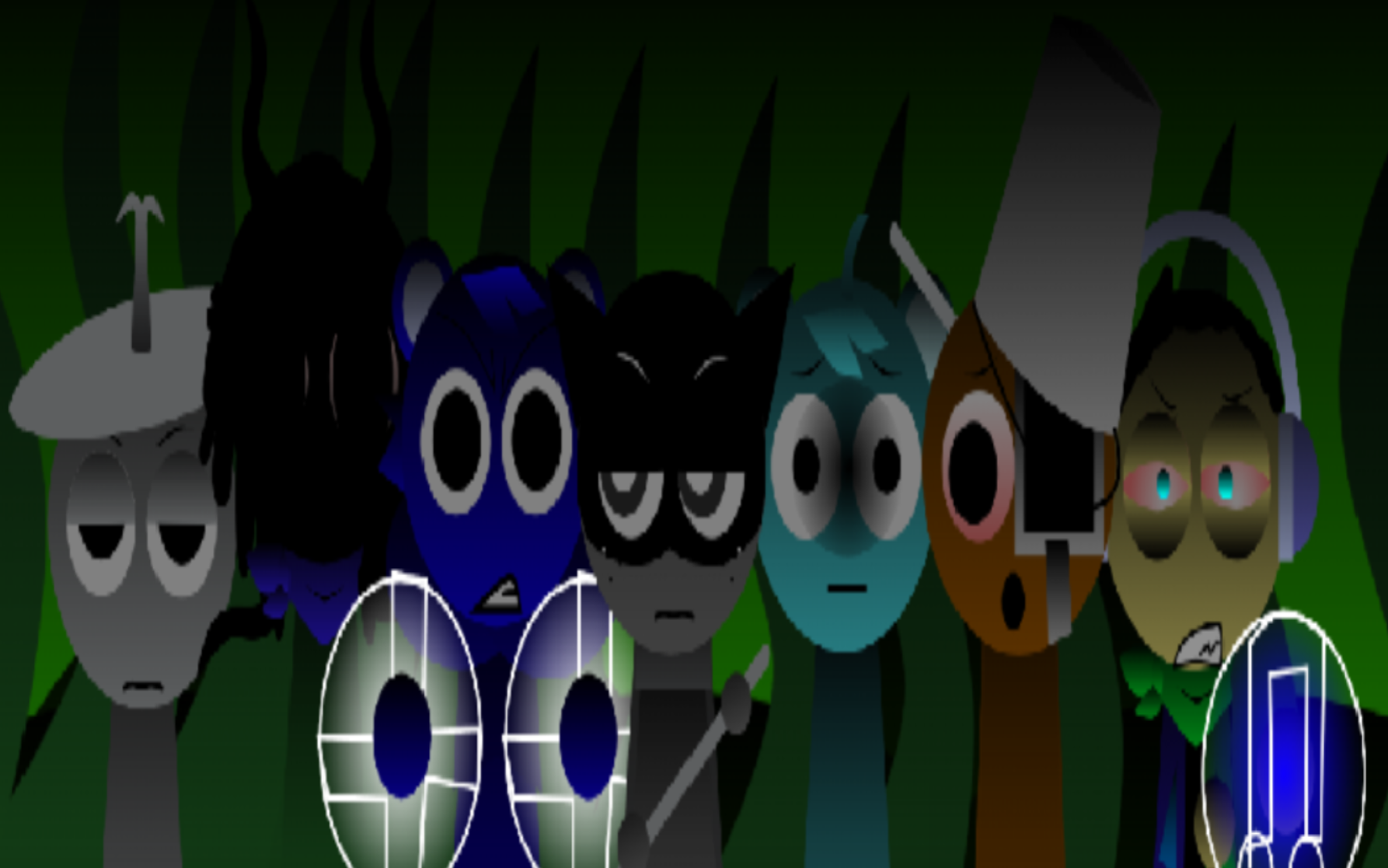
Sprunki Nature Shifted Final Leak
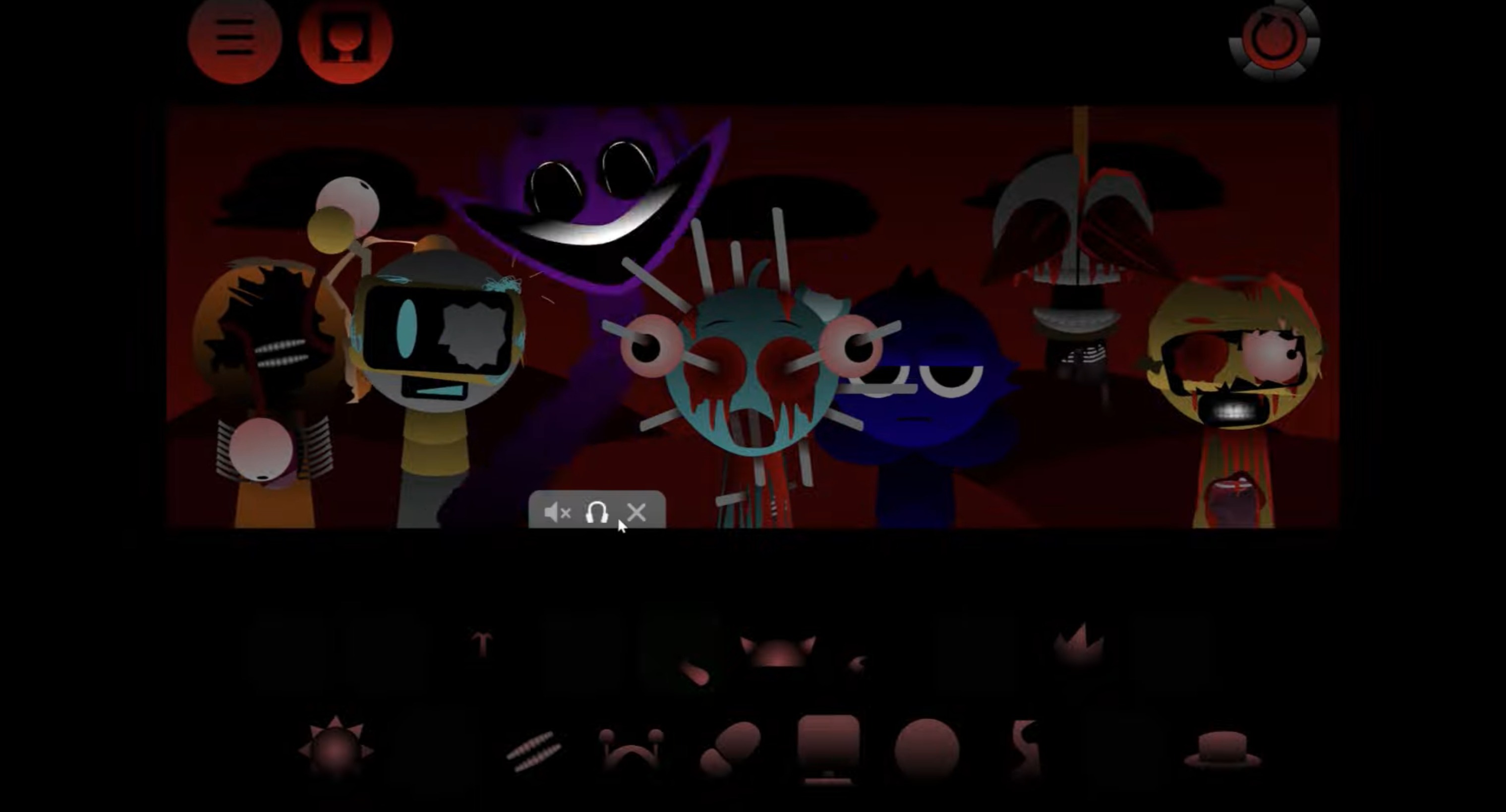
Sprunki Phase 4 Definitive New Version
Stone Grass

Xtreme Moto Mayhem

Tank Stars
Raccoon Retail
Previous
Sprunki The Girls Powers Evils Eviluniversd Phase Final
Next
Sprunki Ashtas Realm
Discuss Sprunki Its The Durples