
Sprunki Normals And Withers - Turn Cheerful Beats Into Warped Horror With One Click
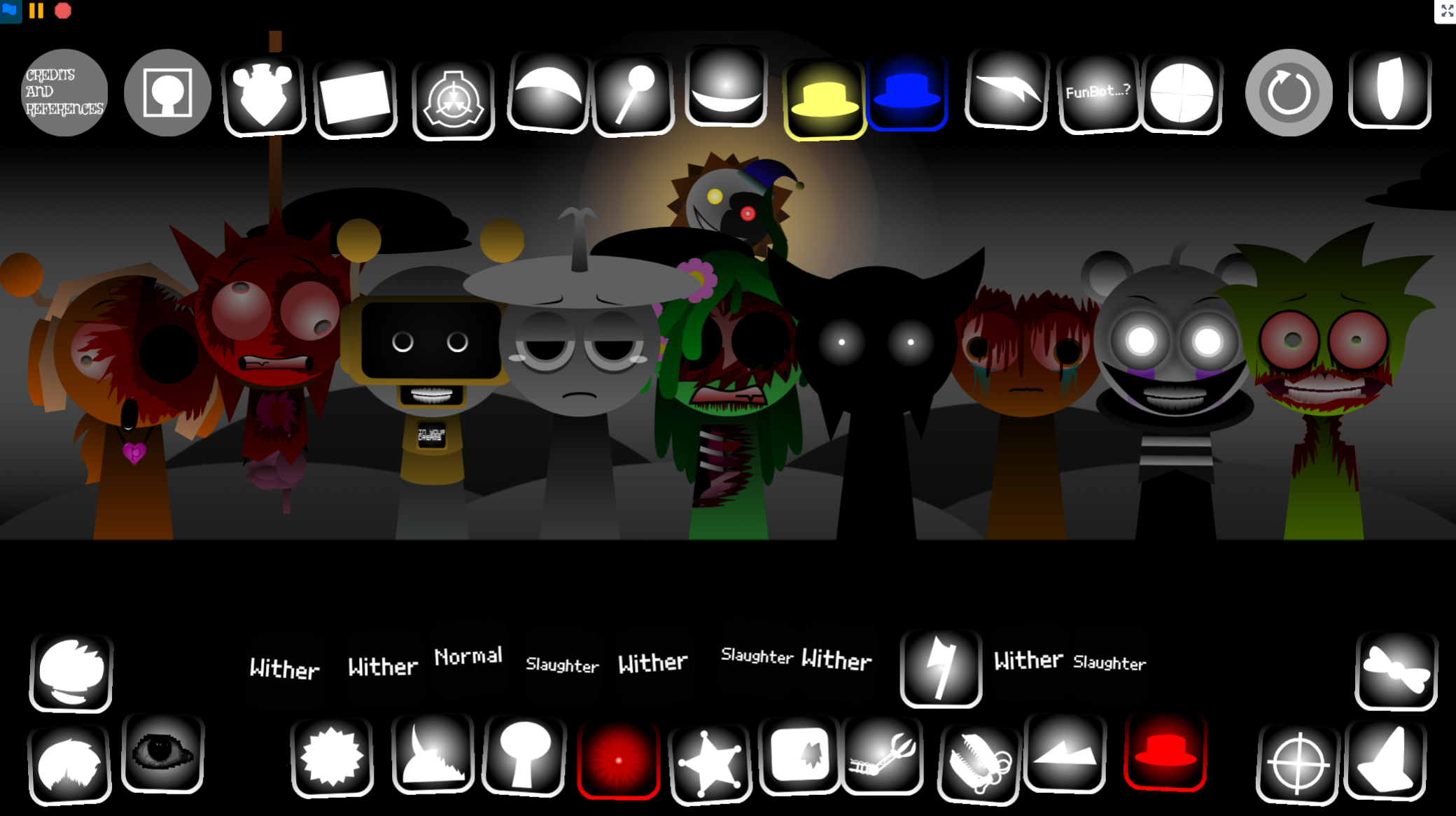
Sprunki Normals And Withers lets you build music with a spring-loaded choir that transforms from bright cartoon performers into distorted horror figures when you trigger Phase 2, replacing every upbeat loop with warped, bass-heavy alternatives. This dual-mode Incredibox mod by @MrJevinBOI gives you 20 sound sources and eight character slots to layer beats, melodies, and vocals that shift identity the moment you add Black to the stage.
Please wait a moment for the Sprunki Normals And Withers game to load after clicking "Play Now" button.
Play Sprunki Normals And Withers in Browser Online
Similar games
Recommended Games
View all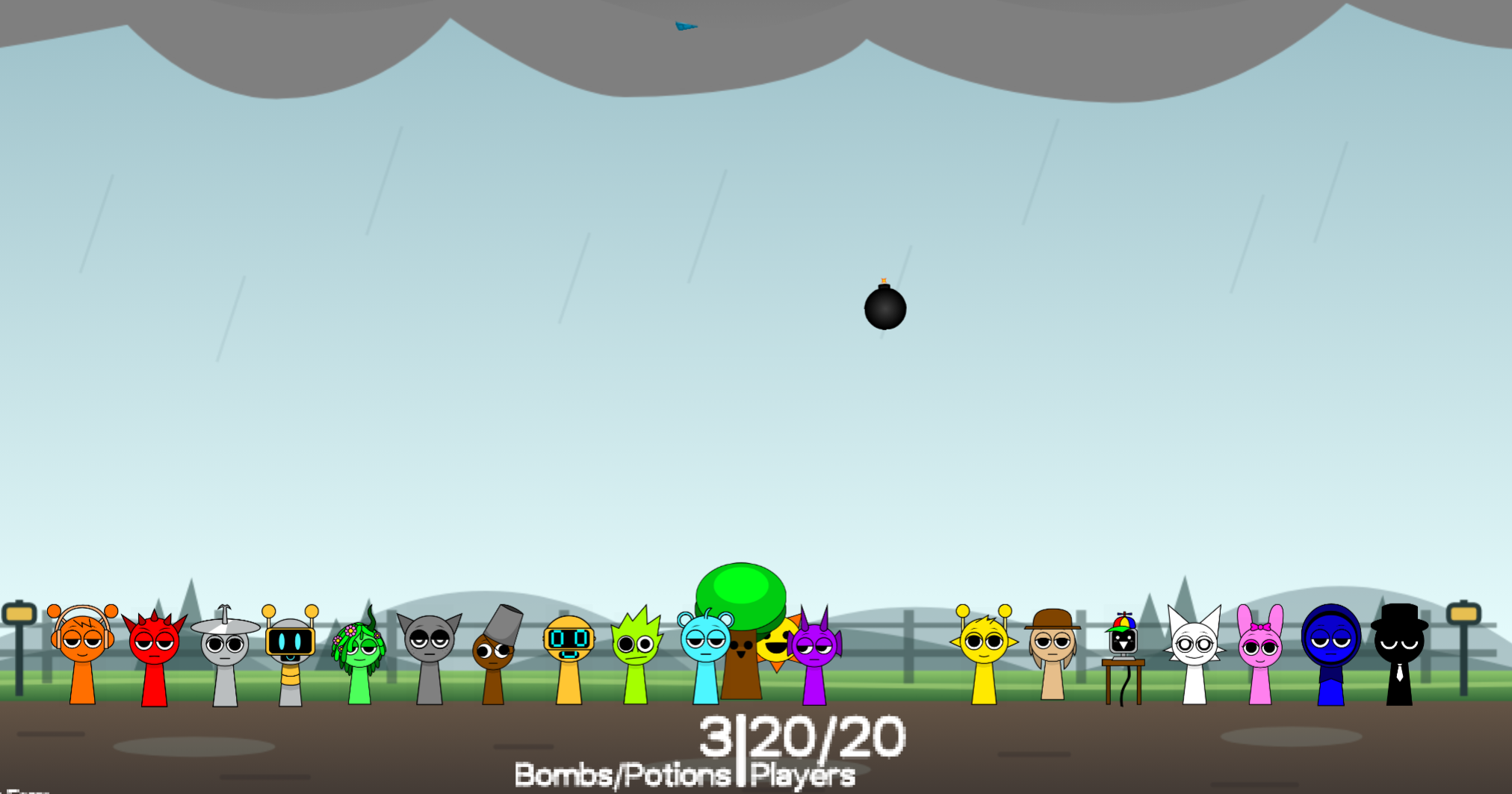
Ay In Raining Bomb Survival But But Oren Never Gets Eliminated
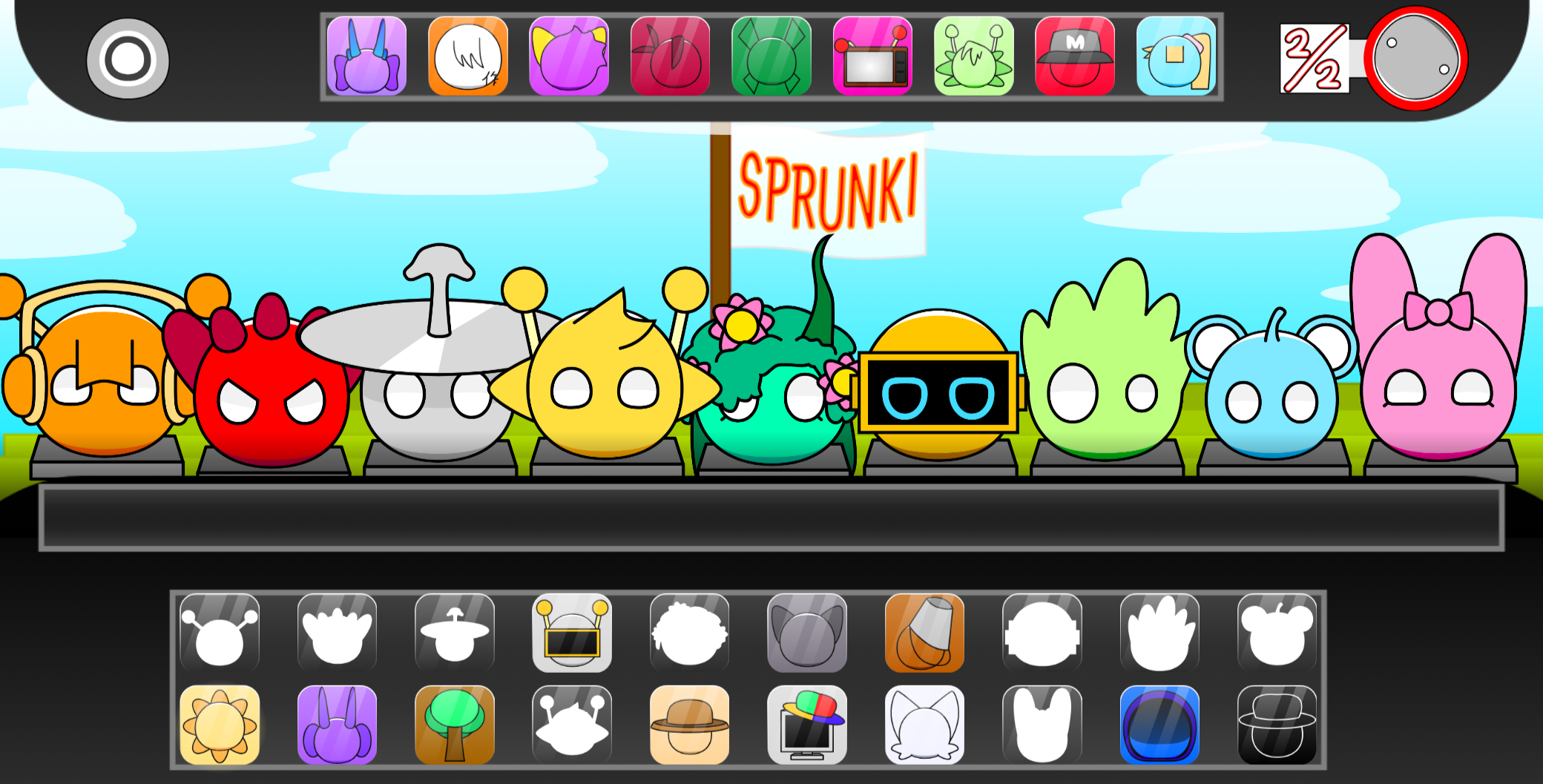
Sprunki Sprunkiballs
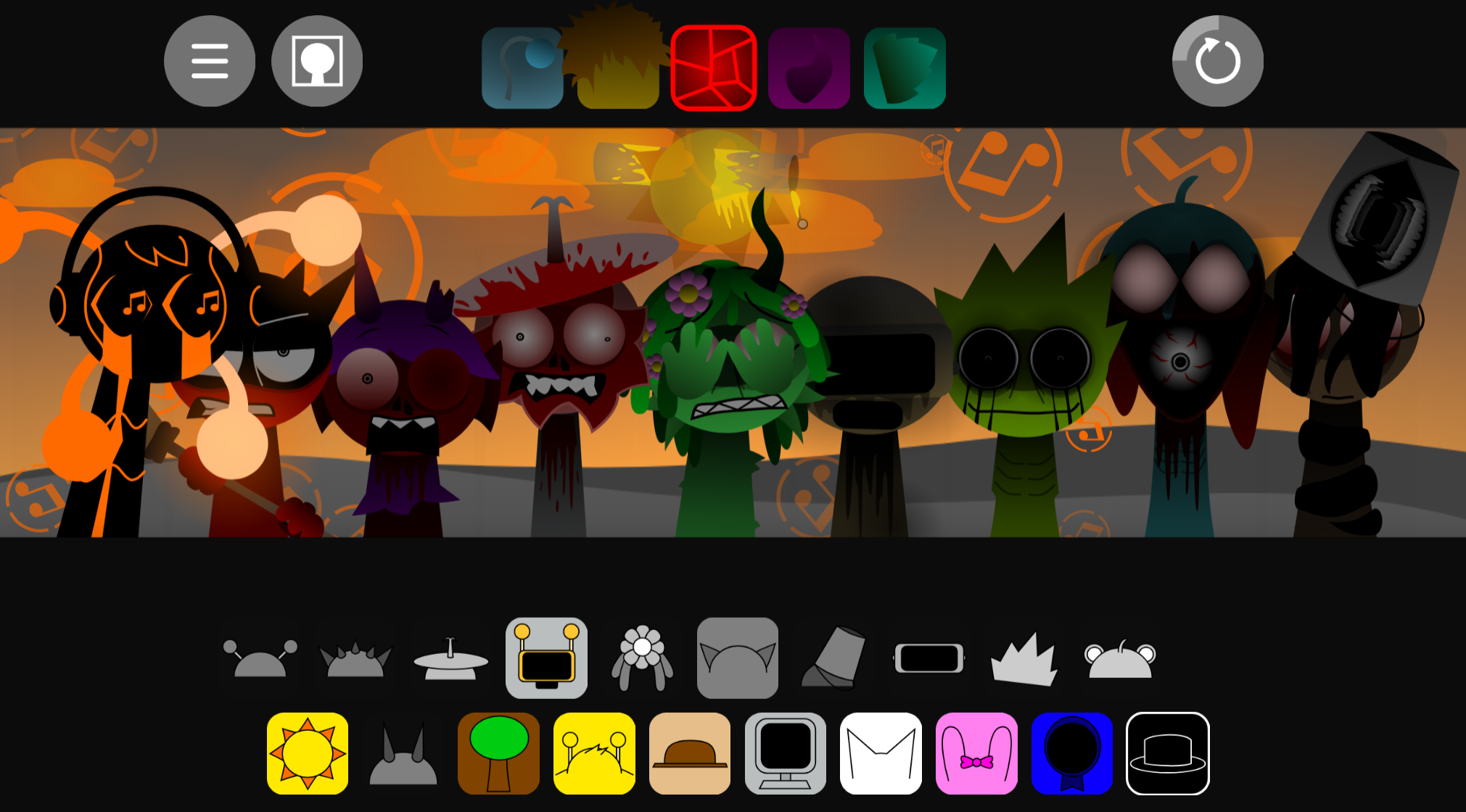
Sprunki Reversed Theoaguiar06's Take
Supuranki スプランキ(2006)
Ay In Hyper Voyage In Sky But Oren Never Gets Hit Nor Eliminated
Sprunki Super Guys Realm
Sprunki Revercolor Shifted
Sprunki Phase 8 Bab Skwered And Skinned
Ay In Tick Drop Sprunkies But Mr Devil Sun Is A Bossfight
Sprunki Sprunkswap
Sprunki Phase 10 Jevins Last Stand
Sprunki Twirl Shifted Remastered
Sprunki Sprunktuber Japanese
Sprunki Phase3 An Endless Hell
Ay In Tick Drop Sprunkie But Every Sprunki Are K111Ers
Sprunki 9 Shifted Player Baldis Take
Sprunki 5 Shifted Finalized
Sprunki Spi Shifted Remastered
Sprunki Normals and Withers is a fan-made Incredibox mod by @MrJevinBOI that splits its roster into two distinct states: bright, upbeat Normals and darkened, distorted Withers.
Players drag sound sources onto an eight-member choir of spring-loaded characters, choosing from 20 available loops to layer beats, melodies, and vocals. The mod’s defining mechanic is its transformation trigger—activating a specific character flips the entire ensemble into Wither mode, replacing cheerful samples with warped, bass-heavy alternatives.
This article breaks down the features that separate Sprunki Normals and Withers from generic Incredibox variants: the two-stage sound design, the visual shift between modes, and the way the transition reshapes every active loop simultaneously.
Sprunki Normals and Withers
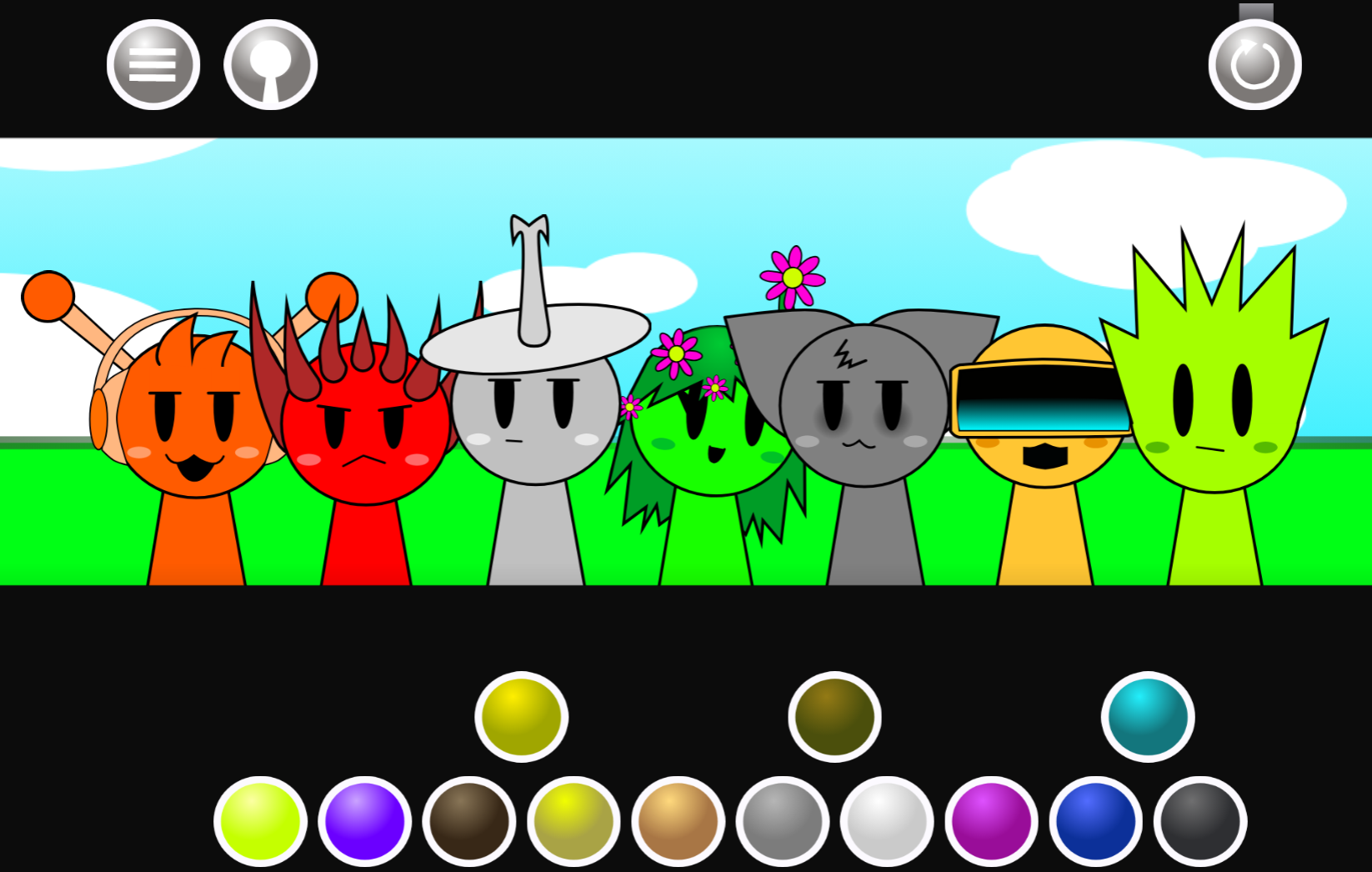
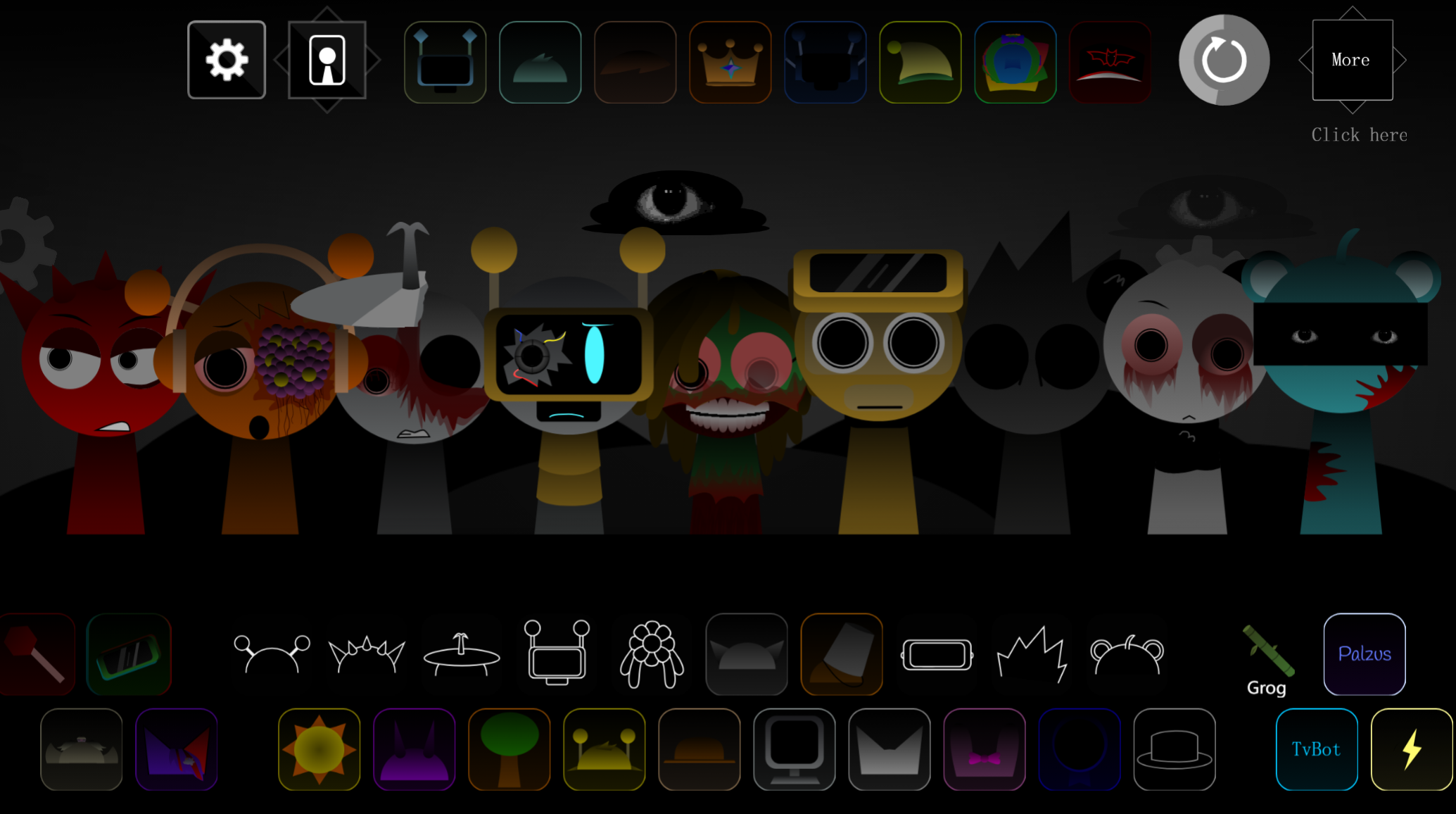
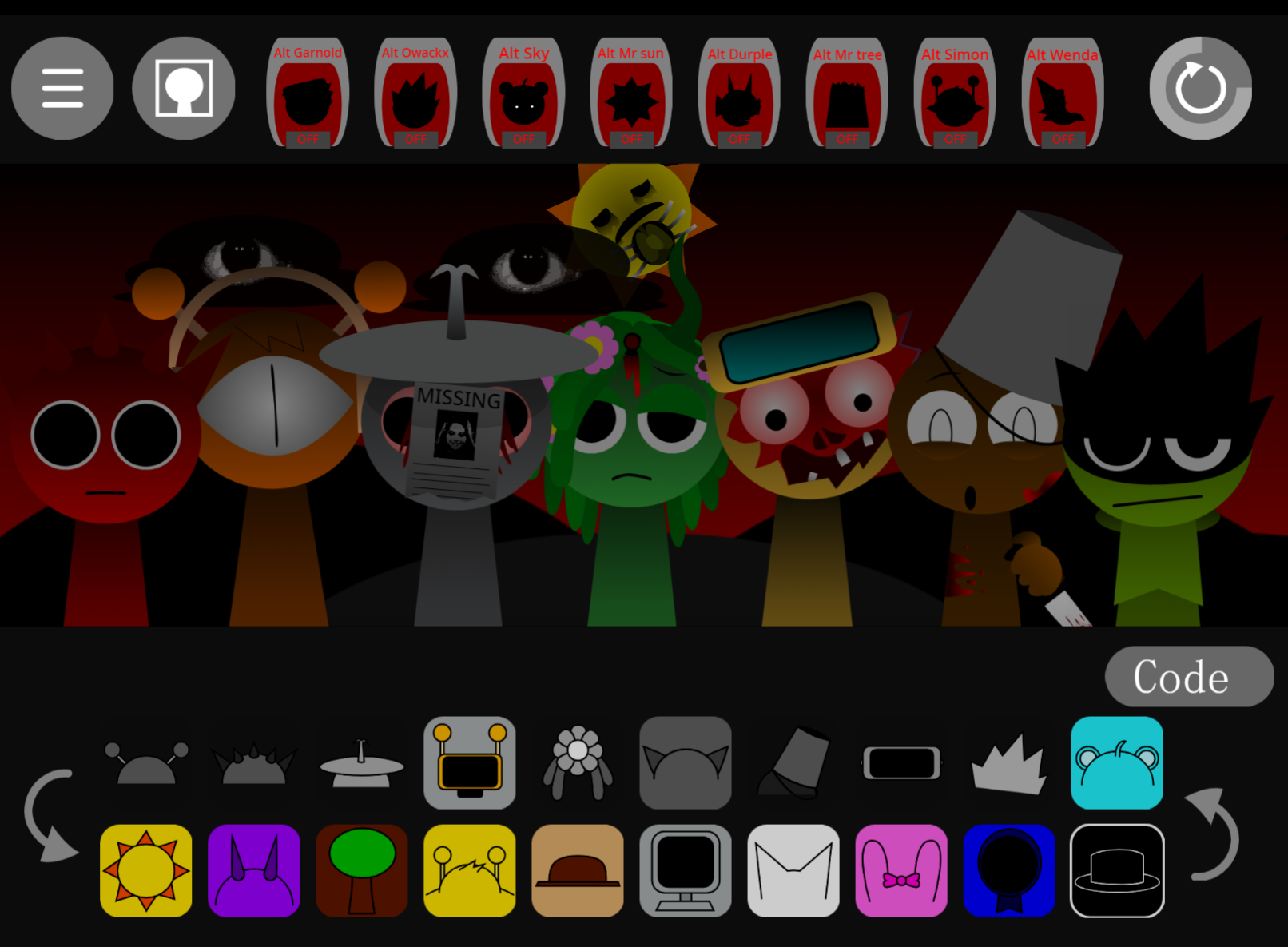
Sprunki Normals and Withers is a fan-made Incredibox-style mod by @MrJevinBOI built around a two-stage transformation. Players select from 20 sound sources to build an eight-member choir of spring-loaded characters. In Normals mode, bright cartoon figures bounce on metal springs while delivering playful melodies and beats. Add the character Black, however, and the stage shifts into Phase 2—the horror presentation called Withers. Colors drain, faces hollow out, the stage turns blood-red, and the same musical framework warps into harsh, fractured textures.
Characters like Mr. Tree, Derpal, and Simon contribute beats, vocals, melodies, and effects. Simon’s “eat bread” melody often serves as a melodic center in Normal mode. The transformation affects more than visuals: animations distort, character designs become unsettling, and audio shifts toward darker tones. Players control the mix throughout, choosing whether to preserve a clean cartoon groove or push deliberately into corrupted soundscapes.
Community members have discussed hidden soundscape details, mode-specific combinations, and possible future additions. The mod is available through allatozgames.com and some Sprunki game libraries.
Play Sprunki Normals and Withers
The mod uses drag-and-drop music making. Select a sound source, place its matching character onstage, and that performer adds a looping part to the composition. The choir holds up to eight characters at once, allowing players to combine rhythm sections, melodies, vocals, and effects without losing the compact live-loop structure.
In Normals, the cast performs with colorful cartoon energy. Mix available sounds to change rhythm, tonal balance, and mood; replacing one character can alter a loop in seconds. The brighter sound set suits light melodic arrangements, springy beats, and playful combinations.
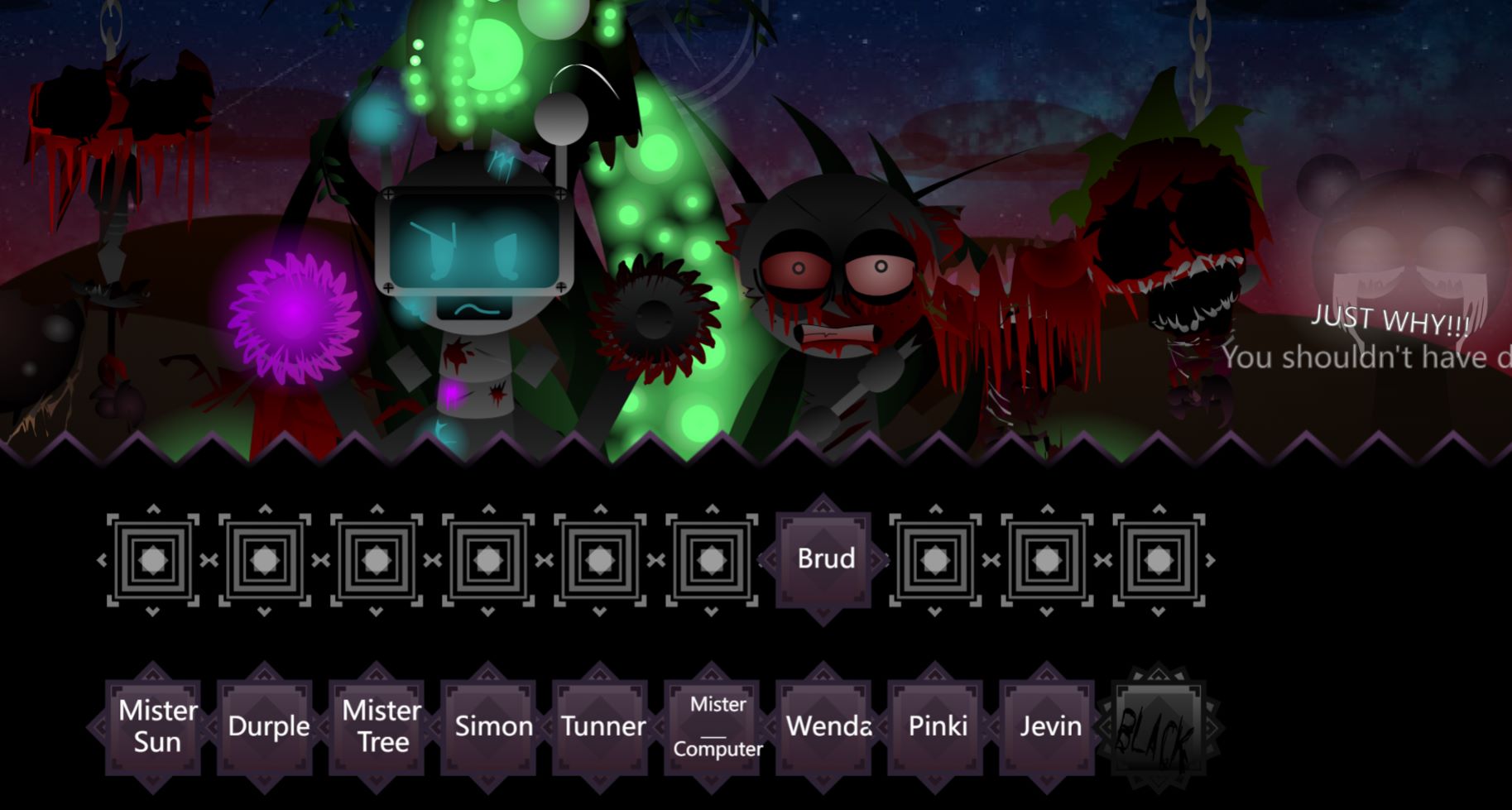
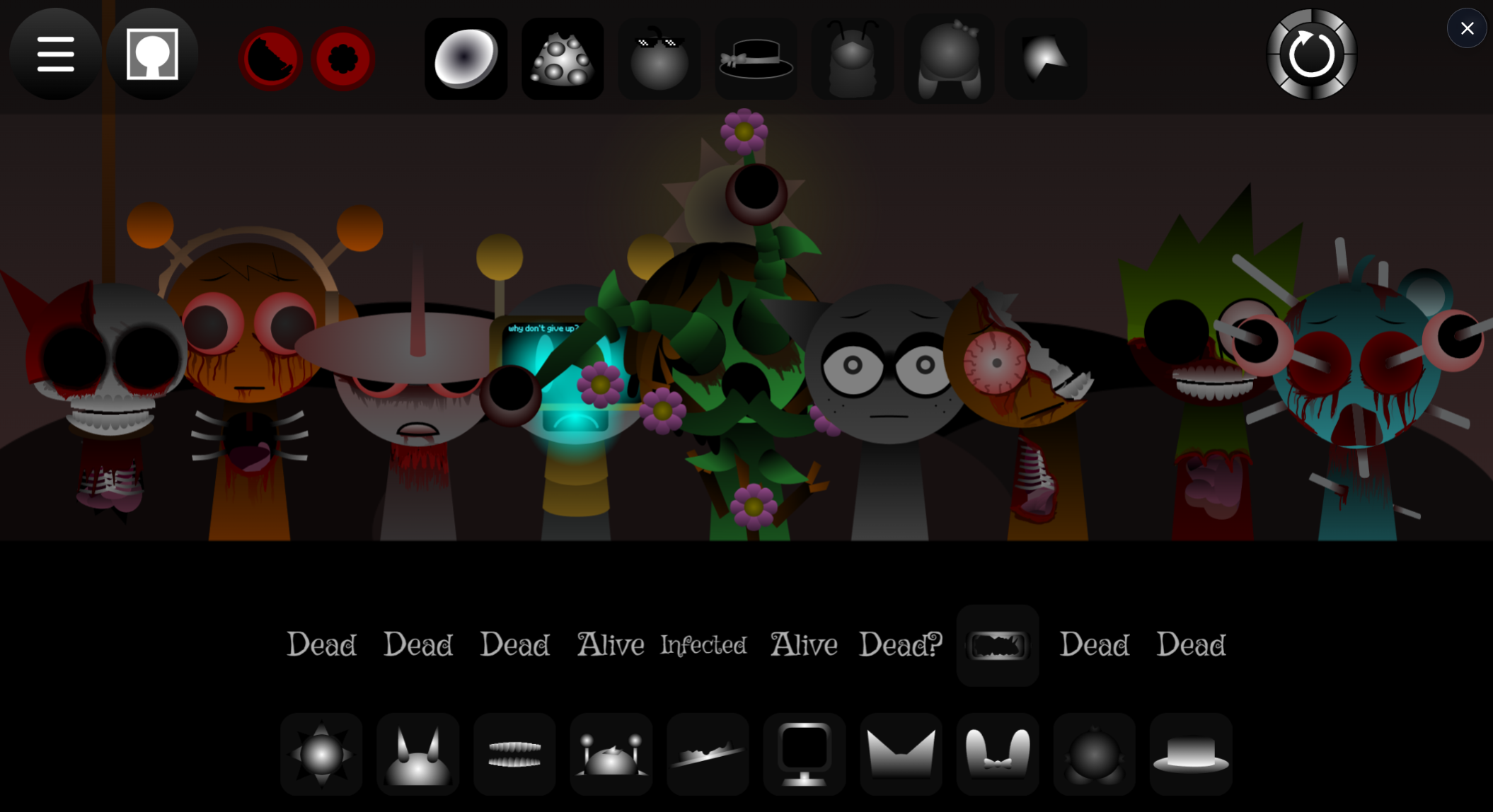
Withers keeps the same mixing structure but changes identity. When Black triggers Phase 2, the stage and cast mutate into the horror-themed version. Sounds become more abrasive, animations grow warped, and visual rhythms take on a damaged, blood-red appearance. This invites players to reconsider which layers belong together and how a familiar arrangement can be made tense, sparse, or deliberately distorted.
Where available, editing controls adjust volume and add effects. These refinements can uncover a buried vocal line, reduce an overpowering beat, or make a clean Normal-mode phrase feel more jagged in Withers.
How to Play Sprunki Normals and Withers
- Open the mod in a browser through allatozgames.com or a Sprunki game library hosting the phase.
- Choose a sound source. Each character represents a musical role: beat, vocal, melody, or effect.
- Conduct Your Spring-Loaded Choir. Drag the selected character onto the stage. The performer begins bouncing and adds its loop to the active track.
- Build an eight-member arrangement. Start with a steady rhythmic layer, then introduce melody and texture. Mr. Tree, Derpal, Simon, and the rest can be combined in different ways.
- Refine the mix. Swap characters when a layer crowds the rhythm. Use volume or effect controls to give important sounds more space.
- Add Black to enter Withers. This Key transformation action triggers Phase 2, shifting the bright Normals presentation into its distorted horror counterpart.
- Save or share results. The Sprunki community trades combinations, hidden details, and discoveries tied to particular sound sets or mode changes.
Pro Tips
- Build the backbone first. Begin with one dependable beat, then add a melodic line and one effect. Adding every layer immediately makes it difficult to tell which character improves or weakens the groove.
- Treat each character as a role. Listen for the difference between pulse, melody, vocal color, and distorted texture. A character’s loop determines its practical place in the arrangement.
- Use space as part of the composition. A full choir is not always strongest. Removing a dense layer can clarify an existing melody, while a brief drop-out can give a returning beat more impact.
- Let Normals and Withers serve different goals. Normals favors bright, clean, cartoon-styled arrangements. Withers often benefits from leaner layering, sharper effects, and more contrast between rhythmic stability and damaged textures.
- Experiment before polishing. Unexpected character pairings can reveal accidental hooks. Once a combination works, refine it with careful swaps, volume adjustments, and effects rather than rebuilding from scratch.
- Compare the same idea across both modes. Build a pattern in Normals, then introduce Black and hear how the changed visual and audio context affects it. This is one of the clearest ways to explore the mod’s dual-mode design.
Related Games
- Sprunki Blood Moon Phase 11 — Its blood-red horror presentation makes it a natural follow-up for players drawn to the Withers mode’s abrupt descent from cheerful beat-making into disturbing visuals and warped sound.
- Sprunki Phase 6 The Scarlet Sun Redds Take Finished Animations — The focus on a scarlet-themed phase and finished character animations suits readers interested in how Sprunki mods expand the horror-mode transformation through altered designs, motion, and musical atmosphere.
- Sprunki Phase 4 Definitive New Version — This definitive phase entry offers another character-driven Sprunki mix experience for players who want to explore more fan-made sound combinations and evolving phase lore after discovering Black’s mode-changing role.
Enjoy!
New Games
View all
Santybox Channel Remaster
Sprunki Blood Moon Phase 11
Sprunki Phase 10.5 Definitive Player Baldis Take
Sprunki Phase 3.5 Definitive Redefined Player Baldis Take
Ay In Tick Drop Bolsonaro Vs Lula

Steal A Brainrot Duel
Moss Moss
Sprunki Phase 6 The Scarlet Sun Redds Take Finished Animations

Orbit Kick
Sprunki Anti Shifted Windys Take
Sprunki Bi Shifted Phase 3 Randomized

Dunk Clash
Sprunki Anti Tetra Shifted
Sprunki Up Down Shifted
Sprunked Spaceterd
DTA 9 Miami
Previous
Sprunki Re Executed Chapter 2
Next
Heidly Ho Neighborino
Discuss Sprunki Normals And Withers