
Sprunki But They Are Changing Color - Strobe-Synced Beats That Flash With Every Loop
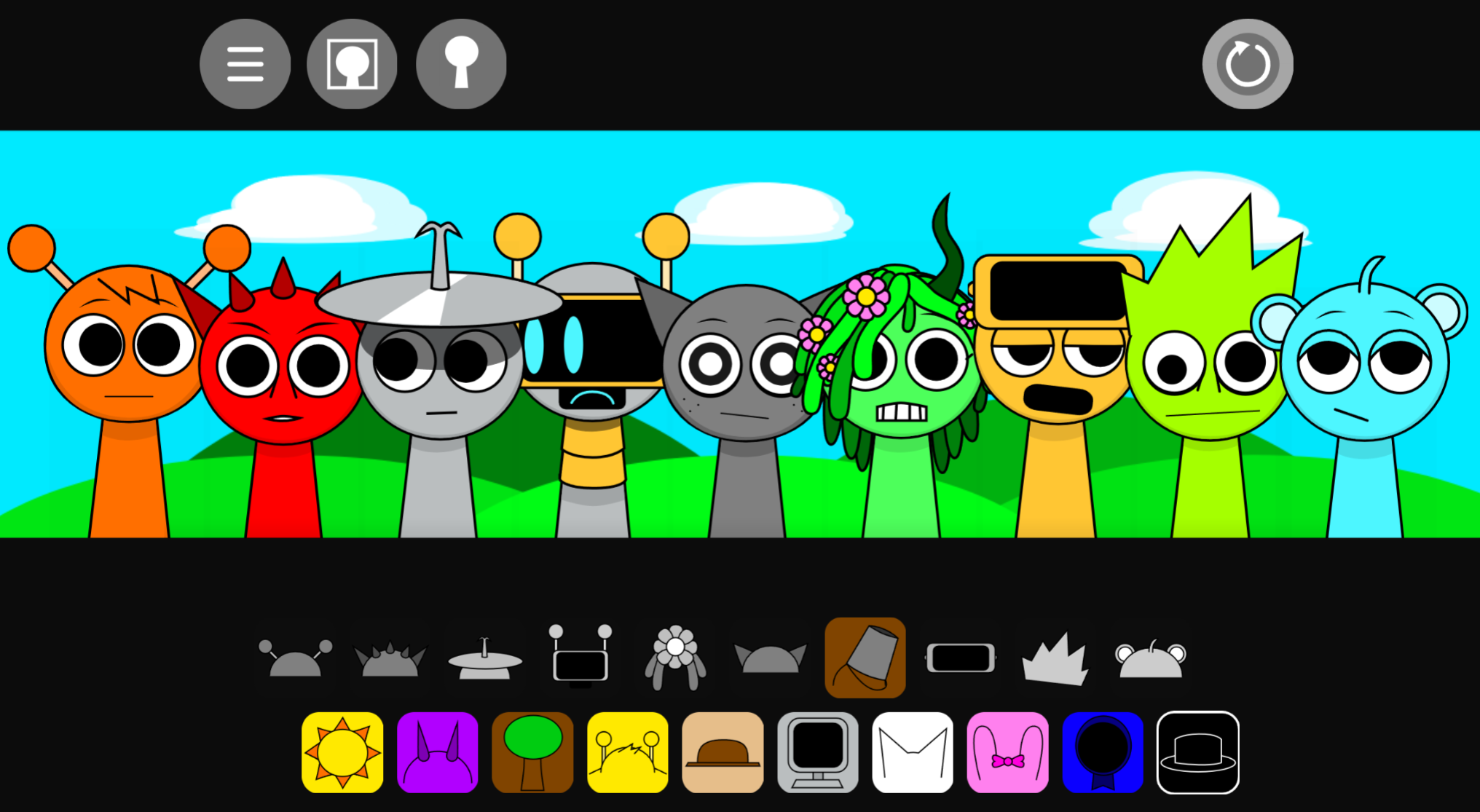
Sprunki But They Are Changing Color transforms music creation into a high-intensity visual experience where rapid, strobe-like color shifts pulse in sync with every beat you layer. This mod challenges players to build rhythms while navigating flashing chromatic cycles that intensify with each sound—perfect for those craving sensory-driven gameplay, but not recommended for anyone sensitive to rapid visual effects.
Please wait a moment for the Sprunki But They Are Changing Color game to load after clicking "Play Now" button.
Play Sprunki But They Are Changing Color in Browser Online
Recommended Games
View all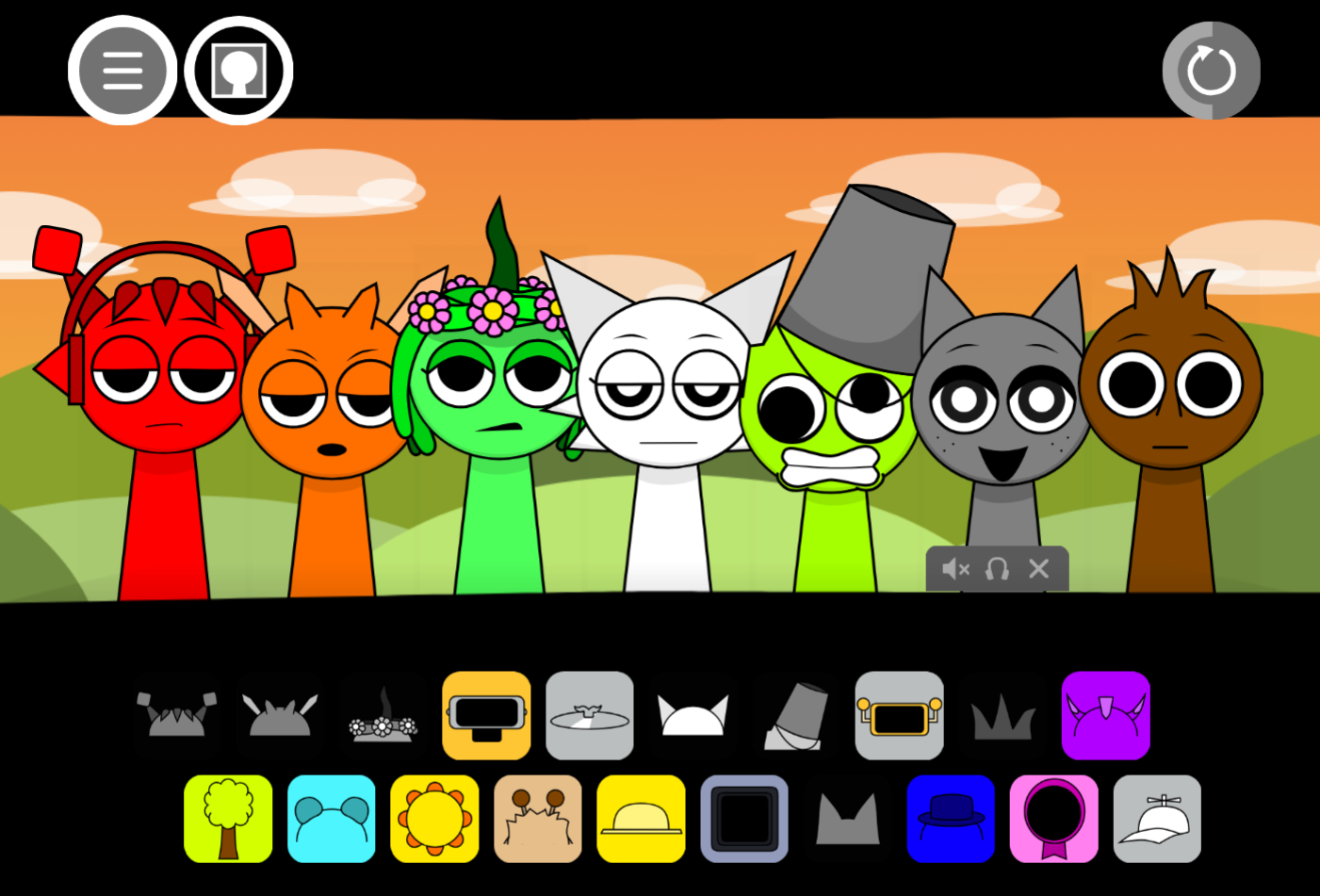
Sprunki Sprunkswap
Sprunki Phase 10 Jevins Last Stand
Sprunki Twirl Shifted Remastered
Sprunki Sprunktuber Japanese
Sprunki Phase3 An Endless Hell
Ay In Tick Drop Sprunkie But Every Sprunki Are K111Ers
Sprunki 9 Shifted Player Baldis Take
Sprunki 5 Shifted Finalized
Sprunki Spi Shifted Remastered
Sprunki Phase 3 The End
Ay In Color Sprunki Edition
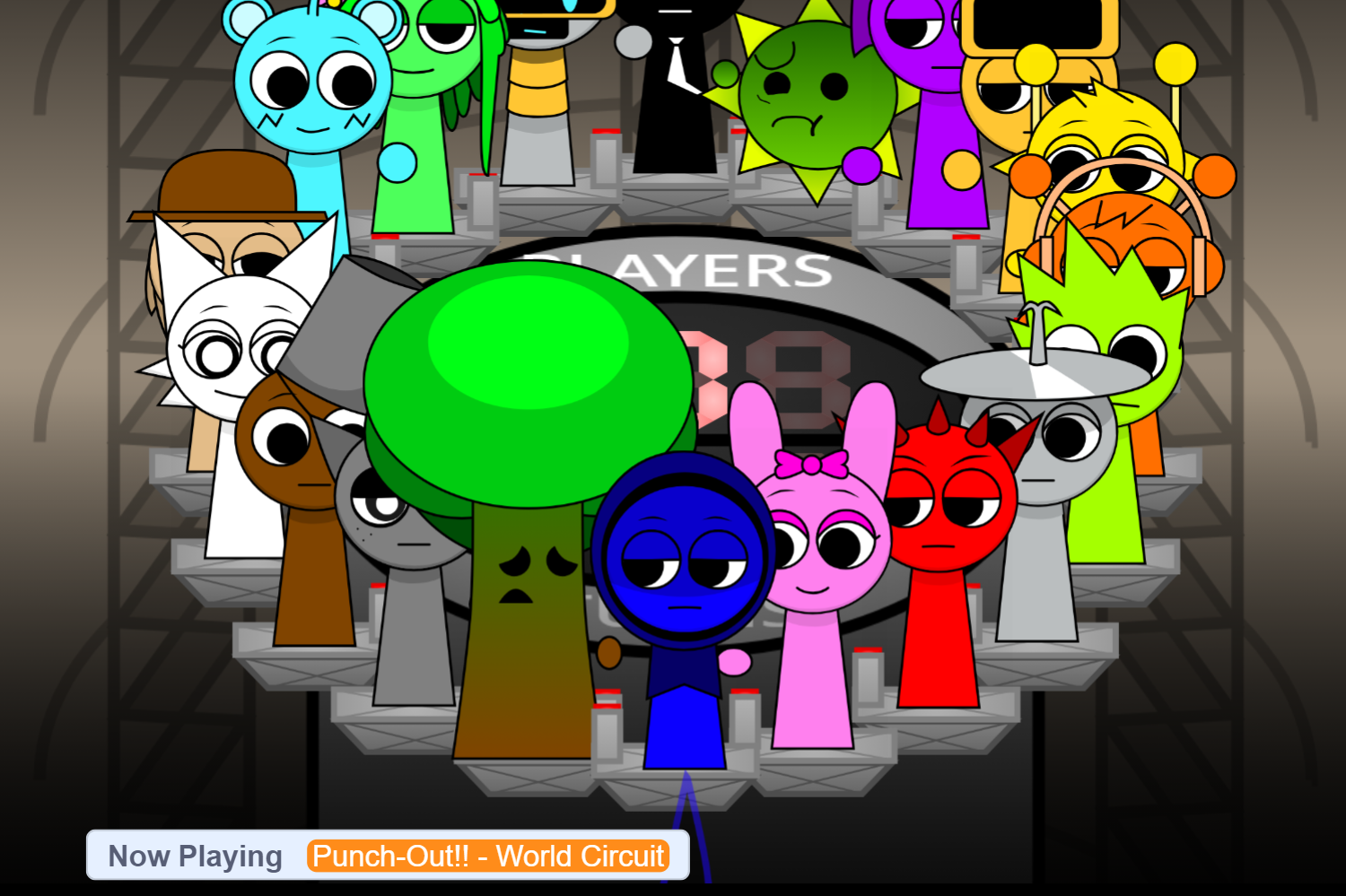
Ay In Tick Drop Sprunkies But Mr Sun And Mr Tree Is Sick
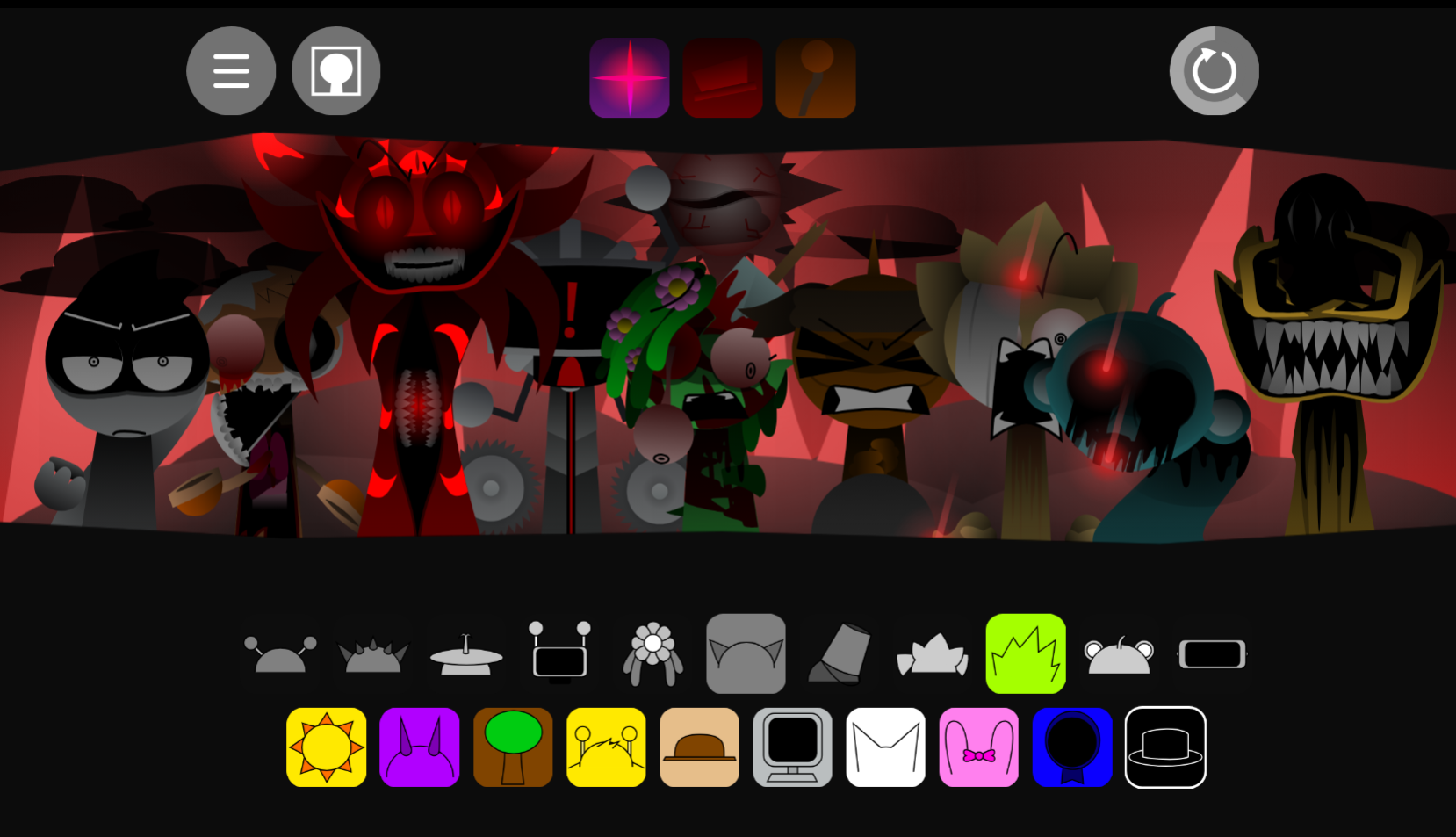
Sprunki Reverse Shifted Phase 4
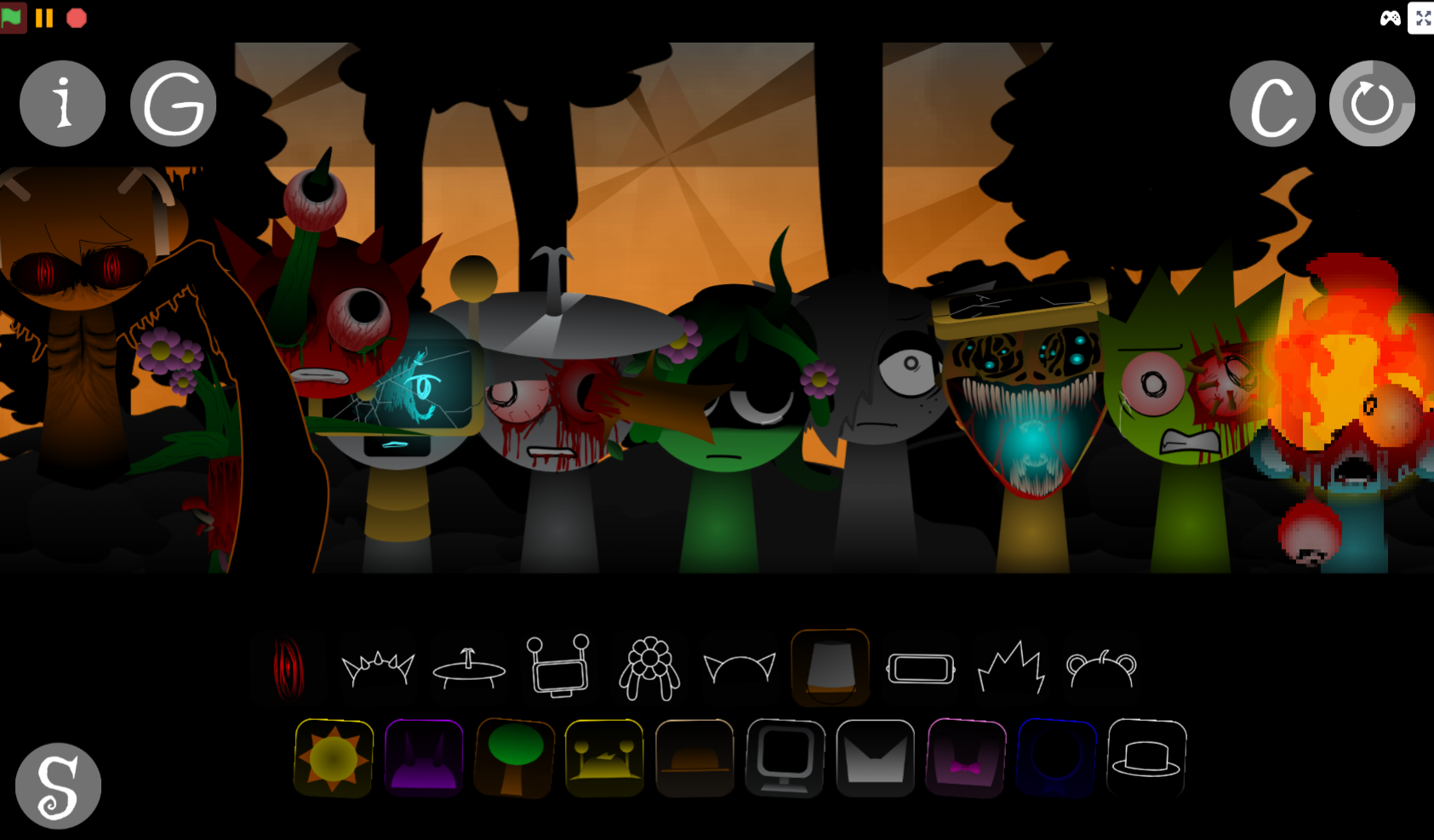
Sprunki Hdpe Shifted Chapter 1 Time Two Go Green
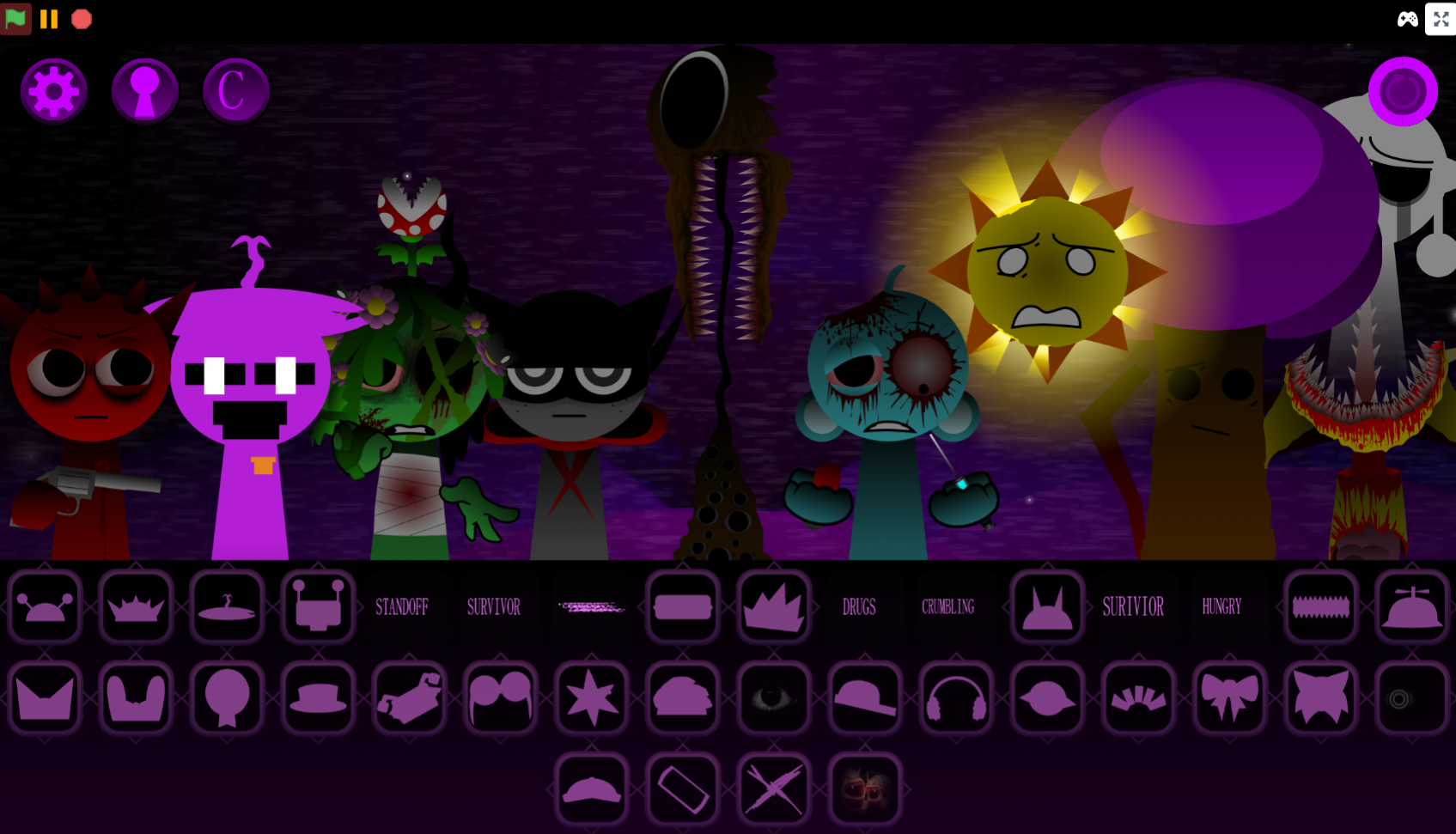
Sprunki Heptashifted Conizs Chornology
Sprunki The Definitive Phase 12 Esbs Take Deluxe Edition
Sprunki Voided Phase 6 Stargazing
Sprunki But Heptashifted Conizs Chornology
Sprunki But They Are Changing Color is a mod that synchronizes rapid, strobe-like color shifts across every character with your audio loops, turning each composition into a flashing visual spectacle.
Created by @He Chen Hui, the mod replaces Sprunki’s static character palette with continuous chromatic cycling that pulses in time with your beat—every key press, every layer triggers a new wave of color transformation across the screen. This article breaks down the specific features that separate this mod from standard visual variants: how the color-sync system responds to different sound combinations, which characters produce the most dramatic shifts, and what the flashing rhythm actually looks like during extended sessions.
Because the strobe effects can be intense, @He Chen Hui explicitly warns that the mod is not suitable for players with photosensitive epilepsy.
Sprunki But They Are Changing Color
Sprunki But They Are Changing Color is a high-energy mod where rapid color-shifting visuals sync directly with your audio loops, turning each mix into a flashing, rhythm-driven sensory experiment. Unlike standard Sprunki versions, the constant visual changes affect how you perceive timing and intensity, making character placement and pacing more critical.
The mod works best when you start with a solid beat foundation—typically Gray—before layering additional sounds, since the screen becomes harder to track as colors intensify. Creator @He Chen Hui warns that the mod is not suitable for players with photosensitive epilepsy due to the strobe-like effects. You can play it directly on allatozgames.com without downloads
Key Characters and Visual Features
Each Sprunki performer functions as both a sound source and a visual cue, adding beats, rhythms, vocals, melodies, or effects while changing the stage’s density. A common mistake is filling every slot immediately—every new character shifts both the audio loop and visual intensity, and stacking too many too quickly can push the mix from controlled to chaotic once color changes accelerate.
The mod’s strongest visual feature is its constant color-shifting presentation. The bold urban aesthetic, street-art influence, and hip-hop-inspired character designs make the interface feel like a living street-performance stage rather than a static mixer.
One distinctive feature is the black hat accessory. Equipping it transforms the experience into a darker, scarier version of the Sprunki world, opening new musical possibilities and directly connecting character appearance to soundues and mood.
Features of Sprunki But They Are Changing Color
- Character-based mixing: Each performer affects the rhythm foundation. Place a character, hear its loop, and decide whether it strengthens the beat or clutters the track.
- Changing color feedback: Visual shifts are integral feedback, not decoration. As the stage flashes, the mix can feel faster or more unstable even when the underlying loop remains steady.
- Wide variation through combinations: Swapping one character can shift the entire vibe. The mod rewards testing and rearranging over following fixed recipes.
- Urban-inspired style: Graffiti-like visuals and hip-hop energy give the mod a punchy, expressive feel that explains why sounds often feel deliberately layered or messy.
- Black hat transformation: Opens a darker version with new musical possibilities, best used when you want stranger, moodier combinations.
- Creative sharing: Works well for players who enjoy making original Sprunki tracks and comparing how different character setups change results.
How to Play Sprunki But They Are Changing Color
Open the game in your browser and build a mix by dragging character icons onto the stage. Each adds a different loop—beat, vocal, melody, rhythm part, or effect. Start small: add a simple beat foundation before introducing louder or busier sounds, giving you time to hear each character’s contribution before the screen becomes visually intense.
A clean play flow:
- Start with a core beat. Choose one rhythm-focused character and let the loop settle.
- Add one sound at a time. Bring in vocals, effects, or melodies slowly to hear how they interact.
- Watch the color changes. Treat shifting visuals as feedback on the track’s mood and intensity.
- Remove muddy layers. If a sound makes the mix harder to read, swap it out.
- Experiment with darker phases. Use the black hat when you want a scarier or more unusual Sprunki sound.
How to Mix Beats
Treat each character as part of a larger pattern rather than another sound to throw onto the screen. Start with one beat-focused character and listen to the loop by itself. Once the rhythm is clear, add a second character that supports it rather than competes with it.
A practical beat-building method:
- Build the rhythm first. Use a steady beat or percussion-style loop before adding vocals.
- Add contrast carefully. A melody or effect can enhance the track, but too many competing sounds blur the groove.
- Swap often. If a character muddies the mix, remove it and test another option.
- Leave space. Strong Sprunki mixes don’t need every slot filled.
- Use chaos intentionally. Wilder combinations work better when you understand the base rhythm first.
Master the Flashing Beats
Place Gray early—this protagonist character provides a steadier core rhythm before the screen becomes harder to track. With that foundation, you can add audio loops slowly instead of letting flashing effects swallow every sound cue. The color shifts can make familiar beats feel faster, louder, or more chaotic than they actually are.
Introduce characters one at a time and watch how visual changes respond to the rhythm. Rushing the mix can turn the screen into a strobe-like blur where audio hits and character cues are hard to separate. Pacing your drops makes the flashing feel intentional, almost like another layer of the track.
Some players theorize about the mysterious relationships between Gray and other figures—some believe they only know each other slightly. This mystery adds depth, making each sound combination feel like uncovering a piece of a larger story while visual shifts act as a backdrop to the unfolding narrative.
Practical Tips for Managing the Flashing Screen
Expect rapid visual shifts—the colors are part of the mod’s rhythm language but can become overwhelming if you try to watch everything at once.
- Narrow your focus. Don’t track the entire stage. Follow the main movement pattern and listen for loops that stay consistent underneath the visual noise.
- Use colors as pacing cues. If the screen becomes too intense, slow down before adding more characters.
- Keep the mix lighter when needed. A smaller lineup makes flashing easier to read and gives each beat more room.
- Take breaks if the screen feels harsh. Rapid changes can be tiring even for players who enjoy high-energy visuals.
- Avoid the mod if you are sensitive to flashing effects. The photosensitive epilepsy warning is directly tied to the core color-changing mechanic.
Related Games
- Color Rhythm — Its rhythm-first gameplay makes it a strong follow-up for players interested in how changing colors can guide timing and reshape the feel of a track.
- Sprunki BLOODMONEY but MR SUN — This is especially relevant because the article highlights testing Mr Sun alongside Gray, making a Mr Sun-focused mod a natural next click for character-specific experimentation.
- Sprunki Rareshifted Phase 6 (New Saga) — Its “rareshifted” phase presentation fits players who enjoy Sprunki mods where altered visuals and character changes create a more chaotic, remix-like experience.
Is This Mod Right for You?
This mod suits players who enjoy high-energy, fast-paced visual experiences and aren’t afraid of intense flashing lights. If you prefer calm, slow-tempo mixing sessions, the constant color shifts might feel too chaotic. It offers a unique challenge for players who want to see how visual stimuli can change the way they arrange audio loops—a completely different vibe compared to mods like Sprunki But They Are Boring Humans or Sprunki But They Are Zombies.
New Games
View all
Sprunke Phase 3 Reimagined New Start
Sprunki AntiShifted Phase 4 But Swapped
Sprunki Escape From Hospital
Sprunki Phase 4 Remastered A No Trace Place
Ay In Sprunki Who Is The Imposter But Oren Never Gets Eliminated

Escape Drive
Sprunki Double Fight
Sprunki Re Executed Chapter 2
Ay In Raining Bomb 2 30 Players
Sprunki Paradox Shifted
Will You Adopt Brud Sprunki
Sprunkgirls Midnight

Xtreme Moto Mayhem

Blumgi Slime
Sprunki Re Executed Chapter 5
Sprunki Septuple Shifted Phase 2
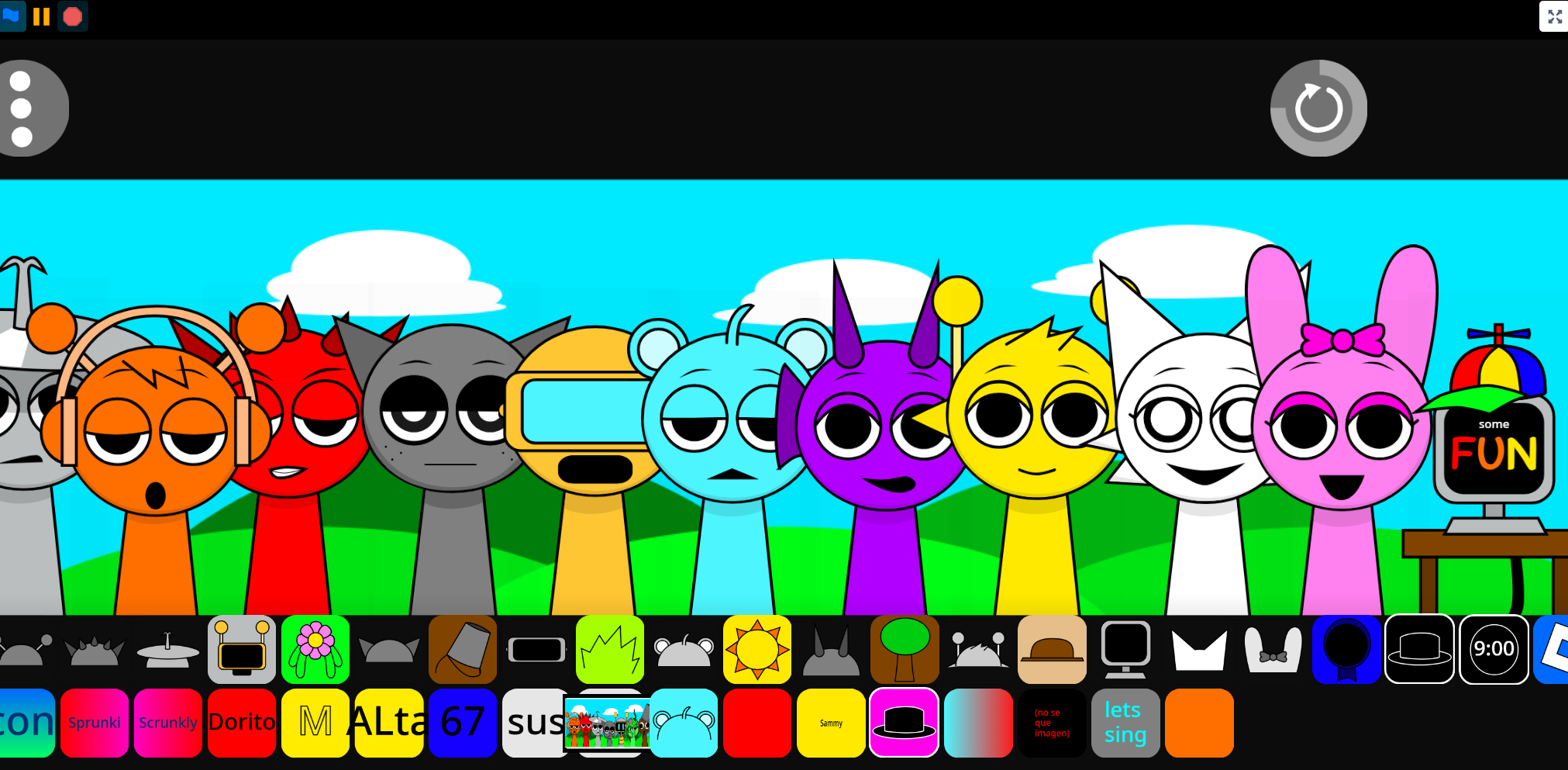
Incredibox Sprunki Night Diego End
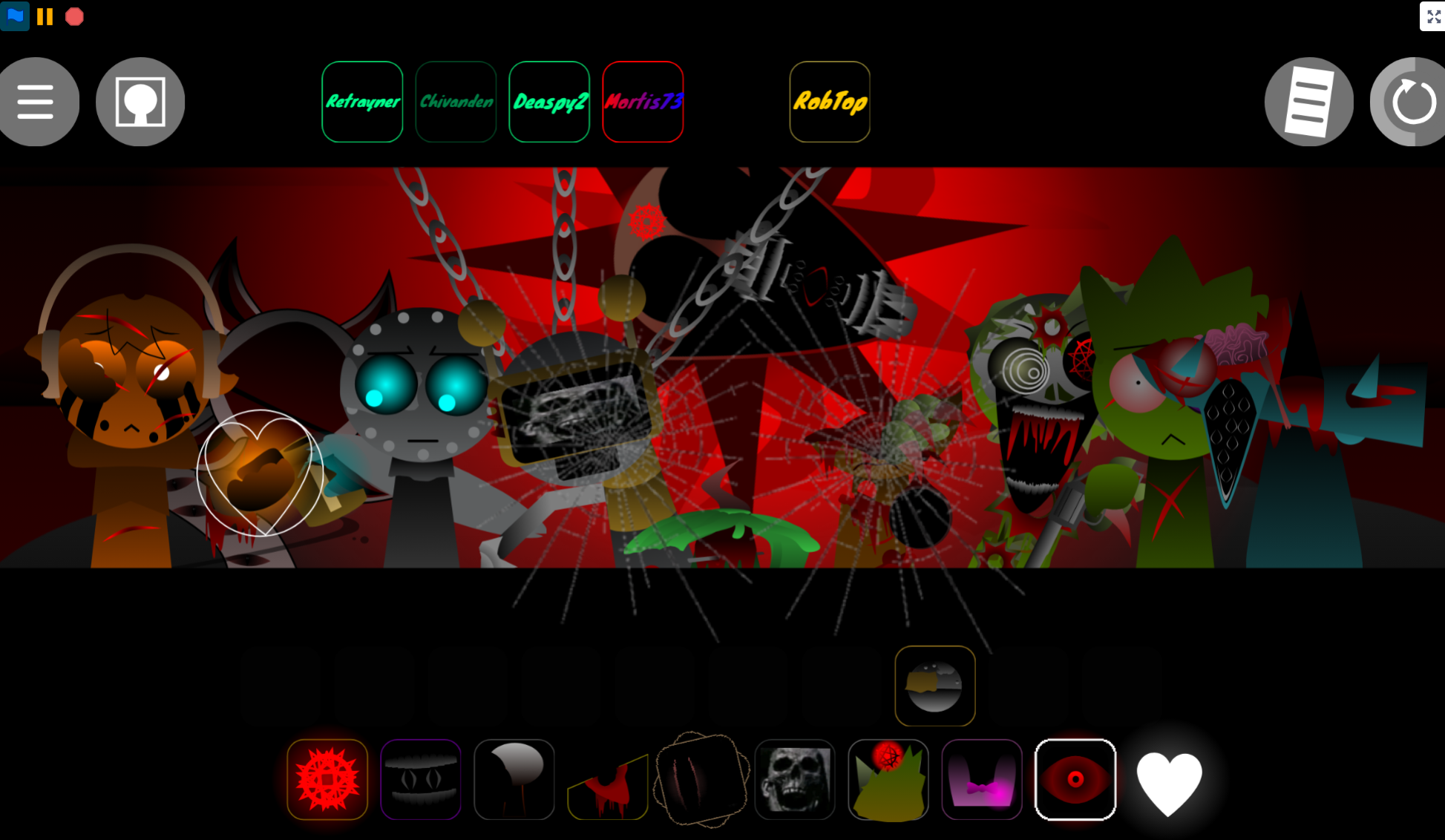
Sprunki Anti Shifted Phase 7 Swapped
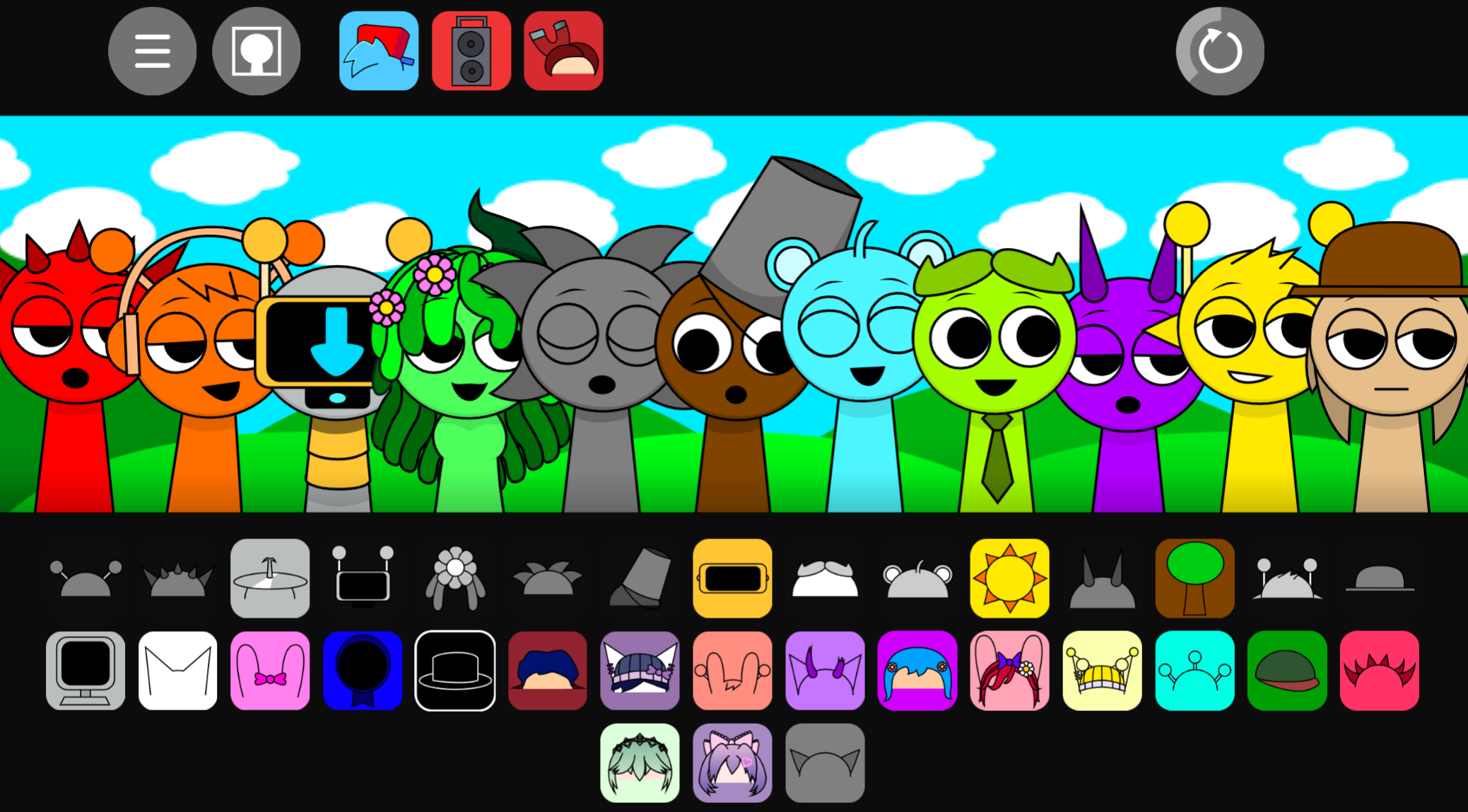
Sprunki Funkin Day
Geometry Arrow 2
Previous
AY In The Moving Mine 2 But Sprunkies
Next
Sprunki Left2Right
Discuss Sprunki But They Are Changing Color