
Sprunki Two Moves - Create Beats, Trigger Dark Transformations
Sprunki Two Moves is a browser-based music mod where drag-and-drop characters build looping beats, melodies, vocals, and eerie effects. Experiment with sound combinations to shift cheerful cartoon mixes into unsettling Phase 2 transformations and uncover hidden audio surprises.
Please wait a moment for the Sprunki Two Moves game to load after clicking "Play Now" button.
Play Sprunki Two Moves in Browser Online
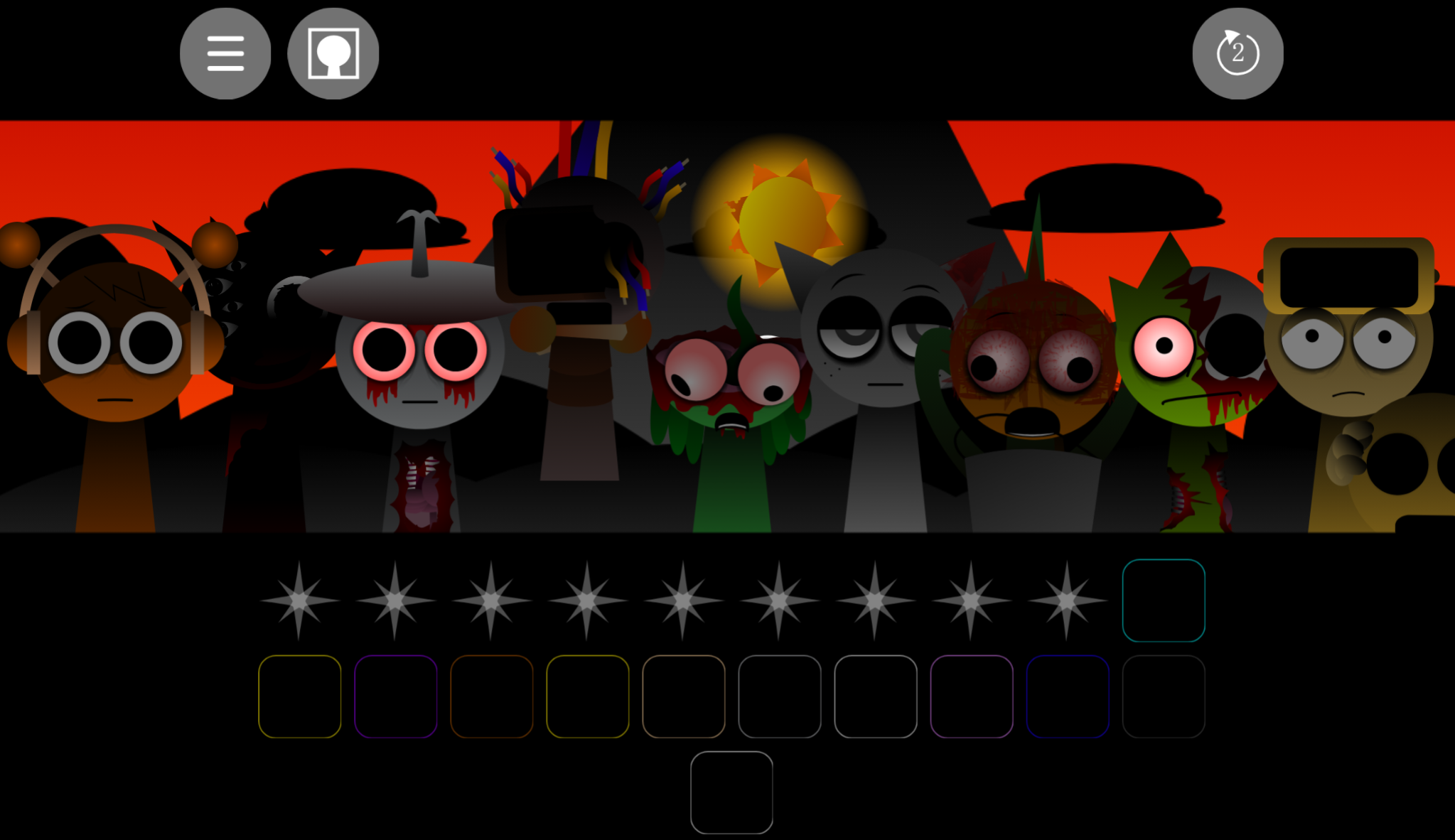
Recommended Games
View all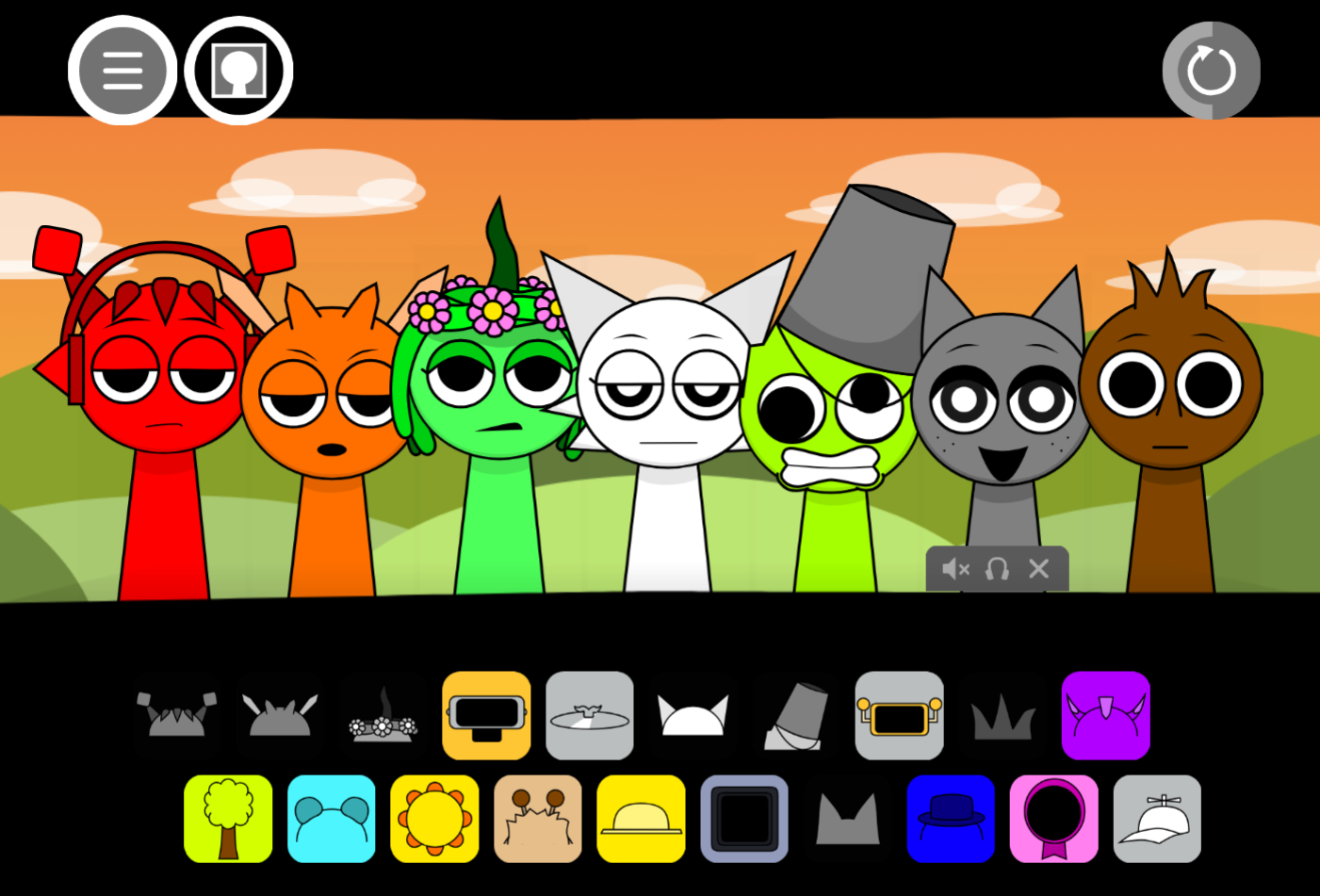
Sprunki Sprunkswap
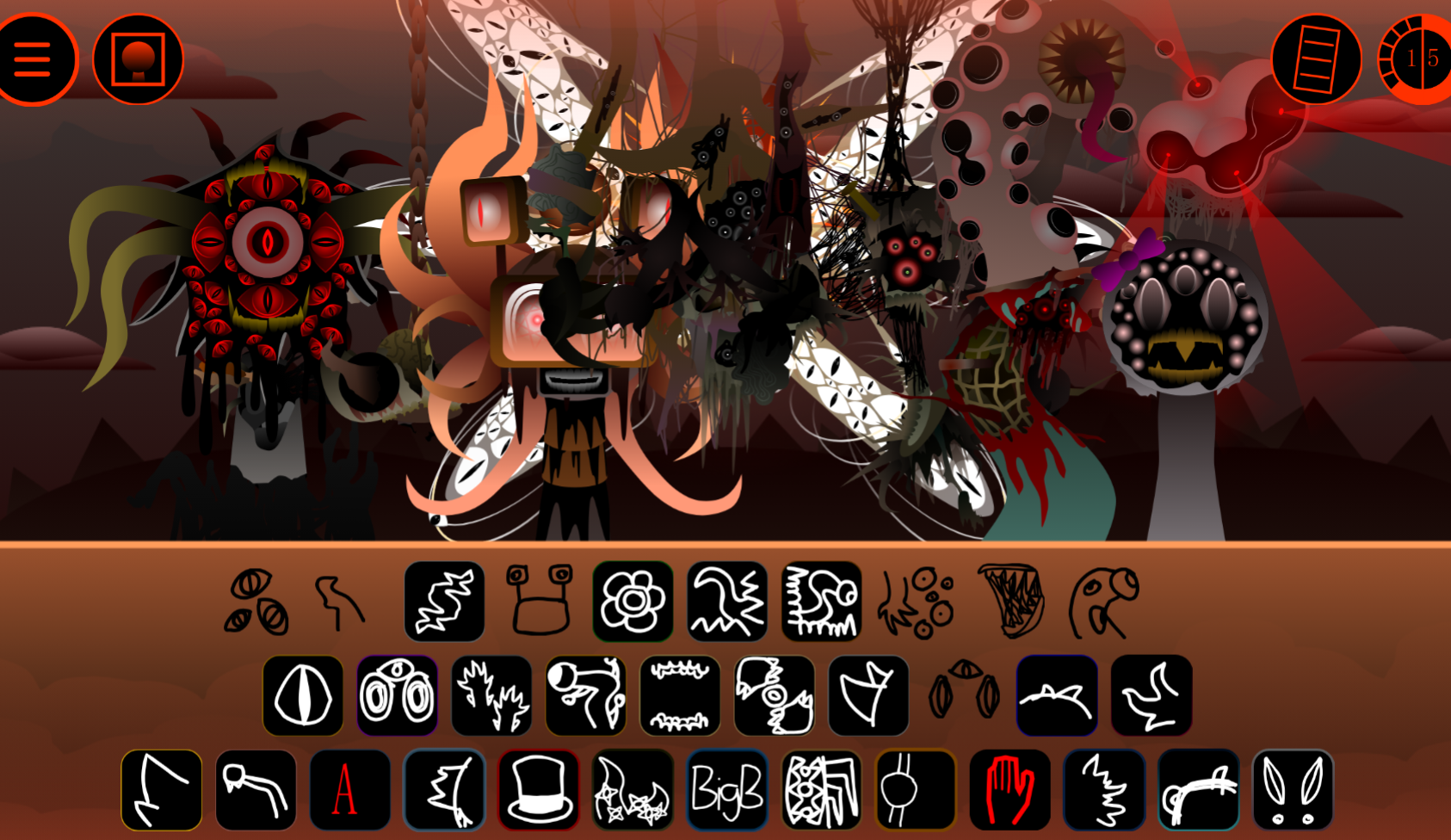
Sprunki Phase 10 Jevins Last Stand
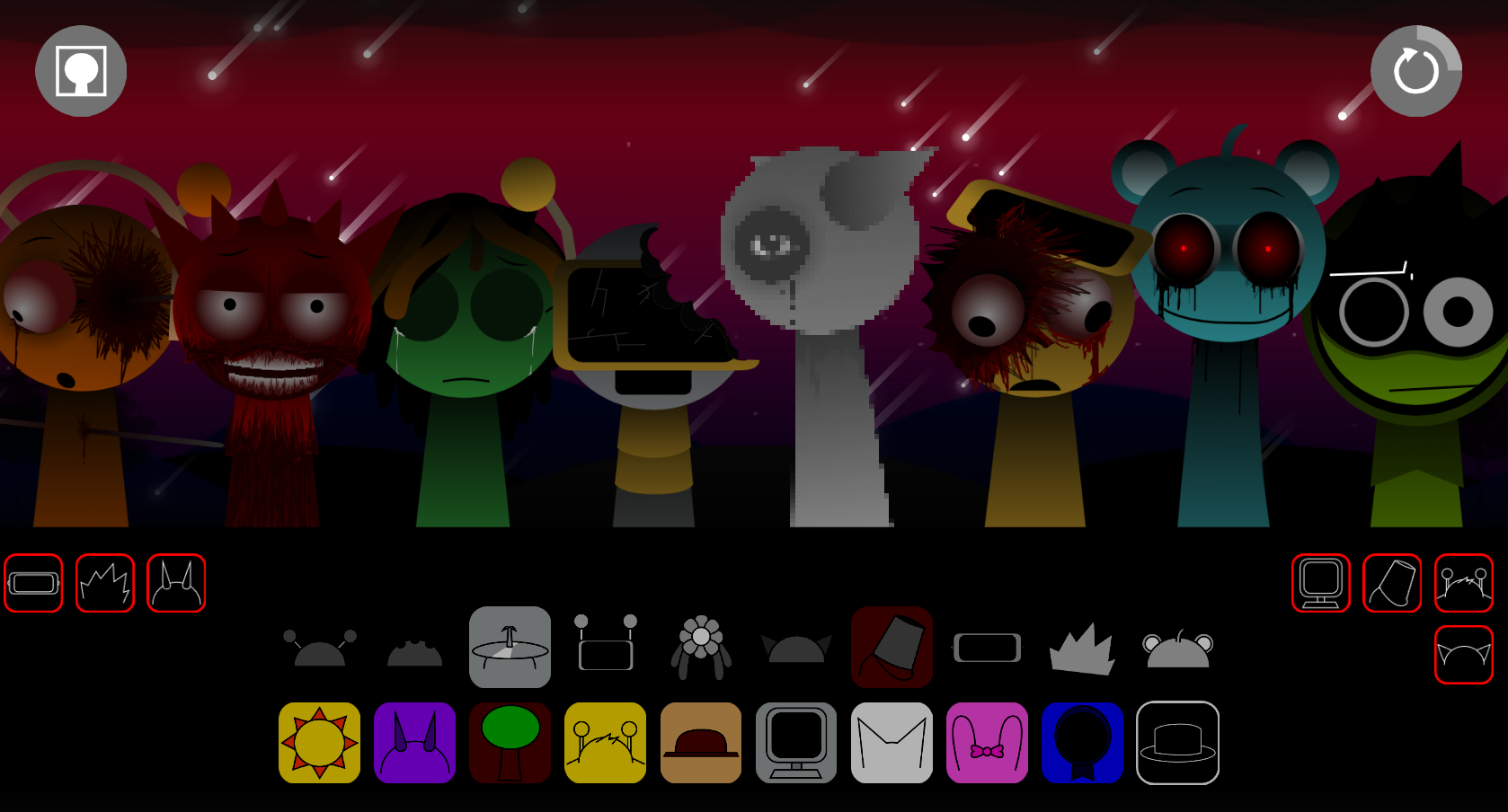
Sprunki Twirl Shifted Remastered
Sprunki Sprunktuber Japanese
Sprunki Phase3 An Endless Hell
Ay In Tick Drop Sprunkie But Every Sprunki Are K111Ers
Sprunki 9 Shifted Player Baldis Take
Sprunki 5 Shifted Finalized
Sprunki Spi Shifted Remastered
Sprunki Phase 3 The End
Ay In Color Sprunki Edition
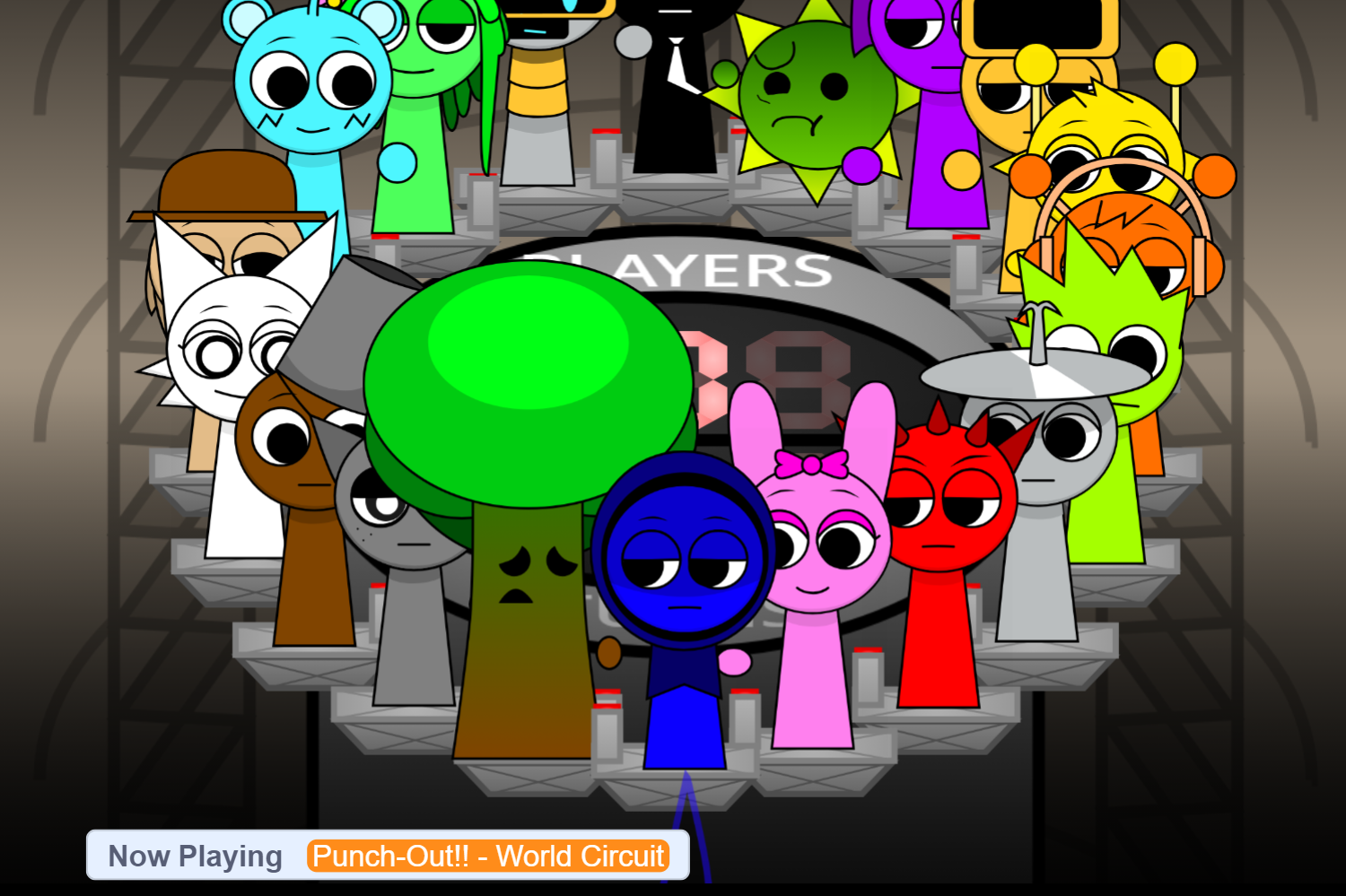
Ay In Tick Drop Sprunkies But Mr Sun And Mr Tree Is Sick
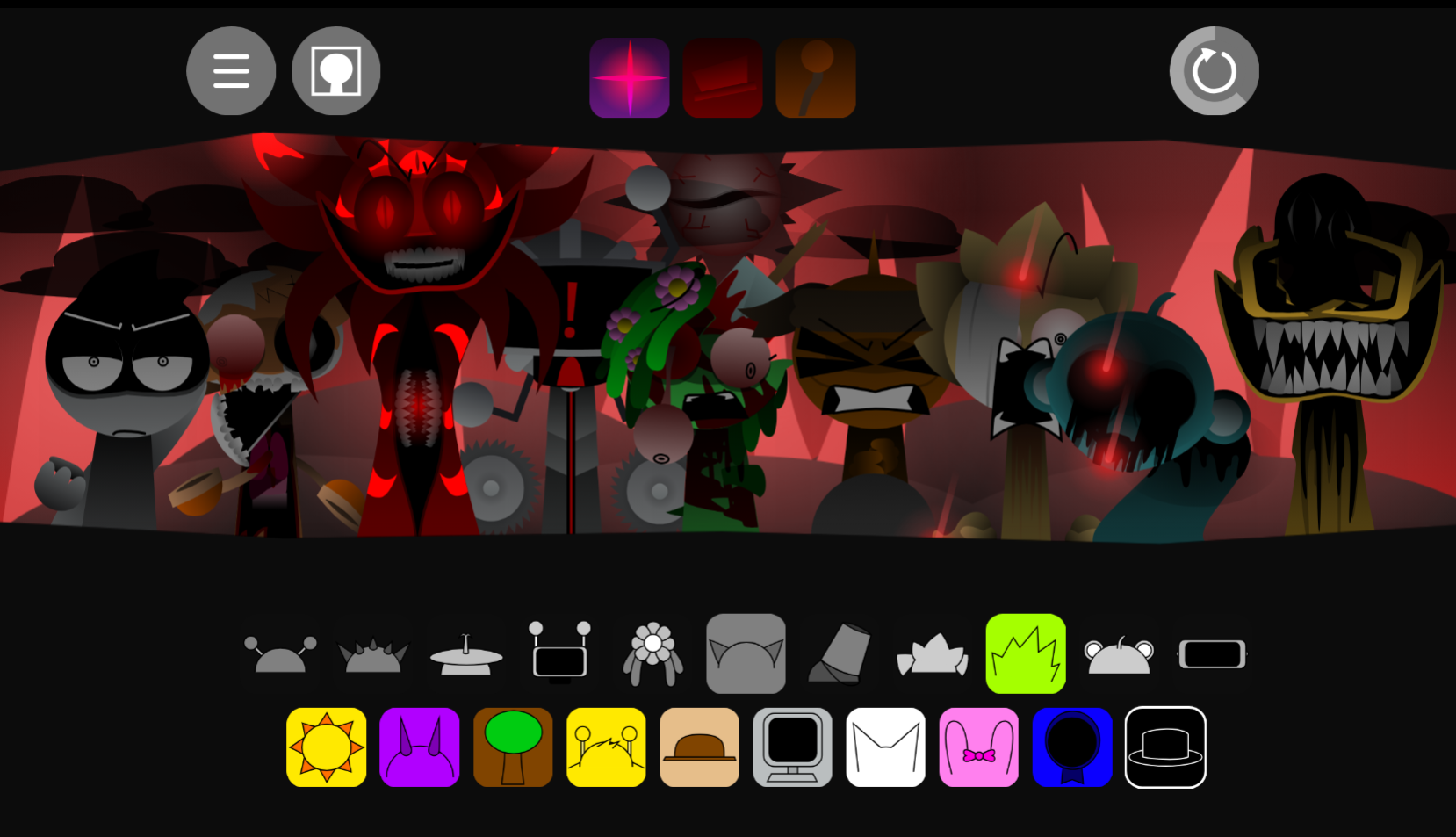
Sprunki Reverse Shifted Phase 4
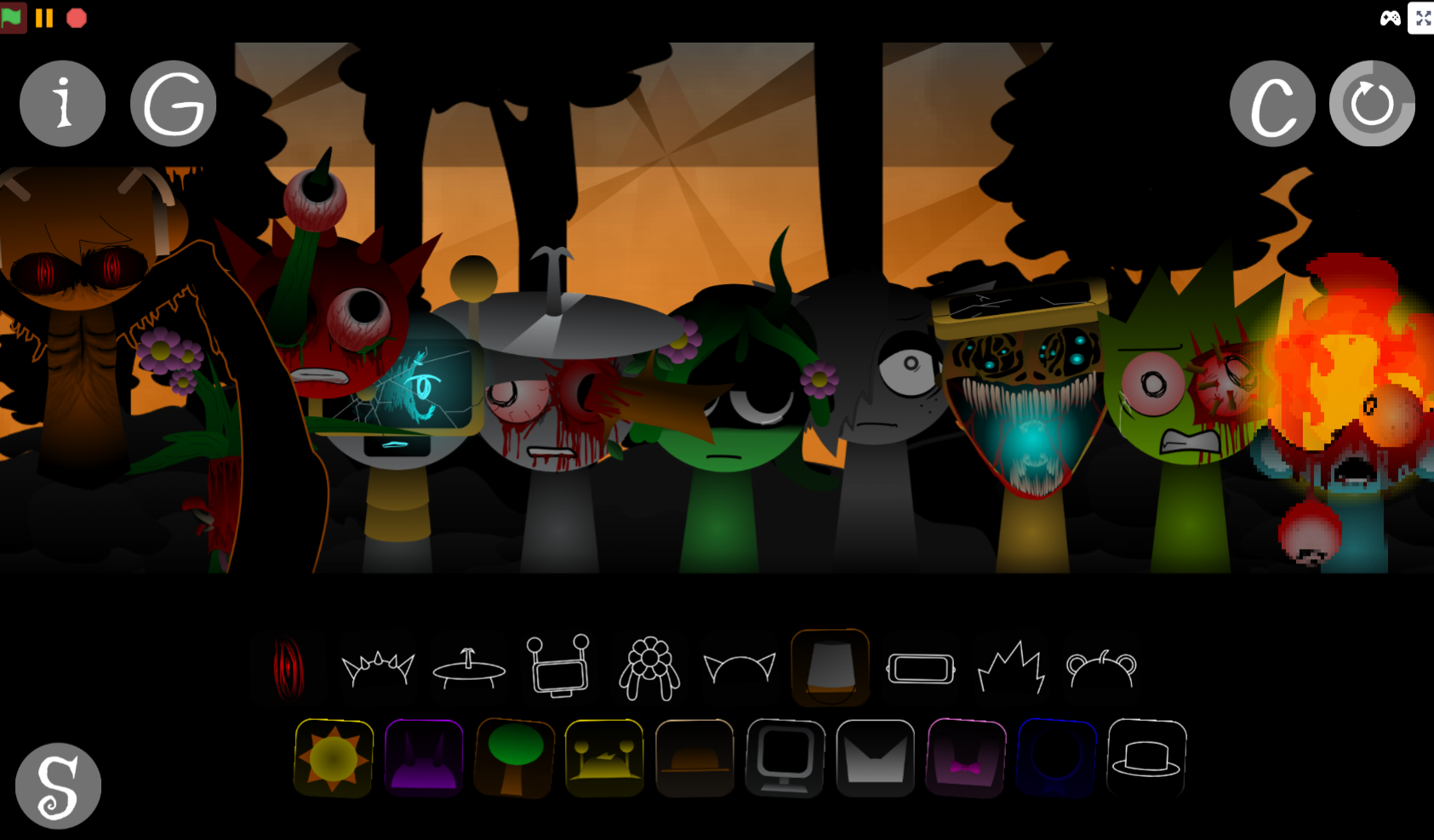
Sprunki Hdpe Shifted Chapter 1 Time Two Go Green
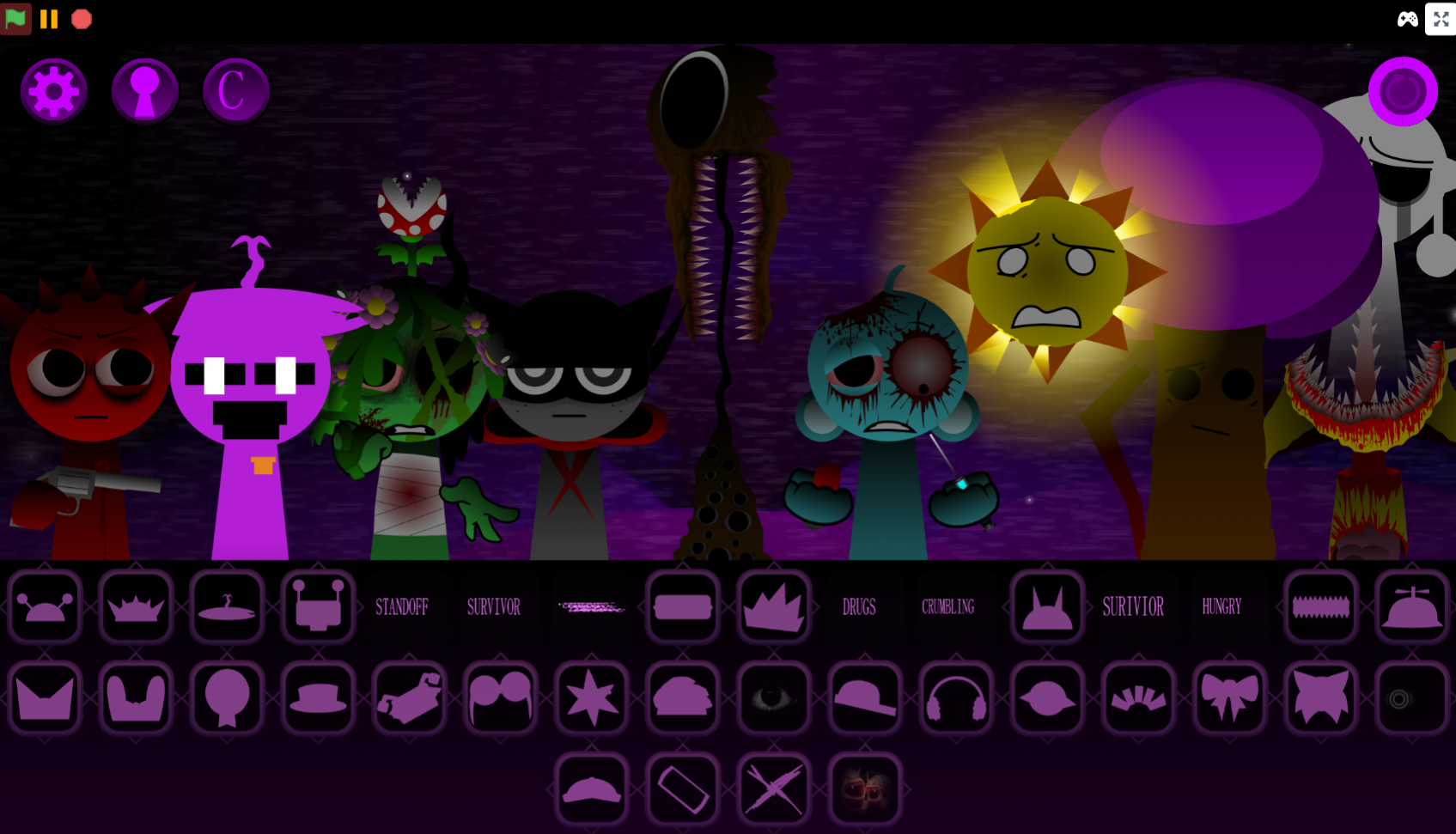
Sprunki Heptashifted Conizs Chornology
Sprunki The Definitive Phase 12 Esbs Take Deluxe Edition
Sprunki Voided Phase 6 Stargazing
Sprunki But Heptashifted Conizs Chornology
Sprunki TWO MOVES is a community-built music mod that uses drag-and-drop mechanics to layer character sounds into original tracks.
The core gameplay revolves around two interactive moves—dragging characters onto the stage and adjusting their positions to trigger different audio loops—turning simple actions into a full composition tool.
This article breaks down how the two-move system works, what makes it different from other Sprunki mods, and where you can play it online without downloads or sign-ups.
You’ll find concrete walkthroughs of the drag-and-layer process, explanations of which character combinations unlock hidden sound effects, and direct links to open browser sessions.
What Is Sprunki TWO MOVES?
Sprunki TWO MOVES is a community-submitted music-mixing mod built on drag-and-drop sound layering. Players assign sound icons to animated characters on a cartoon stage, building looping tracks from beats, melodies, vocals, and effects.
The mod’s defining feature is its phase shift: what begins as a cheerful studio gradually reveals darker transformations as certain sound combinations trigger unsettling visual changes—sorowful blue figures, sharp teeth, missing features, and a haunting audio atmosphere.
The “TWO MOVES” concept remains somewhat mysterious within the Sprunki lineup, but the phase changes make experimentation feel meaningful. A different arrangement doesn’t simply create a different song—it can shift the mood, visuals, and direction of the entire session.
Sprunki TWO MOVES V3.0 was refined by @VoidPizza, building on the original foundation by Gecko3030daSCratcher. This version remakes key audio clips to strengthen the divide between the lighter opening and its darker transformations. Players can play online through allatozgames.com; the available reference does not identify a Microsoft Store release.
How to Play Sprunki TWO MOVES
Open the game in a browser, then use the drag-and-drop interface to place sound icons onto characters. Each performer adds one distinct layer to the loop—a drum beat, bass part, melody, vocal clip, or effect.
There is no fixed solution, score requirement, or single winning arrangement. The goal is to listen, rearrange, and discover how different sounds work together.
- Start with rhythm. Place one or two beat-focused icons first to give the track a pulse.
- Add melodic or vocal layers. Introduce melody, bass, or vocals once the foundation is established.
- Watch the stage. Character expressions, forms, and atmosphere can change as the mix develops.
- Move, replace, or mute parts. If a loop becomes crowded or takes an unwanted direction, remove one layer and compare the result.
- Test new combinations. Small lineup changes can produce a clean groove, a strange clash, or a transition into darker Phase 2-style material.
The simple controls make the mod accessible without musical training, while the shifting audio and visuals give curious players plenty to investigate.
Key Features of Sprunki TWO MOVES
-
Drag-and-drop sound mixing: Assign icons to characters to combine beats, melodies, vocals, and effects. Each character contributes a different part, so changing one performer can reshape the complete soundscape.
-
Audio-driven visual transformations: Visuals are tied to the evolving mix. Bright cartoon performers can become mournful, distorted, or threatening as darker combinations emerge.
-
Phase 2-style tension: The mod’s darker material introduces altered appearances, cryptic audio clips, abrupt effects, and a horror-tinged mood without forcing players down a fixed song path.
-
Refined V3.0 audio: @VoidPizza’s V3.0 update remakes several clips from the Gecko3030daSCratcher foundation, sharpening the contrast between the colorful opening and the disturbing later phase.
-
Browser-based access: The mod is available online through allatozgames.com, allowing players to begin mixing directly in a browser.
Why Play Sprunki TWO MOVES?
Sprunki TWO MOVES works as both a casual rhythm toy and a compact creative sandbox. It’s easy to begin: place a few characters on stage, let their loops start, and hear a track form. Yet the result isn’t predetermined. Every arrangement can steer the mix toward harmony, rhythmic conflict, fantasy, or darker horror-tinged tones.
The strongest appeal is the connection between sound and mood. An upbeat rhythm feels completely different once paired with an eerie vocal clip or abrupt effect, especially when the character performing it changes simultaneously. That gives the mod more tension than a standard loop-maker: you’re composing music while uncovering its increasingly strange atmosphere.
Experimentation can also reveal hidden perks, including exclusive effects, remixes, and sudden sound transitions. These discoveries encourage players to keep swapping parts rather than stopping once they’ve made one functional track.
Tips for Crafting Your Mix
Build gradually and make the contrast between the mod’s bright and unsettling elements part of the composition.
-
Build in layers. Begin with a beat and one supporting sound. This leaves room for later details and prevents the loop from becoming muddy.
-
Listen after every placement. A new icon may alter the balance of the music, introduce an unexpected texture, or signal a sharper visual turn on stage.
-
Use contrast deliberately. Pair a lively rhythm with a stranger melody, mournful vocal, or unsettling effect to create a gradual descent from playful animation into darker mood.
-
Leave space in the arrangement. Not every character needs to be active. Sparse mixes make individual sounds and sudden transitions more noticeable.
-
Swap one part at a time. If a combination is close to the mood you want, change a single icon rather than rebuilding the entire track. This makes it easier to identify which layer supplies the beat, tension, melody, or eerie atmosphere.
-
Revisit phase-changing combinations. When visuals shift, try muting and restoring individual parts. The comparison can reveal how the transformed sound set changes the emotional direction of the mix.
Related Games
- Sprunki Phase 4 Definitive New Version — Its definitive Phase 4 presentation is a strong follow-up for players who want more of the series’ escalating horror transformations alongside character-driven music mixing.
- Sprunki Phase 3 Jedis Version — This Phase 3 variant suits listeners interested in comparing another remix-focused Sprunki interpretation with TWO MOVES’ shifting moods and altered sound palette.
- Sprunki Rareshifted Phase 5 New Saga — Its “New Saga” framing makes it a fitting next click for players drawn to TWO MOVES’ mysterious dark-phase changes and implied ongoing lore.
Enjoy!
New Games
View all
Simon's Realm Remake Poke's Take
Sprunki Wenda Treatment Phase 5 Fanmade
Sprunki Aftermath Remake
Sprunki Phase 3 Restored V2.0 Cancelled Update
Ay In Raining Bomb 2 30 Players
Sprunki Nevershifted
Sprunki Record Box

Soccer Skills World Cup
Sprunki Dont Fall Off The Trampoline
Sprunki Phase 12 Remastered But Shifted
Flipping Master
Splunko V2 But Like Moded Abit Or Smth
Sprunki 18 Shifted Mrjevinbois Take

Obbyroads.io
Sprunki Mashup V1
2v2 IO
Mexiierbox Sprunki Legacy

Hyper Tunnel
Previous
Sprunki Phase 2.5 Definitive Out Of The Box
Next
Sprunki Medusa Taco Take Over
Discuss Sprunki Two Moves