
Sprunki Phase 60 - When Your Music Mixer Becomes a Glitching Nightmare
Sprunki Phase 60 transforms the familiar music-mixing gameplay into a deliberately unstable horror experience where visual corruption, glitching characters, and distorted audio loops become the central mechanics rather than background decoration. This fan-made modification treats interface instability as core gameplay, with reactive flickering, broken animations, and unpredictable sound behavior that responds directly to your mixing choices. Test bizarre sound combinations and watch the screen fracture in response as you explore what happens when controlled chaos replaces polished music production.
Please wait a moment for the Sprunki Phase 60 game to load after clicking "Play Now" button.
Play Sprunki Phase 60 in Browser Online
Recommended Games
View all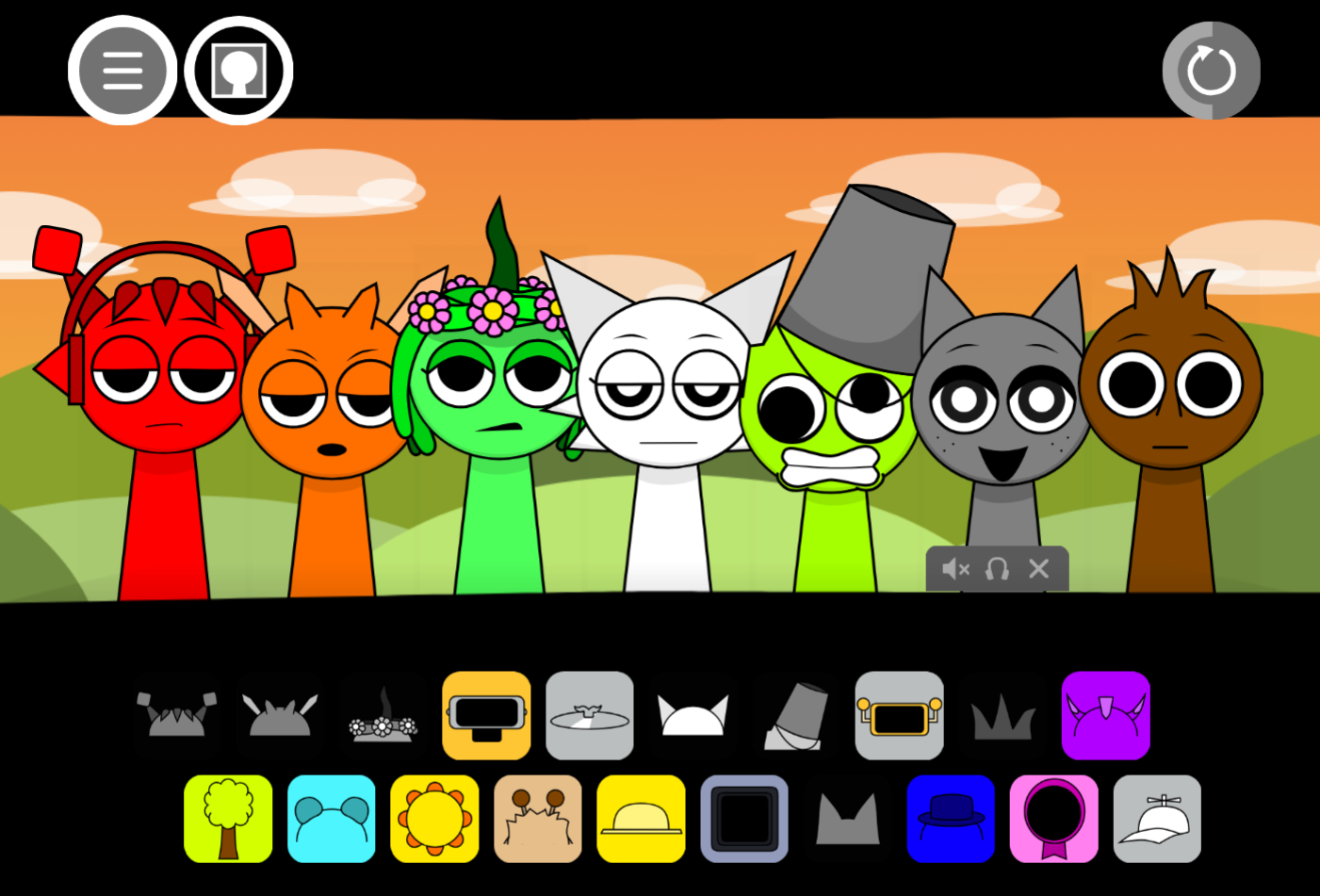
Sprunki Sprunkswap
Sprunki Phase 10 Jevins Last Stand
Sprunki Twirl Shifted Remastered
Sprunki Sprunktuber Japanese
Sprunki Phase3 An Endless Hell
Ay In Tick Drop Sprunkie But Every Sprunki Are K111Ers
Sprunki 9 Shifted Player Baldis Take
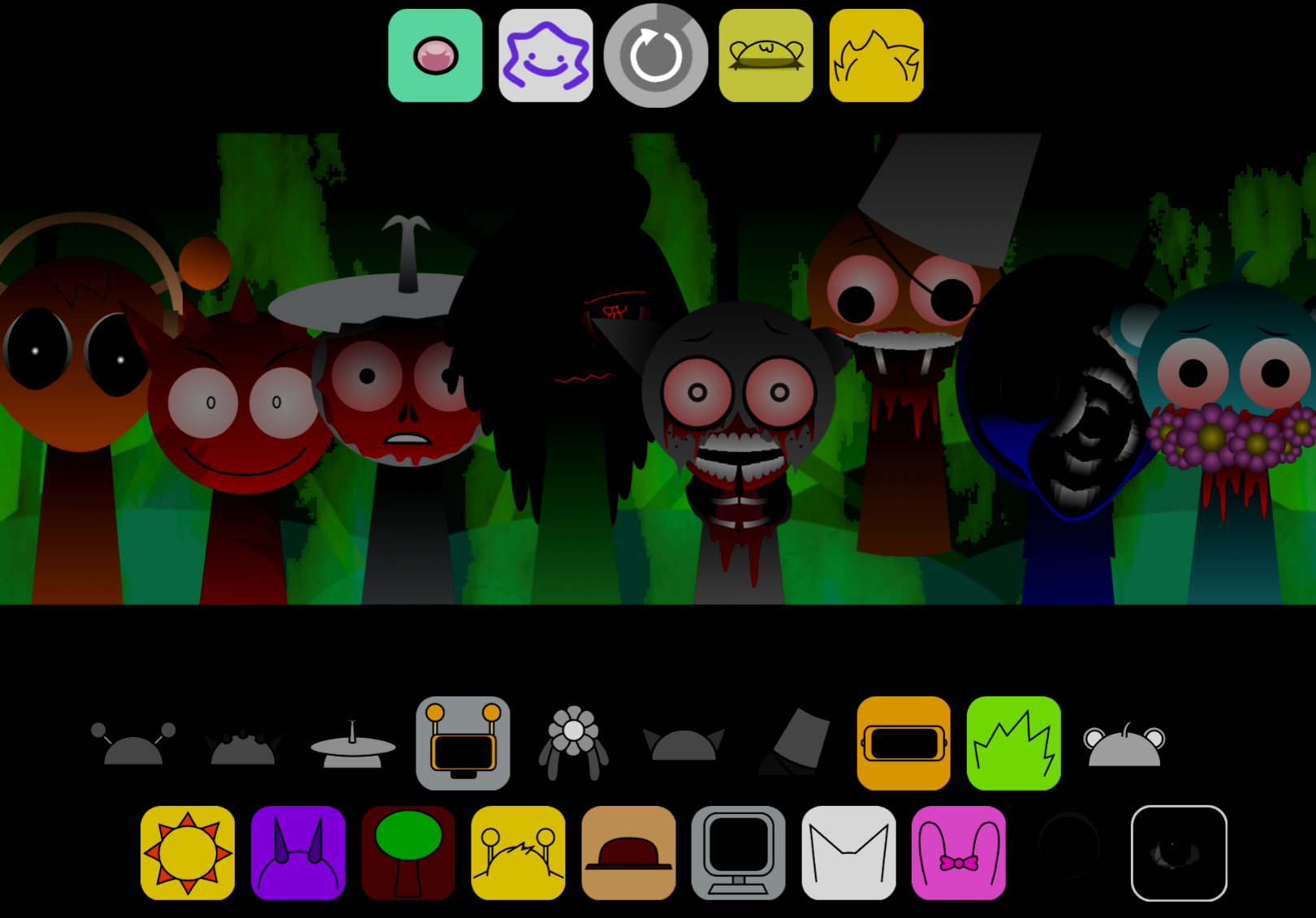
Sprunki 5 Shifted Finalized
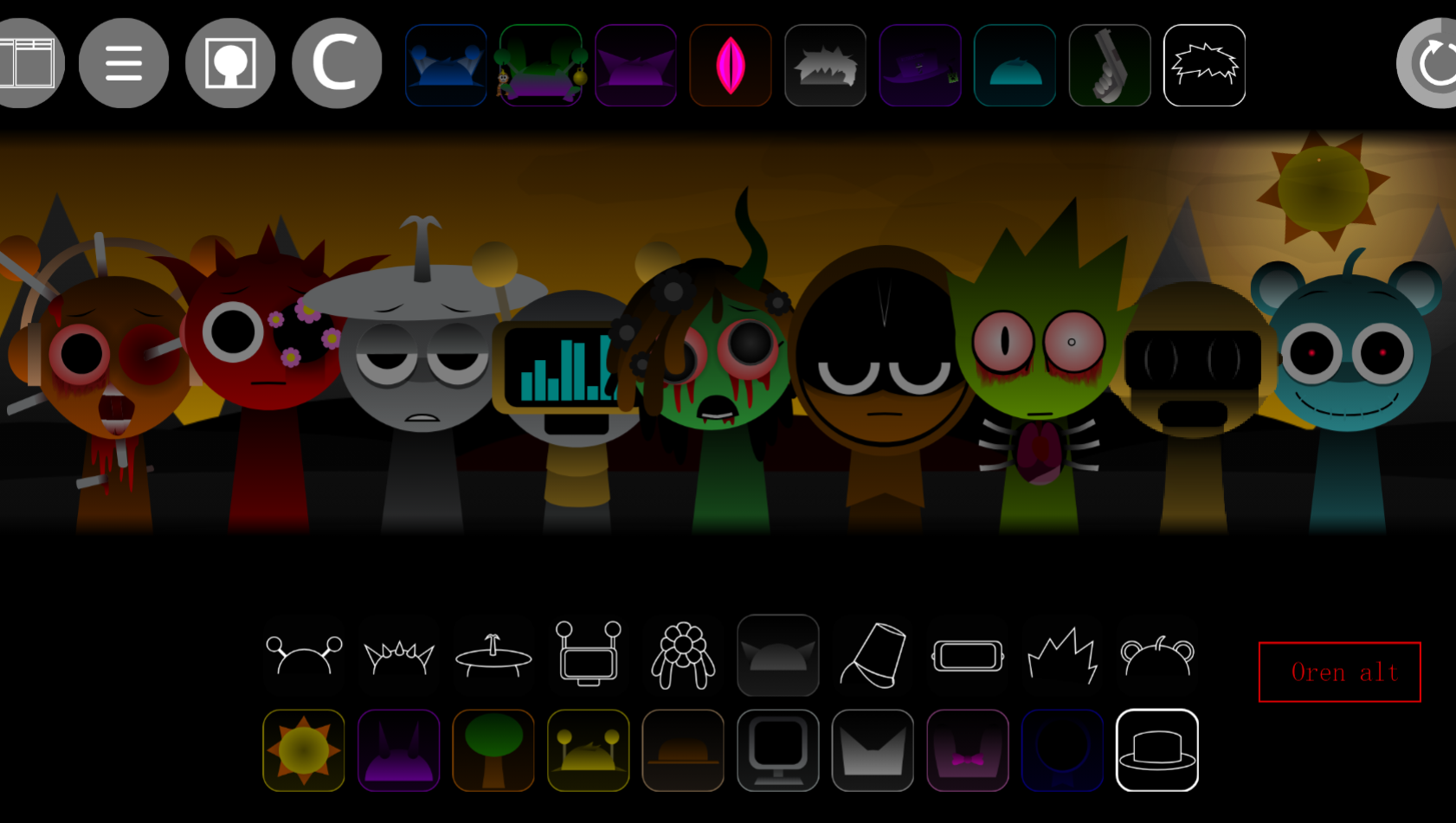
Sprunki Spi Shifted Remastered
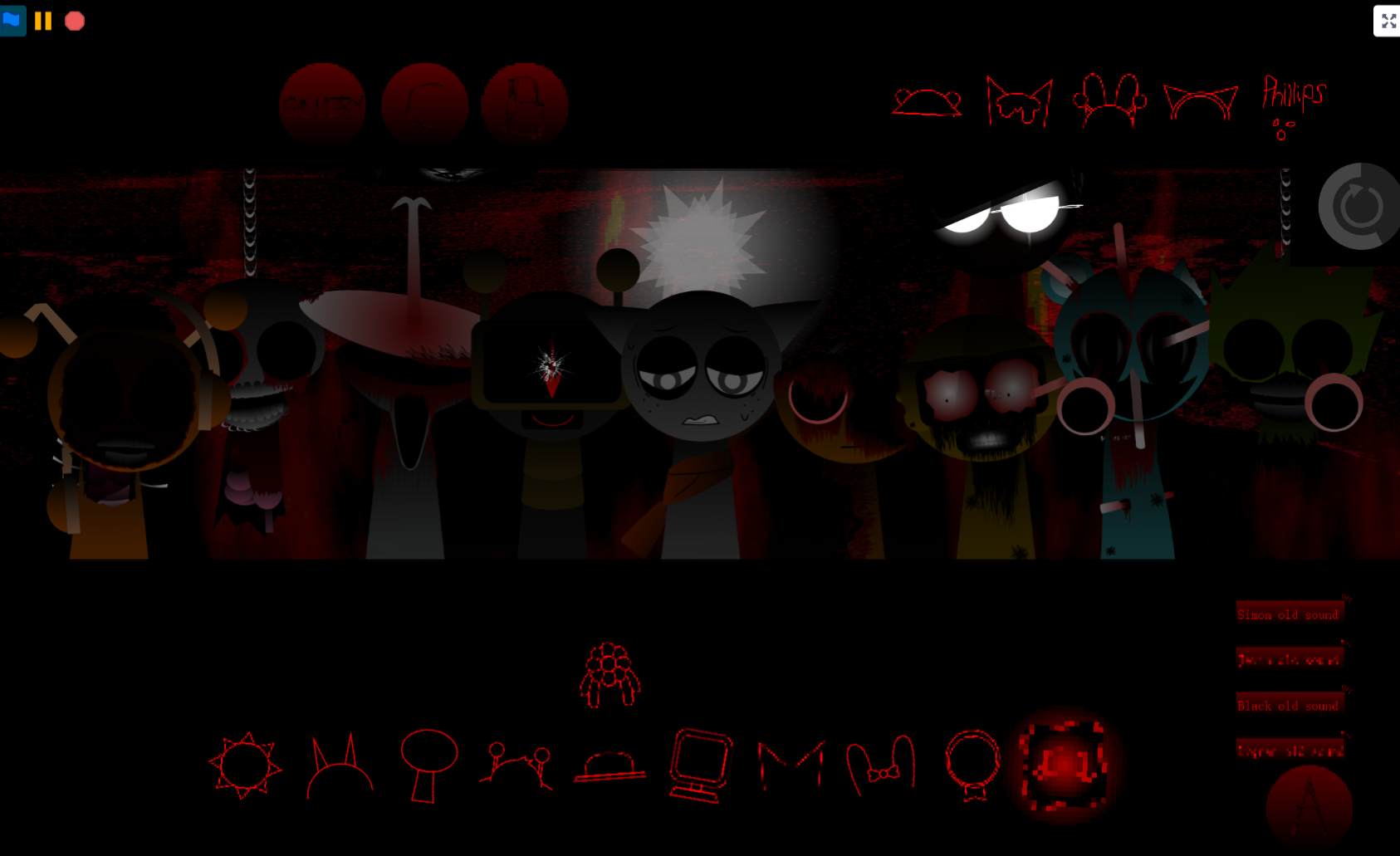
Sprunki Phase 3 The End
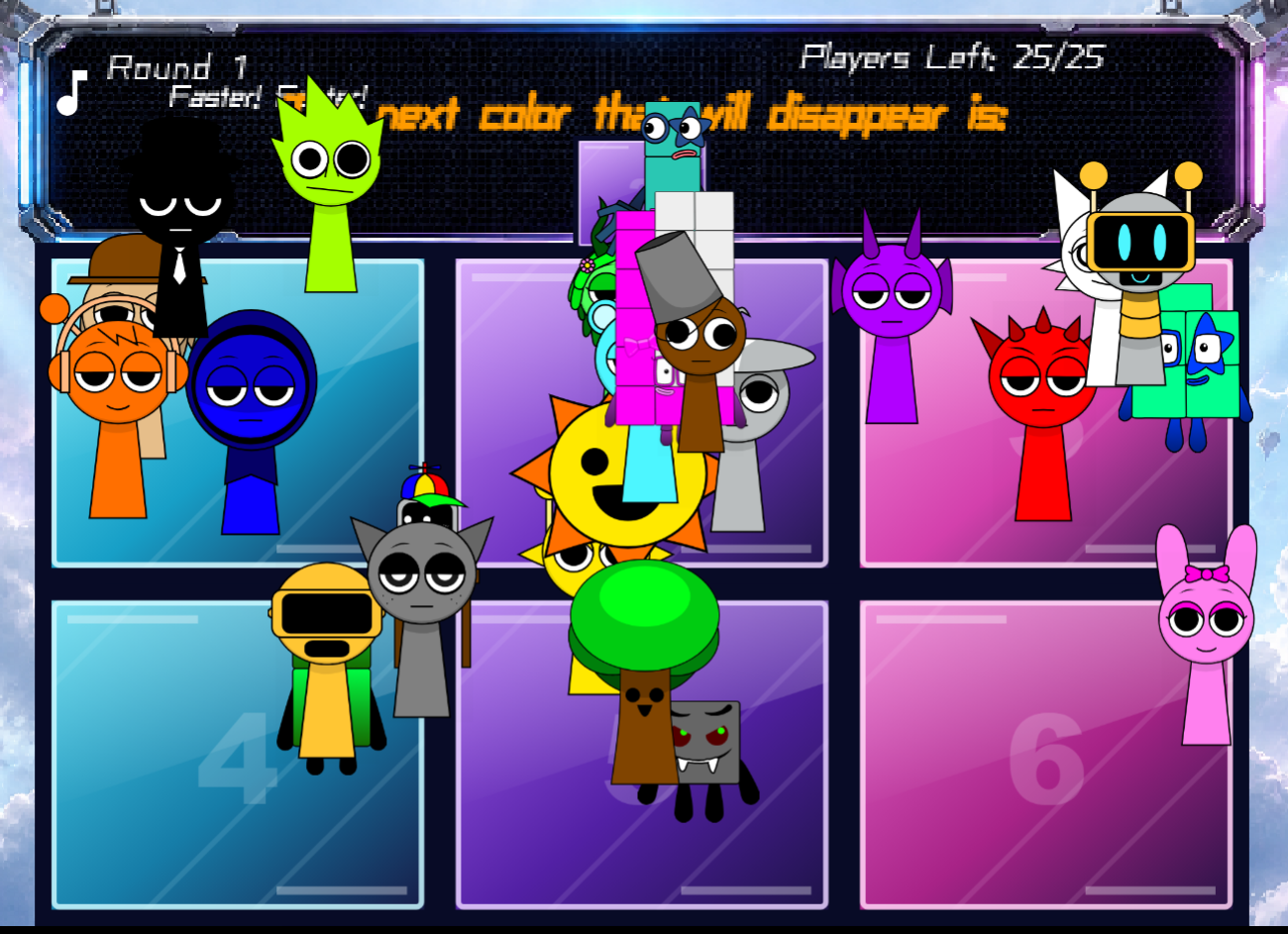
Ay In Color Sprunki Edition
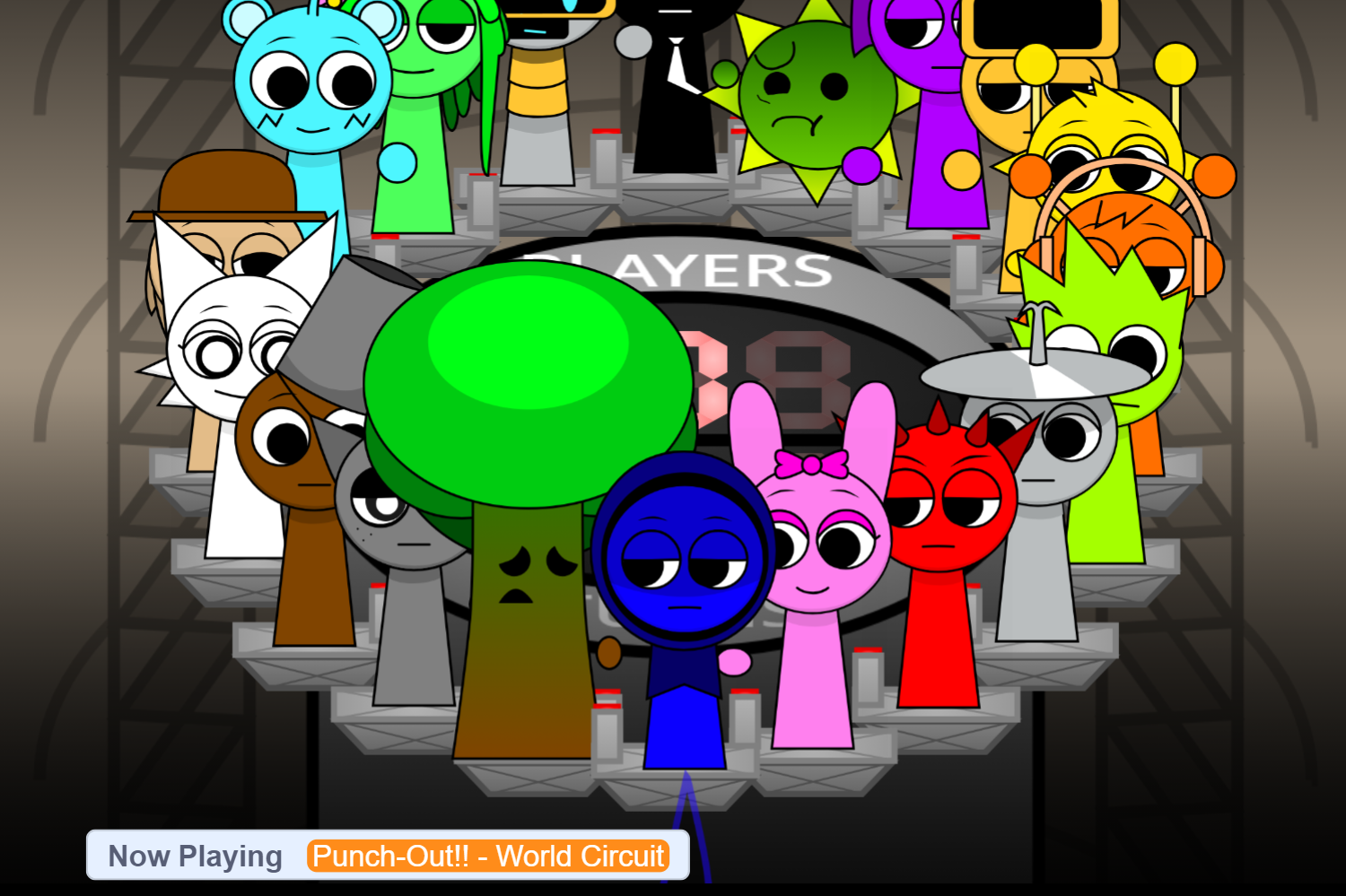
Ay In Tick Drop Sprunkies But Mr Sun And Mr Tree Is Sick
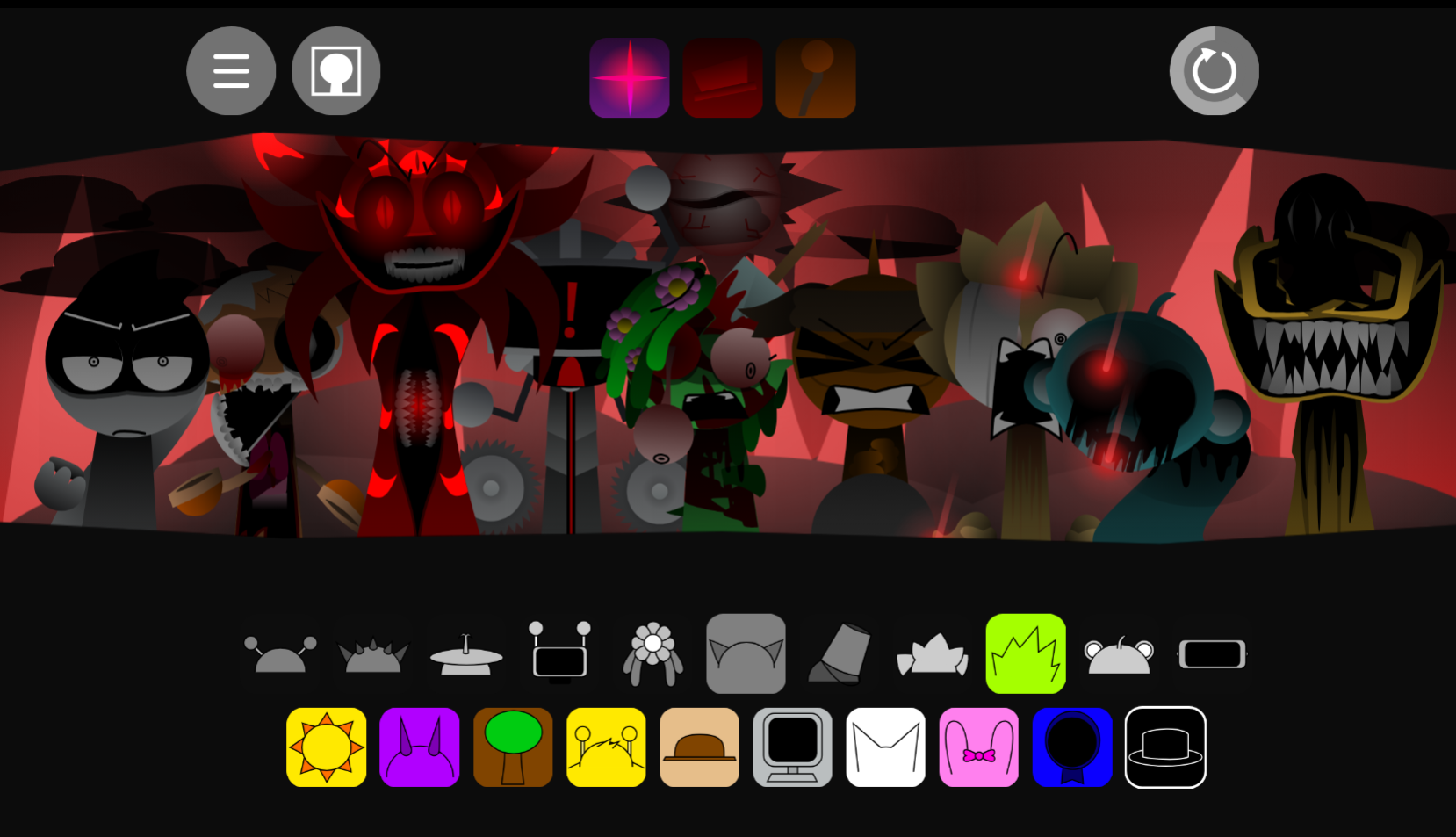
Sprunki Reverse Shifted Phase 4
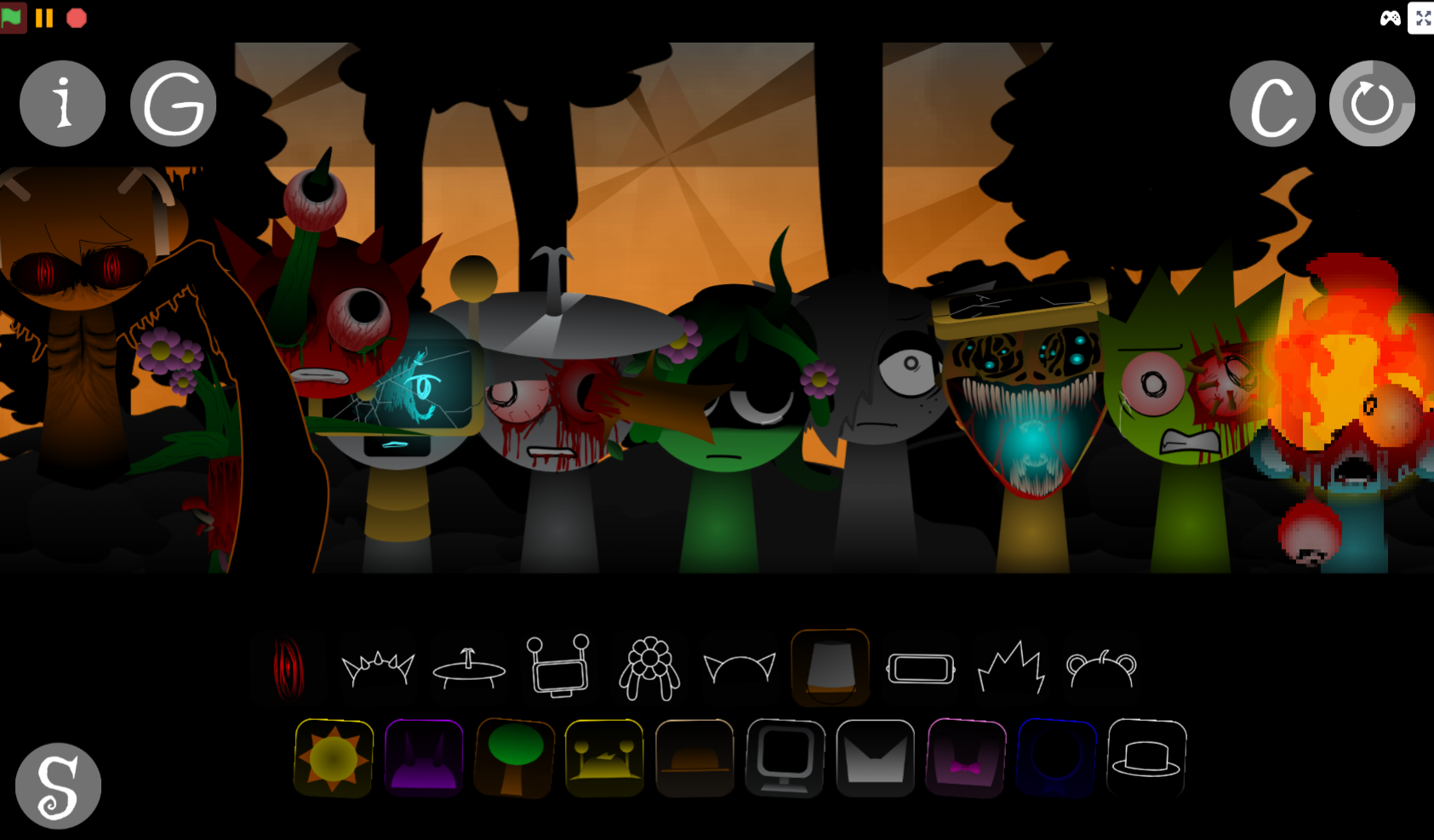
Sprunki Hdpe Shifted Chapter 1 Time Two Go Green
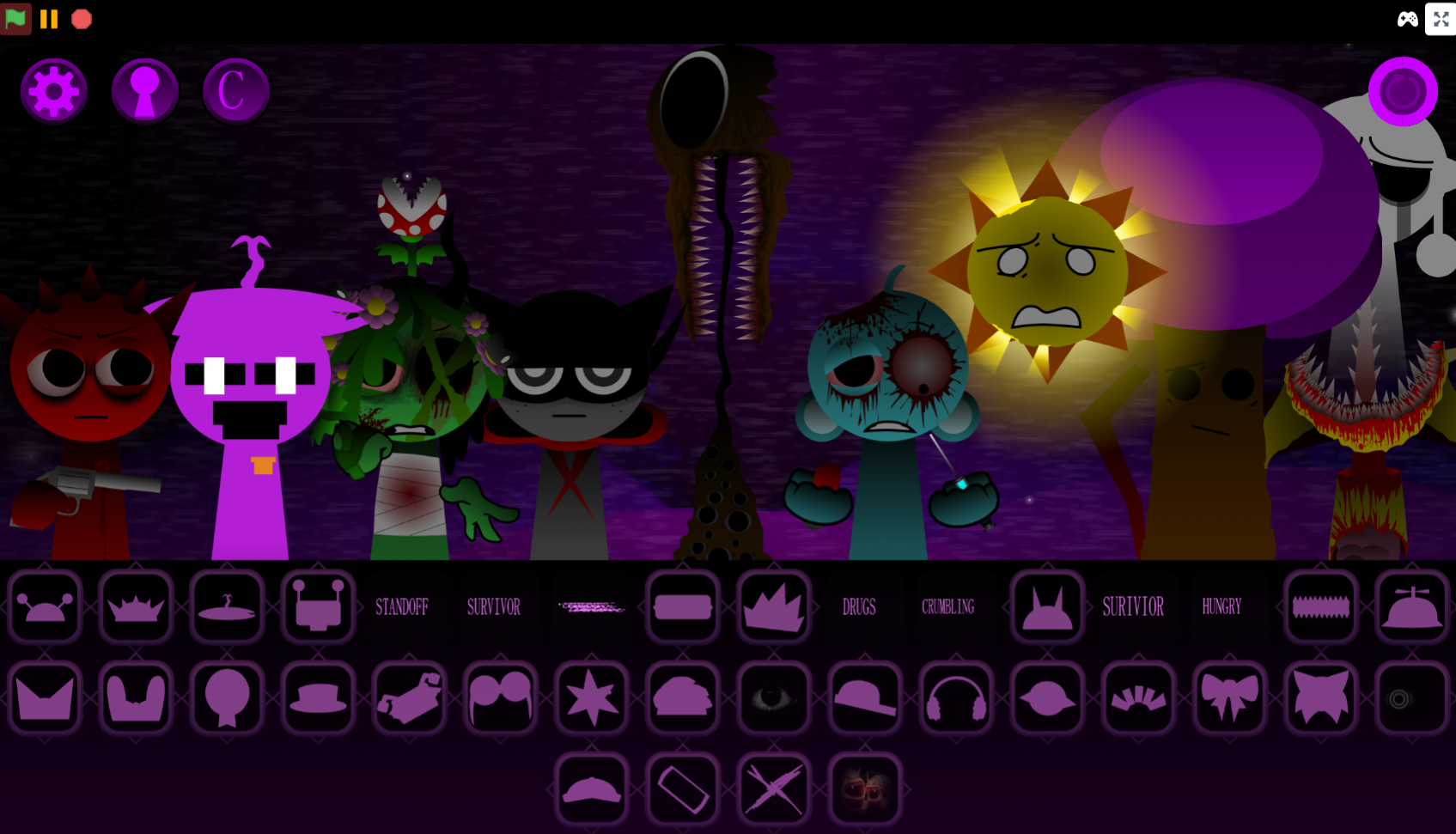
Sprunki Heptashifted Conizs Chornology
Sprunki The Definitive Phase 12 Esbs Take Deluxe Edition
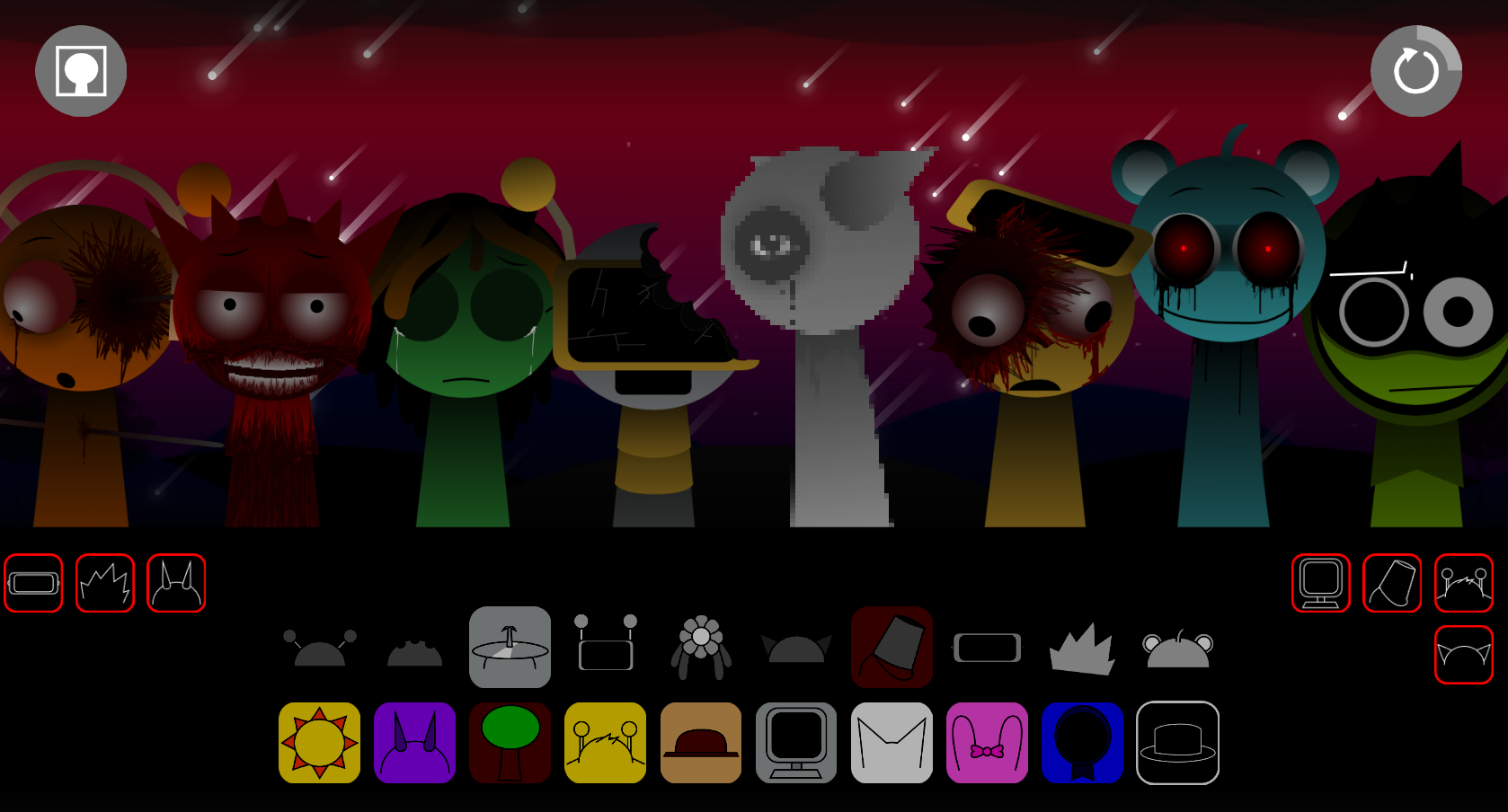
Sprunki Voided Phase 6 Stargazing
Sprunki But Heptashifted Conizs Chornology
Sprunki Phase 60 is a fan-made horror modification of the Incredibox-inspired Sprunki music-mixing format, where visual instability and unsettling presentation become core gameplay elements rather than background effects.
Unlike standard Sprunki phases that layer horror aesthetics onto functional music creation, Phase 60 treats distortion and unpredictability as defining features—characters glitch mid-performance, visual corruption interrupts the interface, and the mixing experience itself becomes deliberately unstable. This article breaks down the specific features that distinguish Phase 60 from earlier phases like Pyramix and Retake.
You’ll see how its visual corruption mechanics work, what makes its sound design different from typical horror mods, and which interface changes shift the focus from clean music production to controlled chaos.
About Sprunki Phase 60
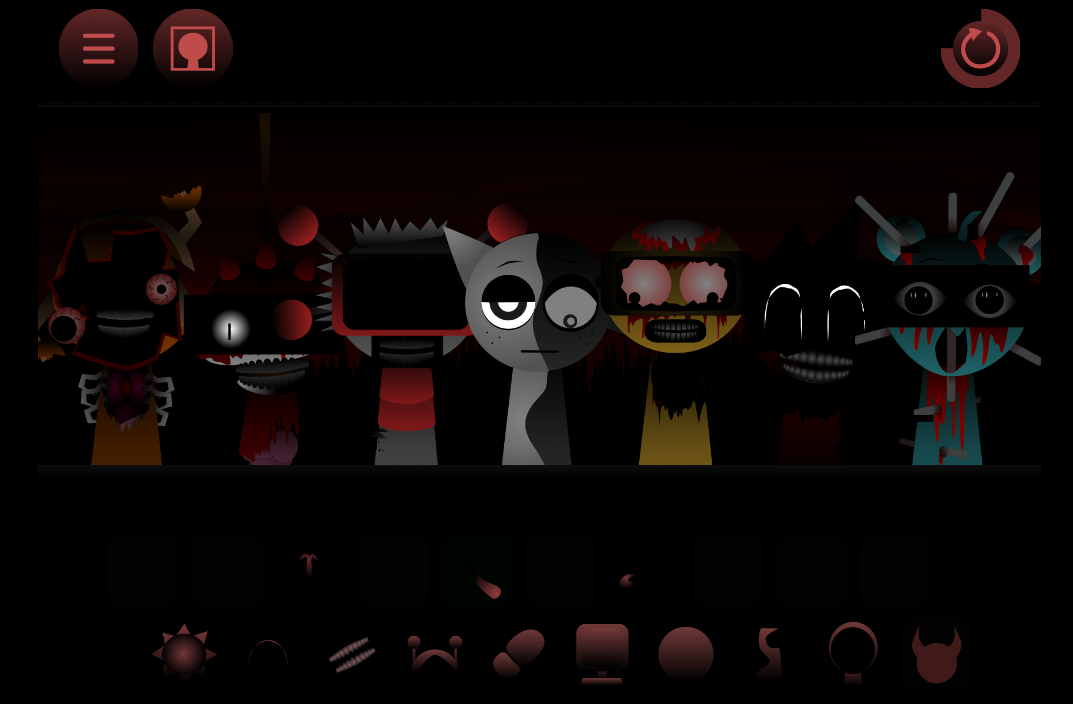
Sprunki Phase 60 is a fan-made modification that applies horror presentation to the drag-and-drop music-mixing format shared by Incredibox and the Sprunki community. You assign sound icons to on-screen characters to build a track from beats, vocals, melodies, and effects. Phase 60 changes that familiar structure with sureal horror: loops stutter, reverse, distort, or break into noise, while characters, background, and interface react with unstable imagery.
Unlike standard phases where visual effects stay secondary to music, Phase 60 treats instability as core gameplay. The screen flickers with static, characters appear cracked and disfigured, and backgrounds shift between darkness and watching eyes. Different sound combinations trigger altered animations and visual glitches. There are no conventional levels—the experience centers on mixing, removing, and rearanging sounds to see how the performance changes.
Features of Sprunki Phase 60
Phase 60’s horror atmosphere extends beyond character art into audio, animation, and interface behavior.
-
Corrupted character designs: Performers appear cracked, torn, or visibly damaged. Movements can be abrupt or broken, reinforcing the sense that the performance is malfunctioning.
-
Unpredictable sound loops: Characters contribute recognizable musical roles, but loops may glitch, dissolve, reverse, or distort harshly as layers are added.
-
Reactive visual interference: Mixing certain sounds produces static, flickering, and corrupted interface effects. The screen responds to the arrangement, making visuals as important as audio.
-
Changing horror atmosphere: Backgrounds shift through darkness, interference, and watching-eye imagery rather than serving as fixed backdrops.
-
Combination-focused gameplay: Different arrangements trigger altered animations, unusual audio behavior, or visual glitches. Swapping one performer or removing a layer can substantially alter the result.
-
Experimental replay value: The goal is not always a polished song. Phase 60 rewards repeated testing, especially when a mix becomes chaotic or produces unexpected visual reactions.
How to Play Sprunki Phase 60
No music experience is required. Start with one sound, listen to its role, then build outward while watching screen.
Choose a sound icon.
Drag an icon onto an available character to activate a beat, vocal, melody, or effect.
Build the arrangement gradually.
Begin with a simple rhythm or melodic loop, then add performers one at a time. This makes it easier to notice which layer changes the music or visual state.
Watch for changing effects.
Certain combinations produce flickering visuals, broken animations, static, or other distorted reactions. Do not focus on the soundtrack alone.
Remove and swap sounds.
Take away sounds when the arrangement becomes too crowded, or replace them. Isolating individual loops is often the quickest way to understand their effect.
Experiment across the phase.
Test unusual combinations rather than relying on one stable mix. Replay arrangements after minor changes, since a single swap can affect the entire performance.
Differences Between Sprunki Phase 60 and Other Sprunki Phases
The basic Sprunki interaction remains the same: drag sounds onto characters and layer them into a track. Phase 60 treats instability as gameplay rather than decoration.
-
More extreme visual corruption: Other phases use spooky or stylized character designs. Phase 60 emphasizes cracks, tears, disfigured faces, and damaged-looking animation.
-
A more reactive interface: In many phases, visual effects remain secondary to music. Here, interference and glitches appear as direct responses to the arrangement.
-
Less reliable sound behavior: Standard mixes preserve clean, consistent loops. Phase 60 allows combinations to move from recognizable rhythm into stutters, reversals, distortion, or noisy fragments.
-
An unstable background: Instead of a stable performance scene, the backdrop shifts through darkness, static, flickering imagery, and watching eyes.
-
A stronger experimental focus: While other phases encourage assembling a themed song, Phase 60 encourages testing what each sound combination triggers. Discovery of altered visuals and strange interactions is central.
The Most Interesting Sprunki Phase Games
Interesting Sprunki Phase games give the music-mixing format a clear identity through changed sounds, visuals, or character behavior. Phase 60 is one horror-oriented example, but other options offer different approaches.
-
Sprunki Phase 1: A straightforward starting point for understanding the basic phase format before trying distorted variations. Its presentation helps players hear how individual character layers form a track.
-
Sprunki Phase 10: A more altered take on the standard formula, suited to players who want to compare changing character presentation and sound combinations.
-
Sprunki Pyramix: A distinct themed variation with its own visual identity and mixing approach. Fast sound swaps help reveal how available layers interact.
-
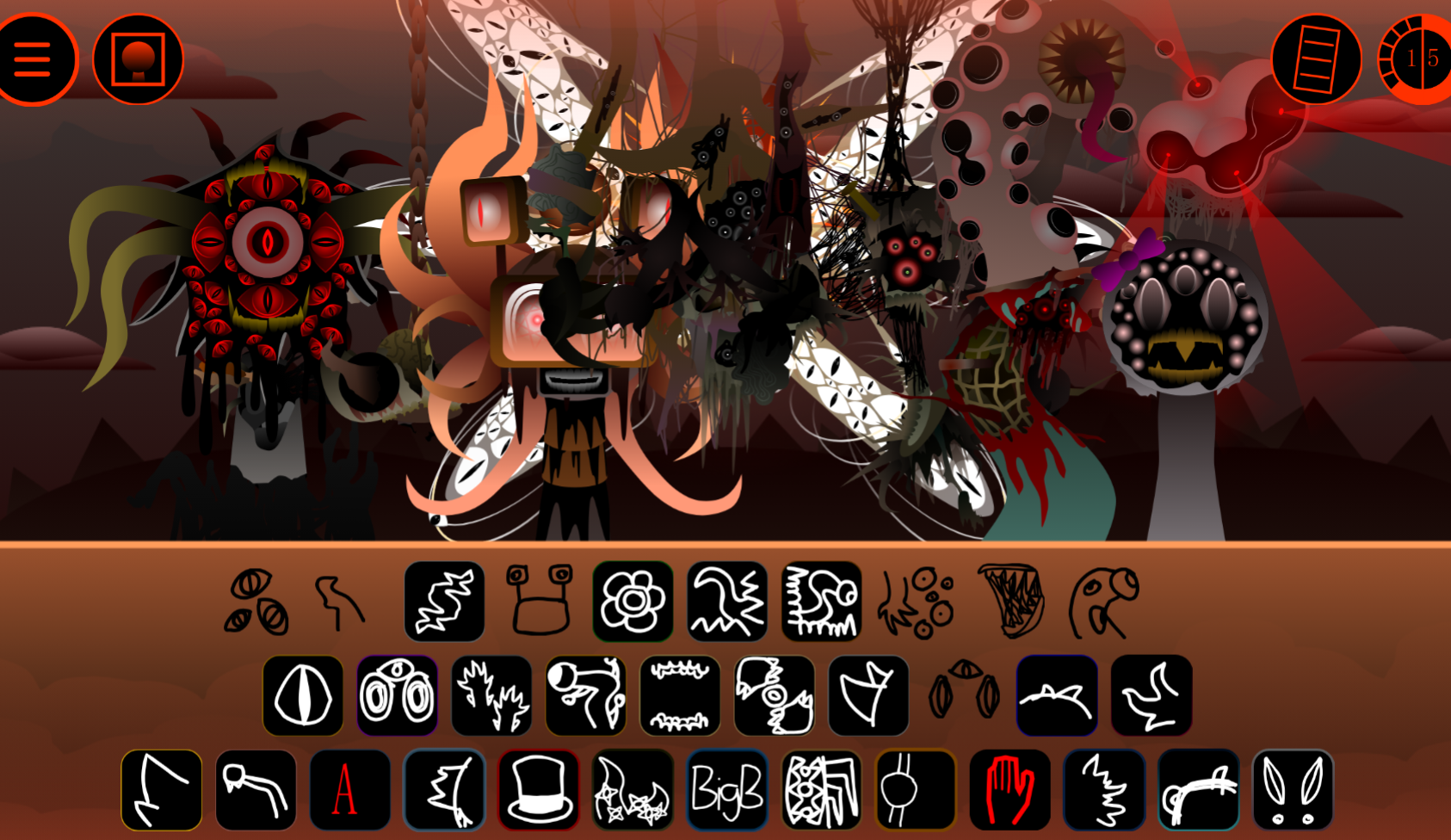
Sprunked: A darker option centered on distorted visuals and unsettling sound combinations. Animation changes are worth watching closely while mixing.
-
Sprunki Retake: A reworked version of familiar Sprunki elements, suited to replaying recognizable arrangements and comparing how altered audio and visuals change their mood.
Across fan-made phases, distinctive experiences emerge through experimentation: combine unexpected sounds, remove layers that seem stable, and watch for interactions that are not immediately obvious.
Related Games
- Sprunki Spuka horror but Glitchspheres take — Its horror-focused Glitchspheres concept makes it a natural follow-up for players drawn to Phase 60’s reactive visual interference, corrupted performers, and unstable sound experiments.
- Sprunki Phase 6 The Scarlet Sun Redds Take Finished Animations — This animation-centered Phase 6 variant suits readers who want another Sprunki mix with a more dramatic visual identity to discover through character combinations.
Enjoy!
New Games
View all
Forbidden Merge
Sprunki Thewitherstorms Realm
Swords And Souls
Save Fun Bot From Mr Black
DTA 9 Miami

Turbo Stunt Racing

Steal A Meme

Tap Rich Idle
Fun Clicker
Dark Deception
Steal a Brainrot Original 3D
Sprunkbox Phase 3 Definitive But Alive
Sprunki Phase 4 Tealax's Take
Sprunki Anti 7 Shifted
Supermarket Simulator Desert
Flipping Master
Previous
Sprunki All Endings
Next
Turbo Flip
Discuss Sprunki Phase 60