
Sprunki 5 Shifted Mrjevinbois Take - Dual-Mode Beat Chaos Explained
Sprunki 5 Shifted Mrjevinbois Take splits every character into dual sound modes—Key and Shifted—creating a browser-based beatmaking mod where pitch, rhythm, and glitch intensity shift based on which mode you activate. Drag characters onto the stage to layer aggressive drums, sharp melodies, and distorted vocals while visual effects react to your mix in real time.
Please wait a moment for the Sprunki 5 Shifted Mrjevinbois Take game to load after clicking "Play Now" button.
Play Sprunki 5 Shifted Mrjevinbois Take in Browser Online
Similar games
Recommended Games
View all
Ay In Raining Bomb Survival But But Oren Never Gets Eliminated
Sprunki Sprunkiballs
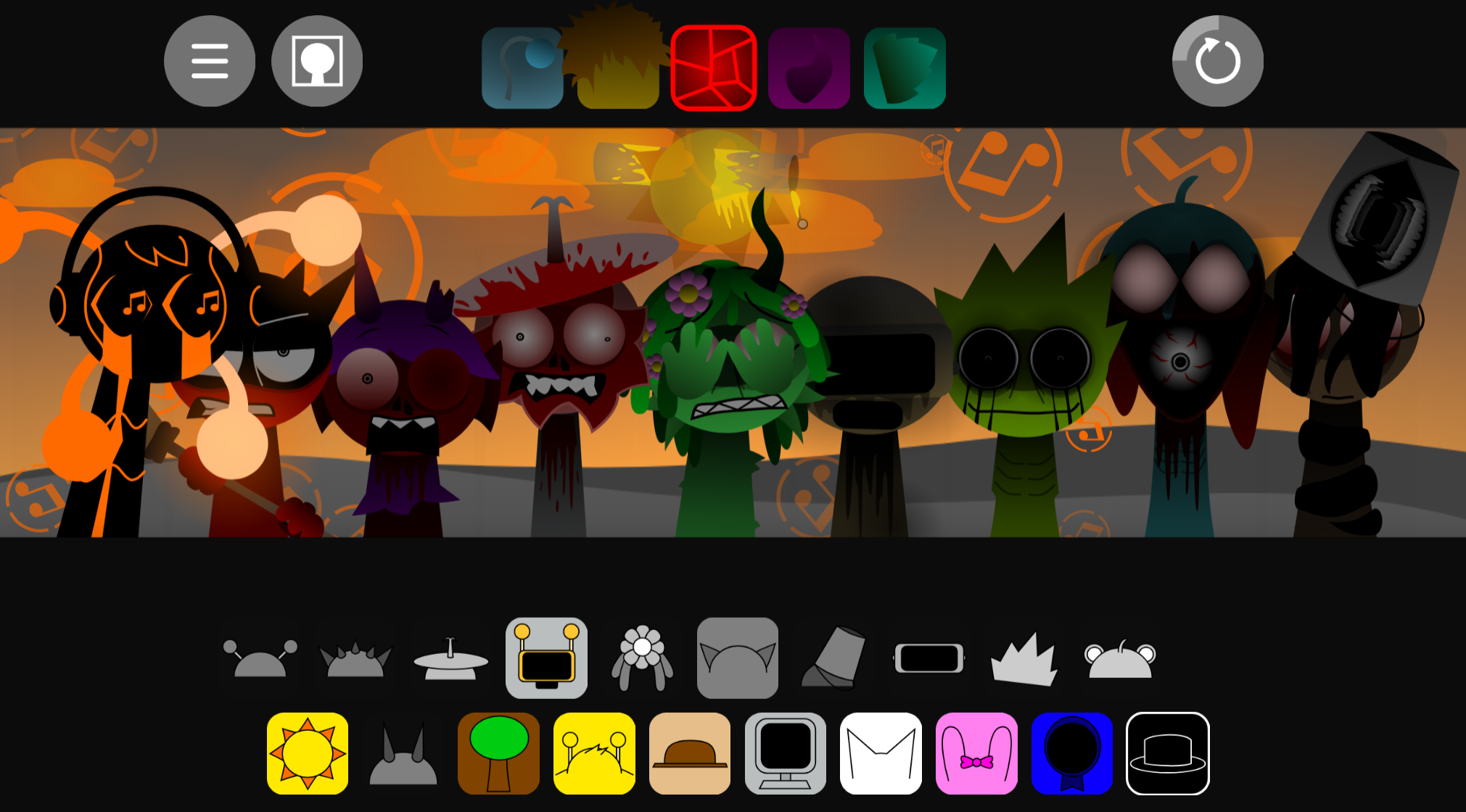
Sprunki Reversed Theoaguiar06's Take
Supuranki スプランキ(2006)
Ay In Hyper Voyage In Sky But Oren Never Gets Hit Nor Eliminated
Sprunki Super Guys Realm
Sprunki Revercolor Shifted
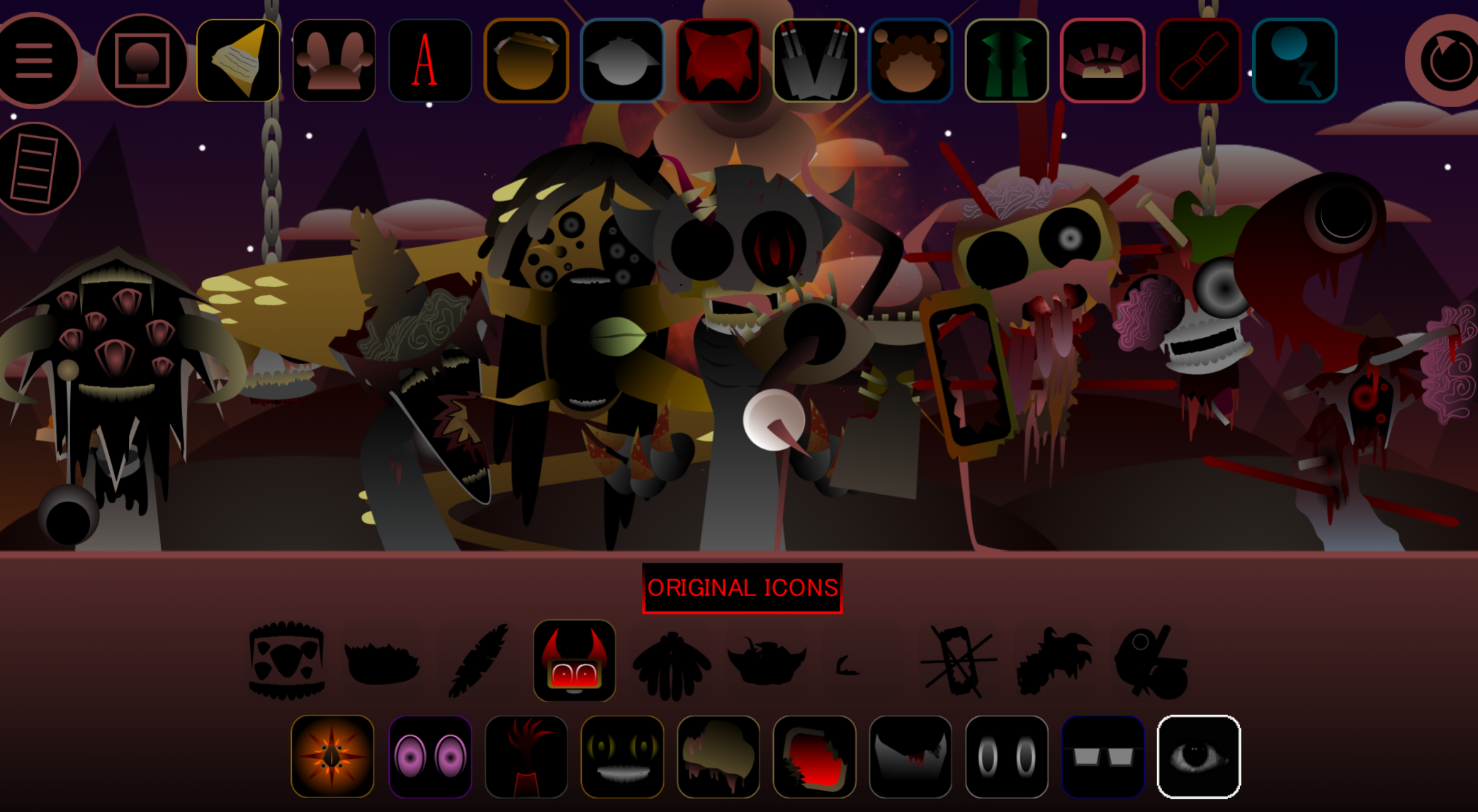
Sprunki Phase 8 Bab Skwered And Skinned
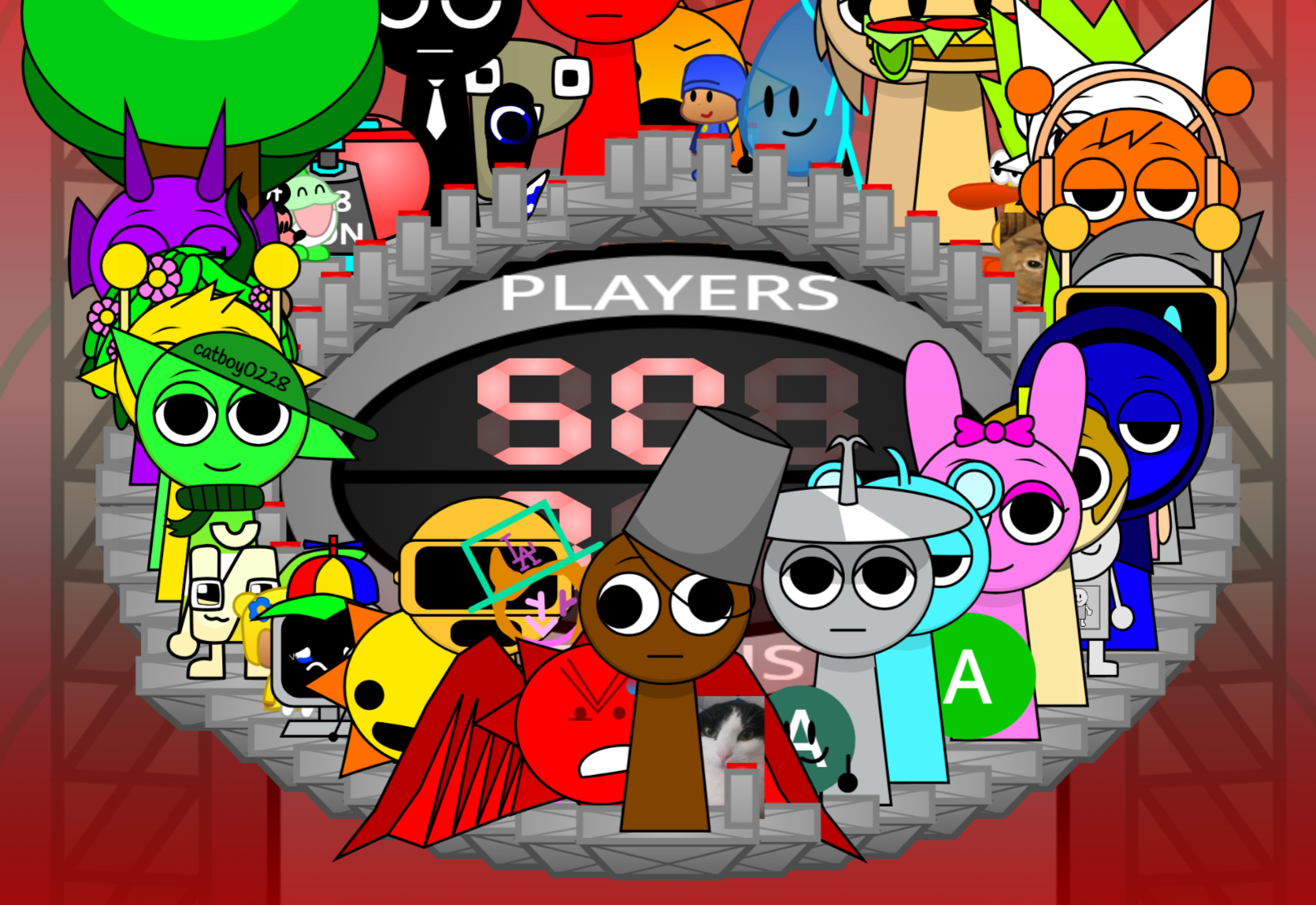
Ay In Tick Drop Sprunkies But Mr Devil Sun Is A Bossfight
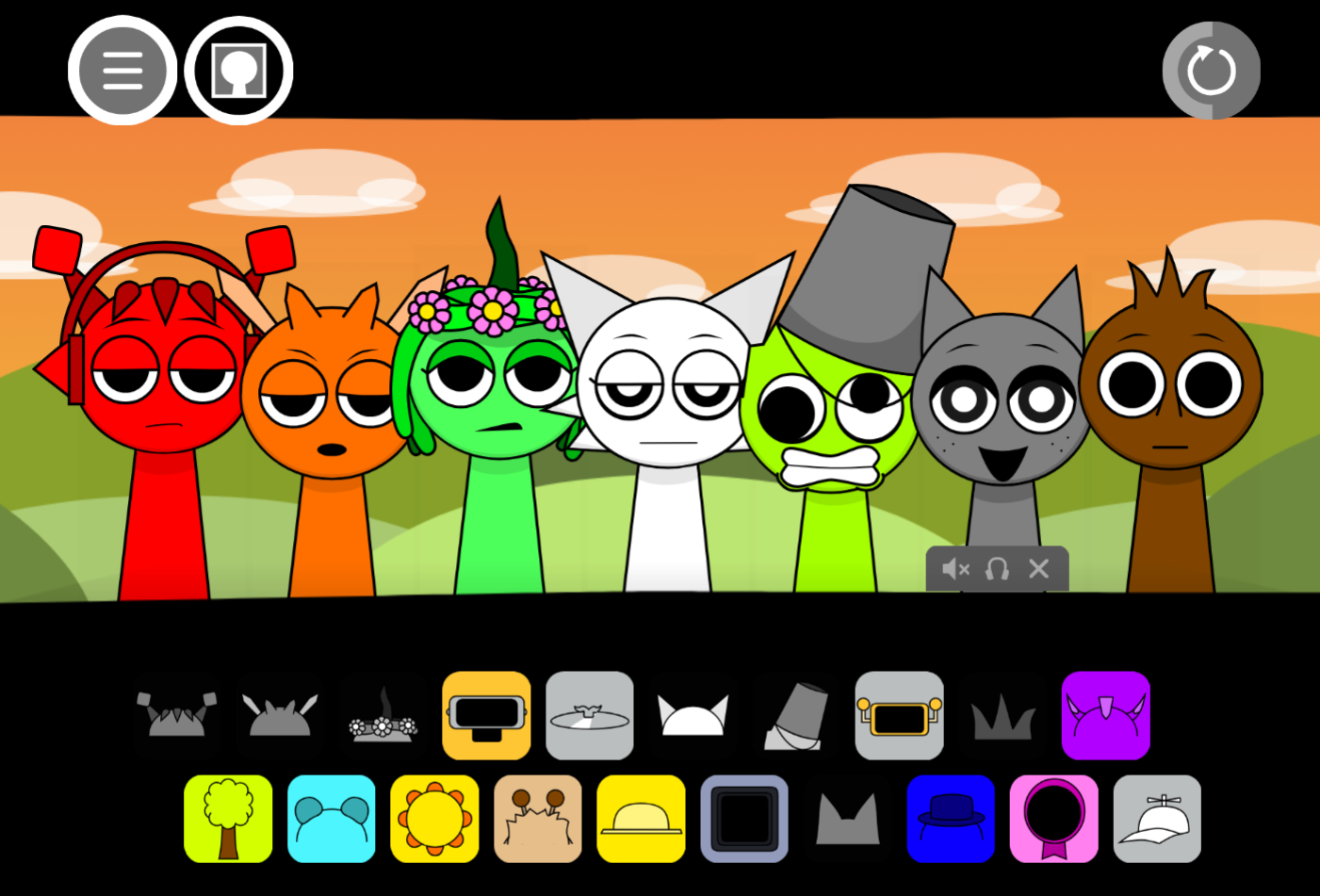
Sprunki Sprunkswap
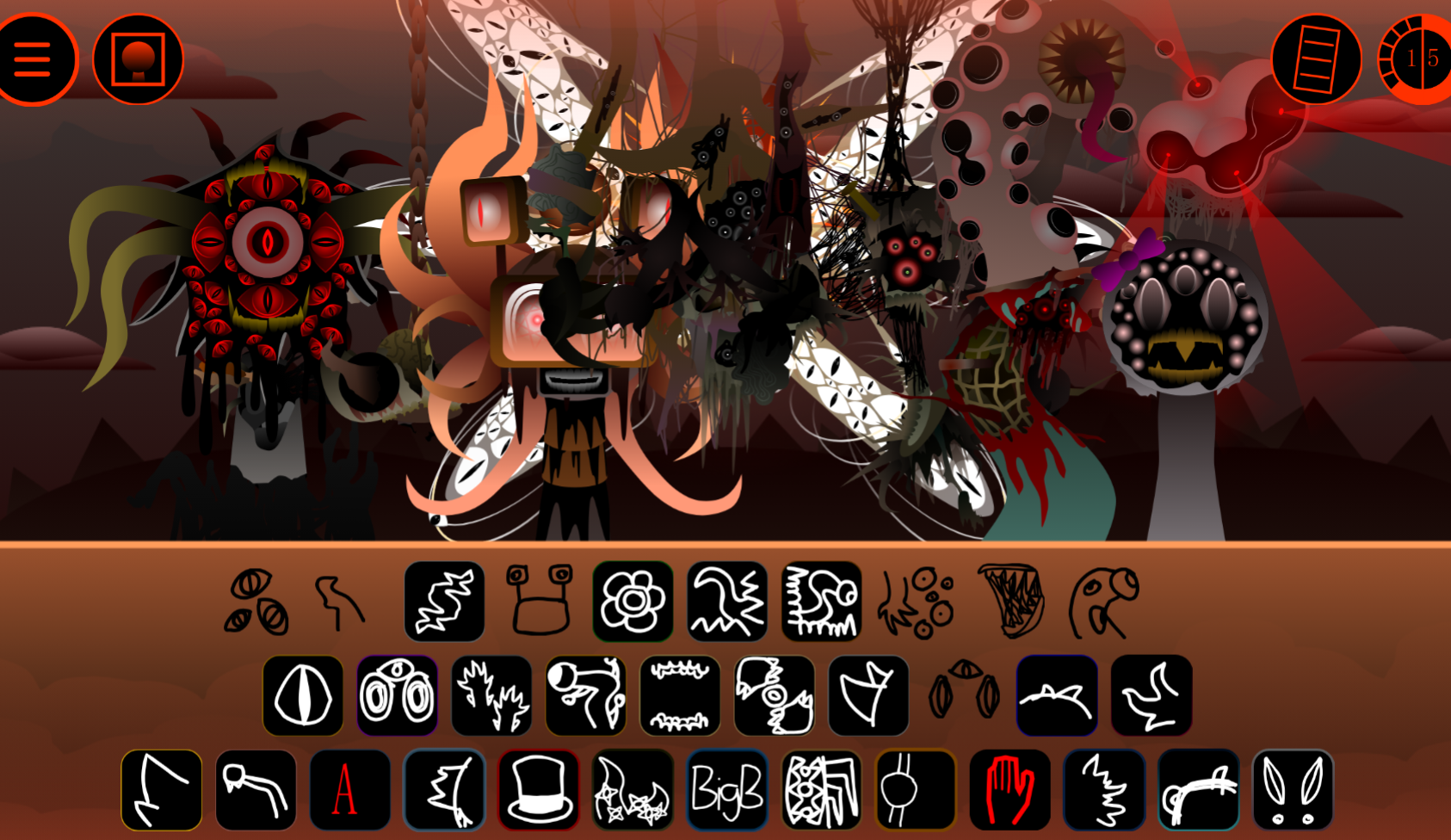
Sprunki Phase 10 Jevins Last Stand
Sprunki Twirl Shifted Remastered
Sprunki Sprunktuber Japanese
Sprunki Phase3 An Endless Hell
Ay In Tick Drop Sprunkie But Every Sprunki Are K111Ers
Sprunki 9 Shifted Player Baldis Take
Sprunki 5 Shifted Finalized
Sprunki Spi Shifted Remastered
Sprunki 5 Shifted MrJevinBois Take is a browser-based music mod that reworks standard Sprunki mechanics with two parallel sound modes—Key and Shifted—each triggering different audio layers and visual distortion when you drag characters onto the stage.
Where most variants swapkins or tweak one sound bank, this mod splits every character into dual states that alter pitch, rhythm, and glitch intensity depending on which mode you activate. The result is a beatmaking tool that feels less like a reskin and more like two interlocking versions of the same cast.
This article breaks down how Key and Shifted modes change character behavior, what the visual distortion actually does to gameplay readability, and which mechanical differences make the mod feel distinct rather than decorative.
Key Features & Shifted Mechanics
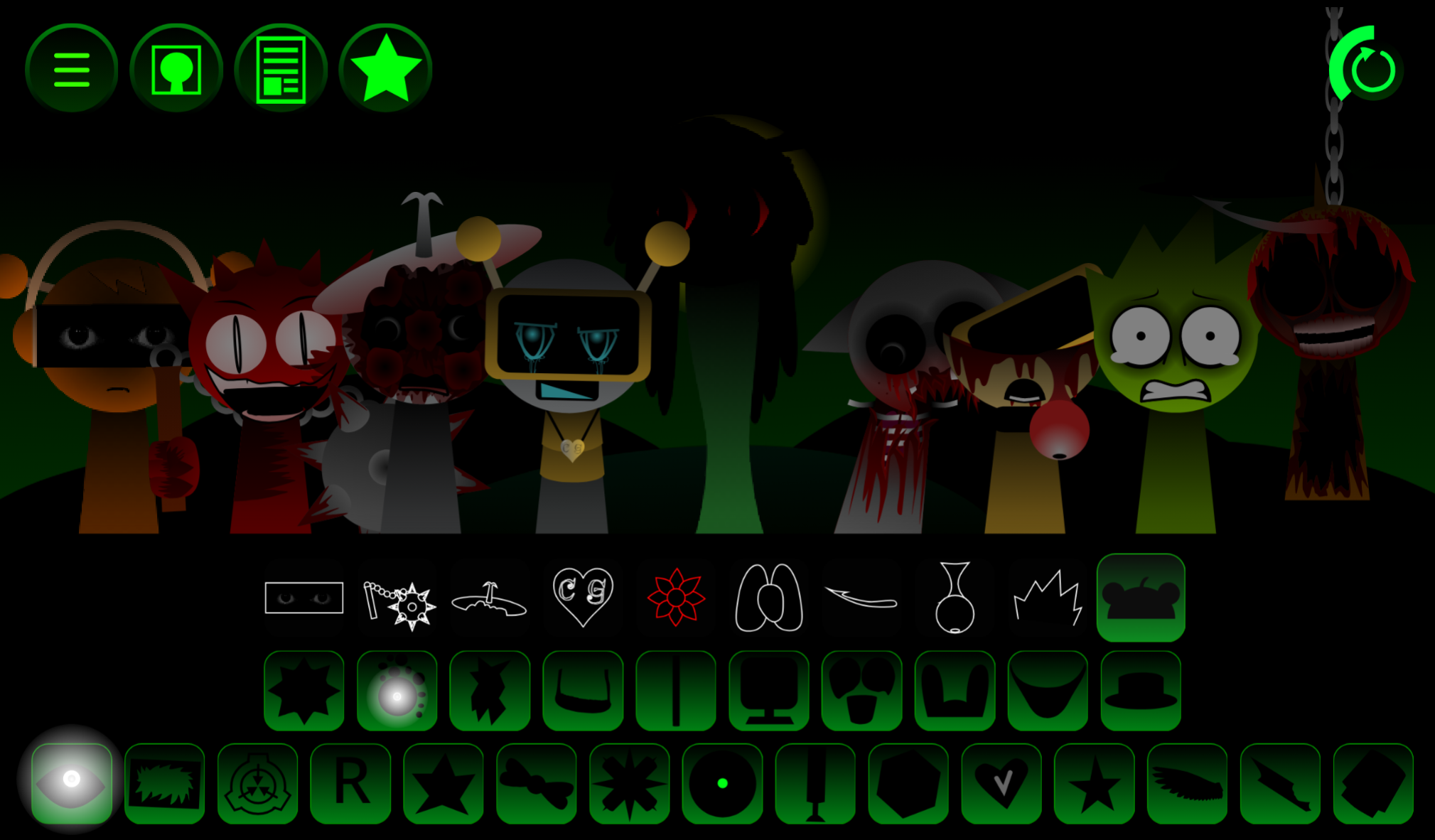
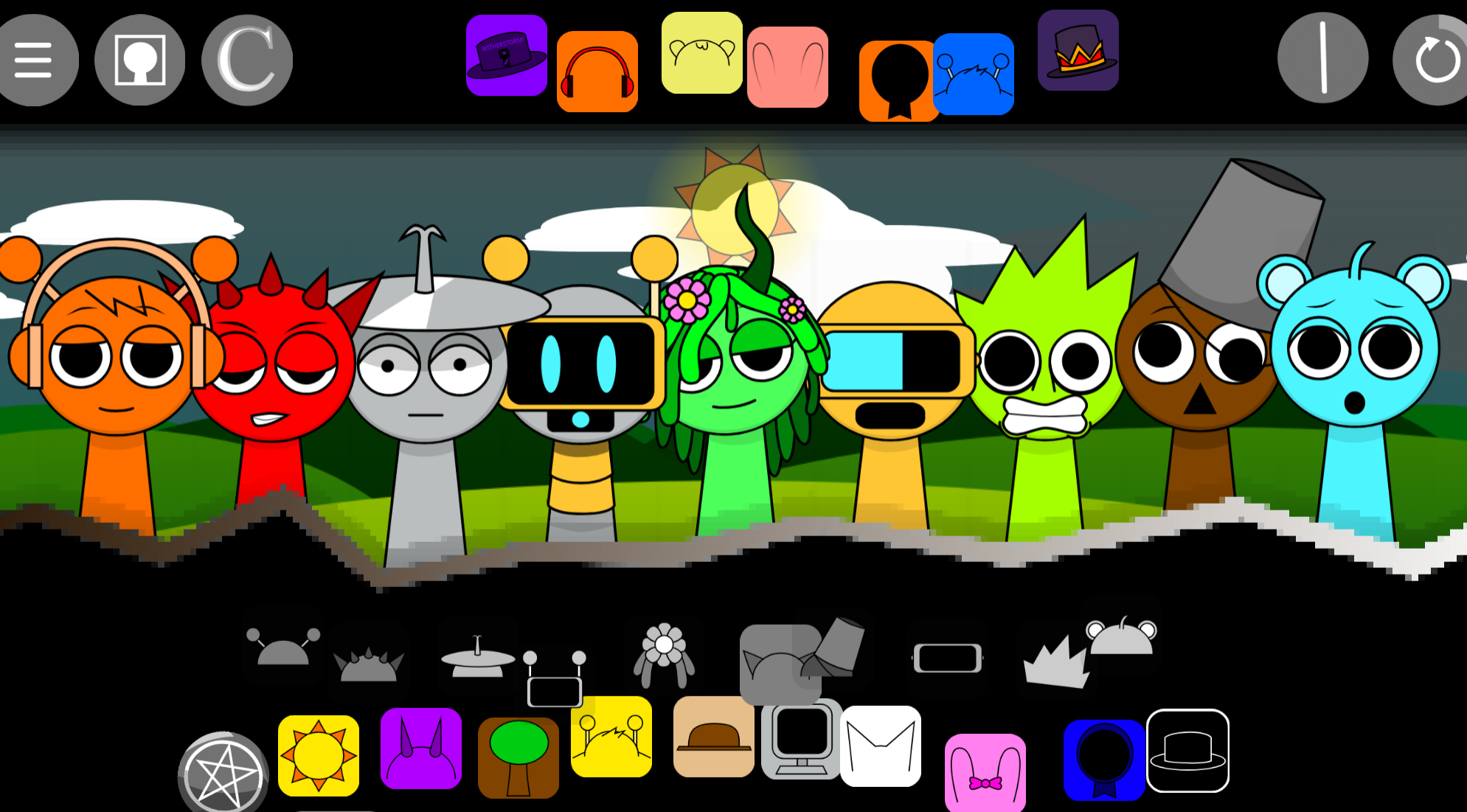
Sprunki 5-Shifted MrJevinBoi’s Take is a browser-playable music mod built on drag-and-drop beatmaking with altered character designs, abrasive audio, and glitch-infused visual distortion. Players place performers on a stage to layer beats, effects, melodies, and vocal fragments in real time. Each character introduces a distinct sound and reacts with reworked visuals.
The Shifted mechanics center on layering and contrast. Reworked cast members deliver aggressive drum hits, sharp melodic lines, off-beat textures, and altered vocals. Mr. Sun brings distinct light-and-shadow styling alongside unique audio traits. Mid-track swaps create deliberate glitch effects, sudden drops, and rhythmic gaps instead of smooth transitions, rewarding experimental arrangements over polished mixes.
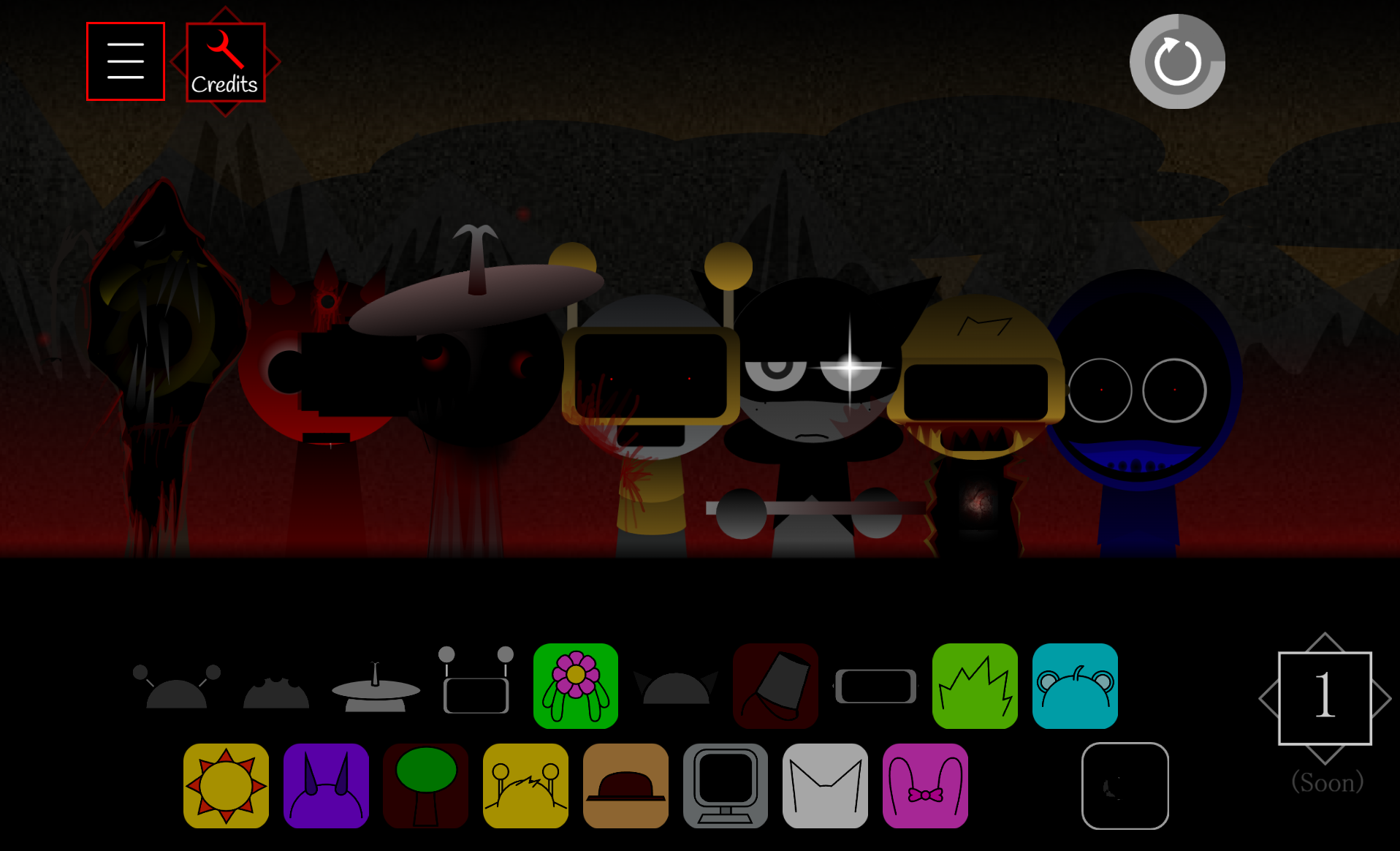
Dark Mode transforms the presentation. Placing specific black characters onstage triggers dimed visuals and pushes the mix toward deeper, heavier frequencies. Dark levels and challenge modes are also accessible through the settings menu, offering both free-form creation and focused rhythm tests.
Created by @MrJevinBOI as an alternative recreation connected to Sprunki 5 Shifted, this Take emphasizes chaotic layering, distorted sound design, and quick experimentation. No prior music-making experience is required.
How to Play Sprunki 5-Shifted MrJevinBoi’s Take
Play directly in a web browser. Select characters from the sound library and drag them onto the stage. Each performer joins the active composition immediately.
Start with a beat, then add effects, melodies, or vocals. The visual design shifts alongside the music, making the arrangement feel audiovisual rather than purely audio-based.
Use volume and effect adjustments to balance the mix or emphasize specific layers. Open the settings menu to select Dark Mode levels or challenge options. Specific black characters trigger the darker Shifted state when placed in the lineup.
Save completed tracks and share them with the Sprunki community.
How to Build Beats in Sprunki 5-Shifted MrJevinBoi’s Take
- Establish the pulse. Start with a rhythmic character for a steady foundation. Heavy percussion creates weight and makes later disruptions easier to hear.
- Add texture. Introduce an effect character for distortion, atmosphere, or off-beat accents without overwhelming the rhythm.
- Bring in melody or vocals. Add sharp melodic fragments or vocal loops once the core beat is stable to create contrast against heavier drums.
- Rearrange the lineup. Swap characters during playback or remove layers briefly to create breaks, drops, and glitch-infused pacing changes.
- Refine the balance. Adjust volume levels and effects after the main structure works. A single replacement can noticeably shift the entire arrangement.
Each character serves a different sound role. Treating the mix as deliberate combinations produces clearer results than filling every available space at once.
Tips for Crafting Glitch Soundscapes
-
Layer in stages. Build a core beat first, then add texture and melody one element at a time to keep dense soundscapes from becoming mudy.
-
Use contrast deliberately. Pair punchy drums with eerie effects or sharp melodic fragments. The strongest glitch moments come from a recognizable pulse meeting a disruptive sound.
-
Create breaks through rearrangement. Swap characters mid-composition, test new placements, or remove a layer to expose the deeper rhythm. Silence and gaps can be as effective as additional noise.
-
Keep the disruption readable. Glitch effects should cut through the mix while the beat or melody remains identifiable enough to hold the composition together.
-
Test one change at a time. Replace a single character and listen before adding more layers. This trial-and-error approach turns chaotic sound design into an intentional track.
Related Games
- Sprunki 18 Shifted MrJevinBois Take — This companion MrJevinBois shifted release is the closest follow-up for players seeking another distorted drag-and-drop mix built around altered character sounds and glitch-heavy presentation.
- Sprunki BLOODMONEY but MR SUN — Its focus on Mr. Sun makes it a natural next play for experimenting further with the light-and-shadow character whose placement gives this take a distinctive audiovisual role.
Enjoy!
New Games
View all
Swords And Souls
Squadblast

Rocket League
Sprunki 5 Shifted Reborn
Incredibox Sprunki Night Diego End
Steal A Meme

Wordscapes
Sprunkilarity Remastered
1V1.Lol
Mr Meat House Of Flesh
Sprunki Heptashifted Namdh's Take
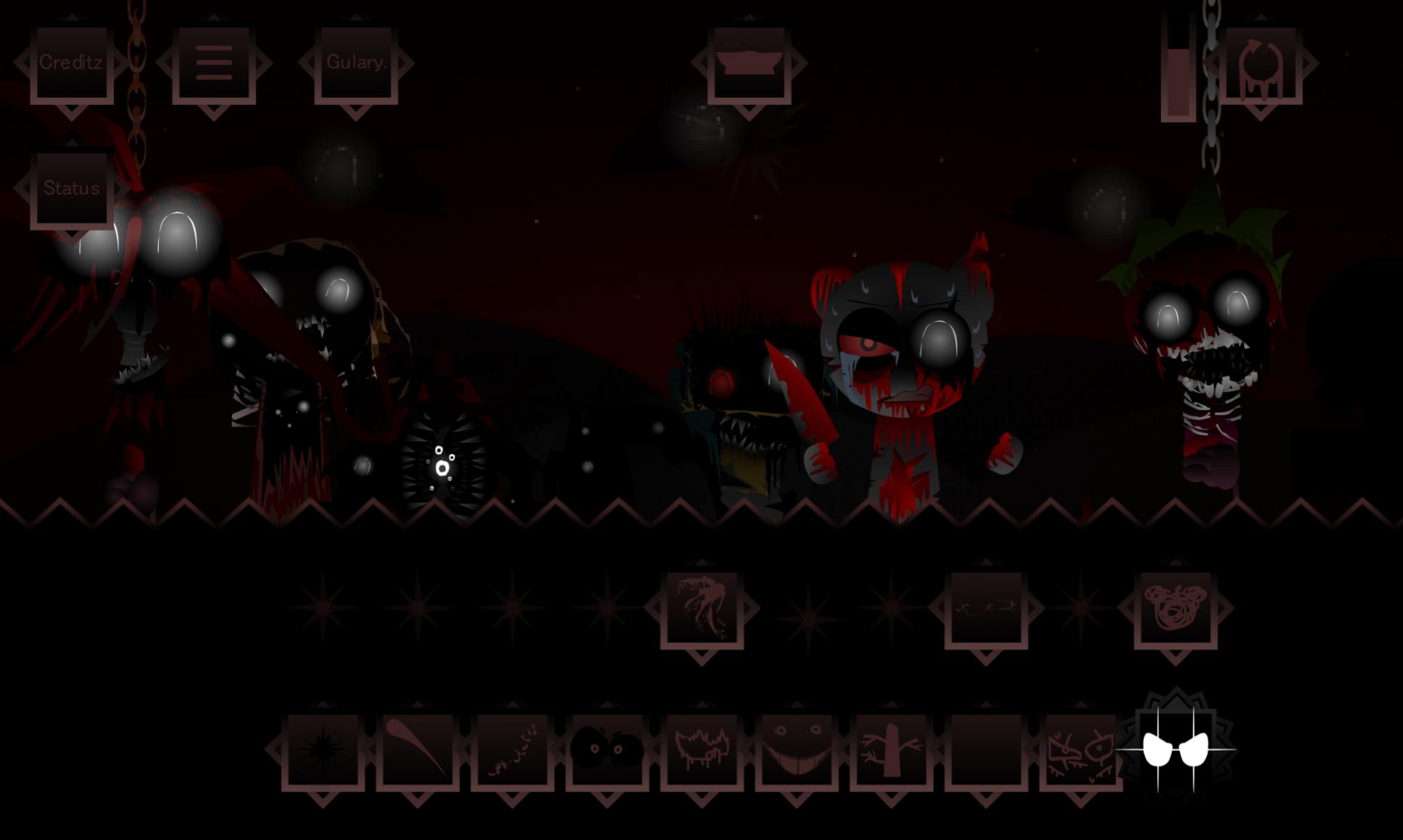
Sprunki Phase 10 Definitive Bad Ending Remuves Take
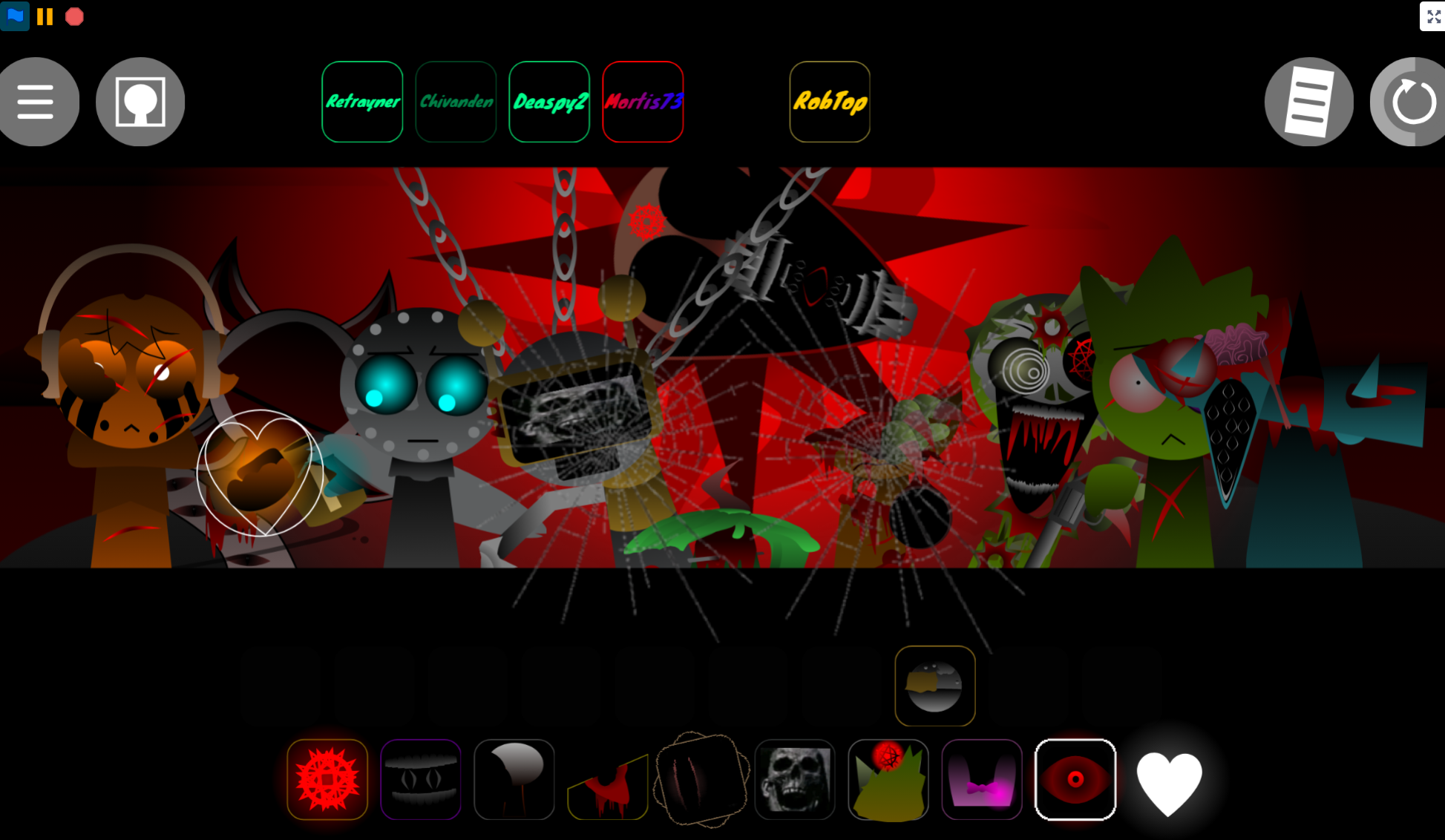
Sprunki Anti Shifted Phase 7 Swapped
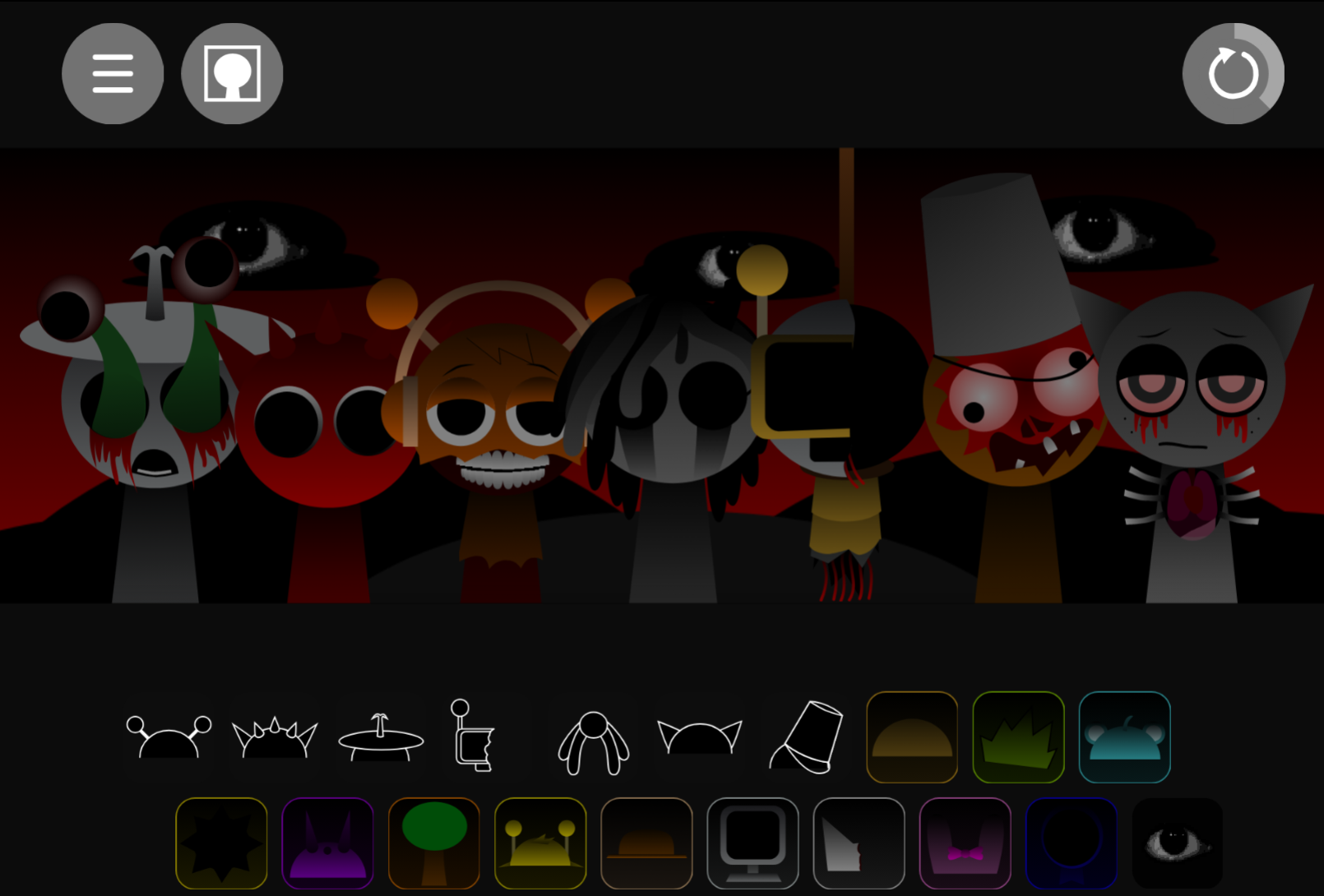
Sprunki Randomized
Previous
Sprunki Reversed Shadows Take Is Finally Out
Next
Sprunki 11 Shifted Goatees Take
Discuss Sprunki 5 Shifted Mrjevinbois Take